#can someone tell me why this is not working now like before

48 messages · Page 1 of 1 (latest)

sonic urchin
#

Local Script```lua
local StarterGui = game:GetService("StarterGui")
local PlayerJoining = game.ReplicatedStorage.RemoteEvents.PlayerJoining

PlayerJoining.OnClientEvent:Connect(function(plr)
StarterGui:SetCore("ChatMakeSystemMessage", {
Text = plr.Name .. " has joined the game",
Color = Color3.new(0, 255, 255),
Font = Enum.Font.SourceSansBold,
FontSize = Enum.FontSize.Size42,
})
end) ServerScriptlua
local PlayerJoining = game.ReplicatedStorage.RemoteEvents.PlayerJoining
local Player = game.Players
Player.PlayerAdded:Connect(function(plr)
PlayerJoining:FireAllClients(plr)
end)```

sonic urchin
#

Before It was working like if I join it gets my Name then Has Joined the Game

sonic urchin
#

@frank lily what do u think I’m doing wrong

cosmic plinth
#

dont u need to use game.Players.LocalPlayer or somethin g like that instead of liek replicated storage idk im new to this stuff but cant u like check if theres someone new in players area and say it joined the game

sonic urchin
cosmic plinth
#

ok

#

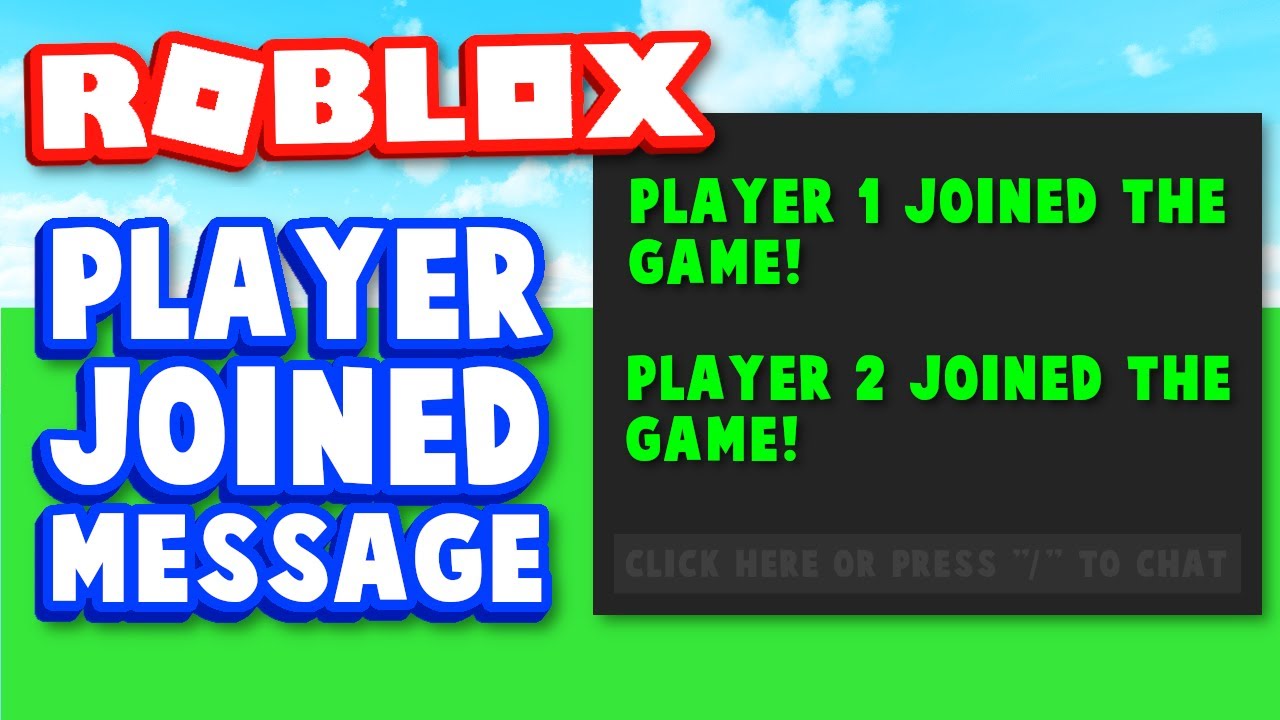
https://www.youtube.com/watch?v=e_b0kHzP924 cant you modify this a bit to make it appear in gui instead of chat?

How to make a Player Joined Chat Message in ROBLOX Studio

ROBLOX Group: https://www.roblox.com/groups/5176394/Gamer-M8-YT#!/about
Discord Server: https://discord.gg/sSDg29y

Hey guys, today I'm going to be showing you how to make your own Player Joined Chat Message script in ROBLOX Studio!

0:00 - Intro
0:13 - Steps
0:47 - First Script
2:13 - S...

▶ Play video
spark zealotBOT
#

studio** You are now Level 1! **studio

sonic urchin
#

but the funny part that i dont watch the videos of GamerM8
and plus its working on a different game that i made but its not working on the game that im making

cosmic plinth
#

ok

#

i mean theres another videos of making it pop in chat you can check them out

sonic urchin
#

oh i dont watch vids

cosmic plinth
#

bruh what

sonic urchin
#

i just do the script that i learned from a long time ago

#

then revise it then make it look clean

cosmic plinth
#

oh

#

what is this for

#

maybe thats why its not working

#

}) the ")" part might be the reason idk

#

can u try that?

cosmic plinth
sonic urchin
#

like for examplelua function Multiply(Num,Num1) return Num*Num1 end function Divide(Num,Num1) return Num/Num1 end function Greater(Num,Num1,Suffix,suffix) return Num>=Num1 and Suffix < #suffix end function Add(num,num1) return num+num1 end function ReturnString(num,suffix,index) return string.format('%.0f',num)..suffix[index] end function ConvertNum(Num) local suffixes = {"", "K", "M", "B", "T", "Qa", "Qi", "Sx", "Sp", "Oc", "No"} local suffix_index = 1 while Greater(Num,1000,suffix_index,suffixes) do Num = Divide(Num,1000) suffix_index = Add(suffix_index,1) end return ReturnString(Num,suffixes,suffix_index) end

#

before i did this all i did was not use functions

cosmic plinth
#

wait what is that symbol

#

i dont have it in my keyboard

#

what is the shortcut for it

#

'''lua
code here
'''

sonic urchin
#

its above the tab button and under esc

cosmic plinth
#

yeah i dont have that symbol

sonic urchin
#

oh mac user then

cosmic plinth
#

" é < ~ only can make these ones

sonic urchin
#

oh

cosmic plinth
#

what keyboard are u us'ng

#

oh wait changed my keyboard to us keyboard i can do it now

#
local x 
#

ok

sonic urchin
#

lol

cosmic plinth
#

just the other shortcuts i use doesnt work now

#

ill just copy and paste it lol

#

just save it somewhere and copy paste

#

I use turkish q keyboard prob thats why it didnt work

spark zealotBOT
#

studio** You are now Level 2! **studio

sonic urchin
#

oh lol

#

multi language keyboard

cosmic plinth
#

yeah

#

lol

sonic urchin
#

u can get a film like thinner than paper and copy each letter of all types of keys on any keyboard
then bam u have a working multi language keyboard