#how do i change color of a object with script
24 messages · Page 1 of 1 (latest)
 rough quartz
I can try. I'm also a noob:(
ok sorry
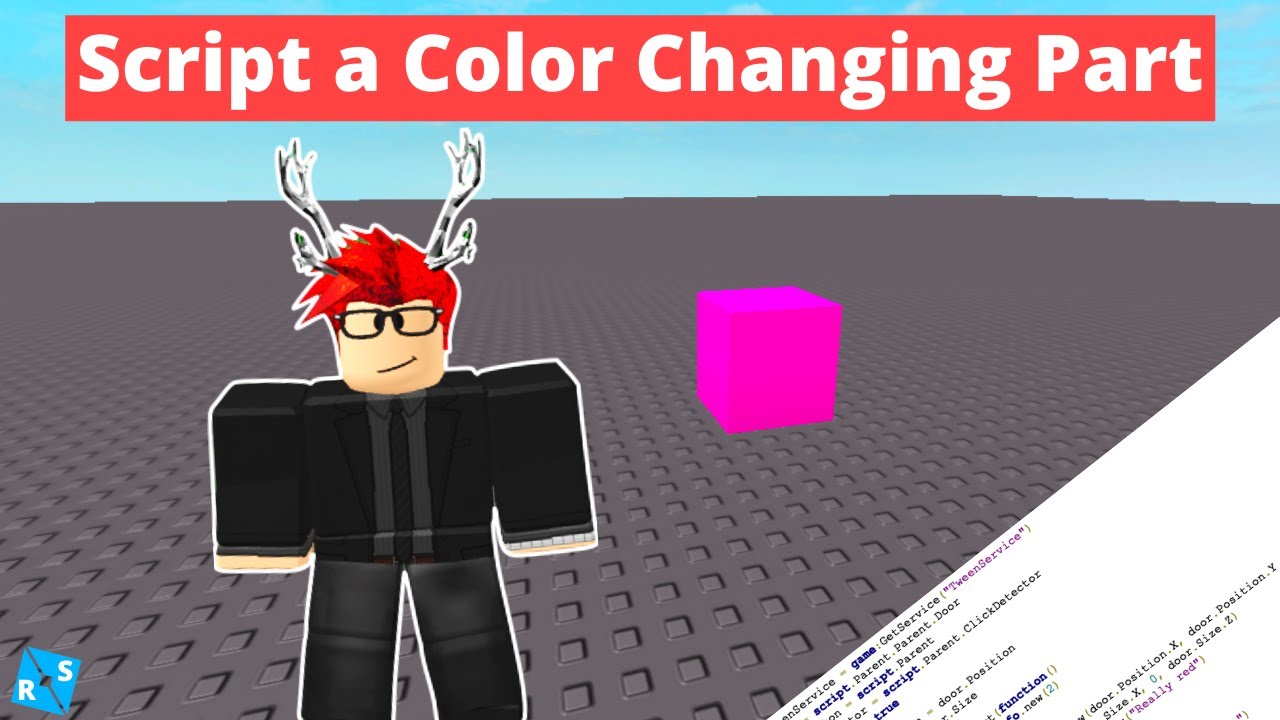
I hope you learned a thing or two about scripting. If you want to learn more about scripting on Roblox, take a look at some of my other videos. Thanks for watching!
Script: https://pastebin.com/raw/absR6Mrw
Roblox Model Containing Everything Shown in Video: https://www.roblox.com/library/4746805024/Color-Part
Join the RoScripter Group: https:...
here is a video
anyway
yes good luck
that I don't know how to change
Sorry
ok
 worn sinew
print(9 * 9) -- this is 81 why do you need it
if 81 then -- 81 will always be 81, theres no reason for this
    game.Lighting.ClockTime = 3
    if 81 then -- same here
        game.Workspace.Baseplate.Material = "Neon" -- both of these lines need to be changed a bit
        game.Workspace.Baseplate.Color = "Really red"
    end
end
-- try this instead
game.Lighting.ClockTime = 3
game.Workspace.Baseplate.Material = Enum.Material.Neon
game.Workspace.Baseplate.Color = BrickColor.new("Really Red")
if you can be more specific on what you're trying to do with those if statements i can help more
 gloomy moat
local math_thingy = 8 * 8
  if math_thingy = 81 then
i dont see a point in it being a variable as its, literally math
9 * 9 will never not be 81
gloomy moat
worn sinew
i dont see a point in it being a variable as its, literally math
i mean you have a point
just put it inside there
worn sinew
me when
if true then
end
 worn sinew
that is completely pointless why do you have the first 2 lines