#Game crashes
1 messages · Page 1 of 1 (latest)
 finite crescent
 knotty girderBOT
 border_line has been warned
Reason: Posted a link
finite crescent
uhm i cannot post the crash dump, cause of the wetransfer link...
and don't have nitro so cannot upload without
 shadow vessel
finite crescent
uhm i cannot post the crash dump, cause of the wetransfer link...
shadow vessel
finite crescent
uhm i cannot post the crash dump, cause of the wetransfer link...
Old security measure that we have to probably revert by now.
Recovering the link: https://we.tl/t-HRhh4djmS6
1 file sent via WeTransfer, the simplest way to send your files around the world
Are you on a laptop and windows 11 by chance?
finite crescent
no, Windows 11 yes, but my wife is on her PC... wait gonna get the specs
CPU: Ryzen 7 5800x
GPU: AMD Radeon RX 6700 XT
Ram: 16 gb
Motherboard I don't know but can find out if needed, game is on a HDD if relevant
shadow vessel
It is something about Windows 11 killing the game's DirectX implementation. We are looking into this, but it might take a while honestly. Thanks a bunch for reporting though. (:
finite crescent
Is there any workaround? (also thanks for the fast reply!)
shadow vessel
finite crescent
Is there any workaround? (also thanks for the fast reply!)
Hard to say, we can't think of anything other than getting a VM that runs Win 10 . :s
You can also try finding Battle_Realms.ini file in the game's folder, opening it with Notepad and trying to change the following:
D3D9On12 =1
to
D3D9On12 =0
Then try to launch the game and see if the issue persists.
finite crescent
ok thanks will try
knotty girderBOT
@finite crescent has learned a new technique and is now level 1!
finite crescent
It doesn't but... we will wait patiently for the fix, thanks for all your work
shadow vessel
finite crescent
It doesn't but... we will wait patiently for the fix, thanks for all your work
Hi there!
Don't want to get your hopes up, but here's something we could try...
This is a wrapper that converts render output, used to solve a large number of issues with the game before, but we've solved all of them by now, except for resolution stuff, and now whatever this is with Windows 11 making our lives difficult. Game can't advance as fast as the modern tech 😅
-
Unpack this into your BR folder. Launch
dgVoodooCpl.exe, set Resolution toMAX. -
Launch the campaign and see if it still crashes.
-
If it does, change the values in
Battle_Realms.inifile in the game's folder, opening it withNotepad:
D3D9On12 =1
to
D3D9On12 =0
-
If it's already on
0, set it to1. What's important is that dgVoodoo2 files stay in the folder. -
Report back if it works when possible. Thanks!
finite crescent
Ok will try this later this evening.
finite crescent
shadow vessel
Hi there!
Don't want to get your hopes up, but here's something we could try......
It took a bit longer but now I got to try on my wives pc. It does not work. For her at least. I am gonna test out if it crashes for me too and if it does I will try the solution on my pc too. I think it did crash for me in the past, but she is more into the game bc she played it as a kid... I am more interested to the technical aspects of such things 🤣 well and mp...
Do you need the crash reps with the wrapper? I tried a bit more after your solution did not work. Got different but also same results. It crashed everytime, just the time span until it crashed, changed a lot
shadow vessel
finite crescent
It took a bit longer but now I got to try on my wives pc. It does not work. For ...
Crash reports not needed. But your Windows 11 builds (full versions) would come in handy.
finite crescent
ok one sec. (also *wife's... i ofc only have one 🤣 Sometimes my english dies apparently.)
 shadow vessel
 ocean steeple
this is the info you need?
ocean steeple
this is the info you need?
Hello, wife. Precisely, thank you very much both. 
finite crescent
Good. Feel free to let us know if we can be of any help. Might sometimes take a day or so, but we are glad to help as we really appreciate all the work you put in. 😄
shadow vessel
Ok, so this is 100% not necessary, but if you could do that, that could come in handy. I get word that the problematic versions are 22H2, and 23H2 somehow works. It is strange because there should not be significant differences between the two in terms of our issue.
So the build difference is 22621.2715(22H2) on yours and 22631.2715 (23H2) where the game supposedly works.
https://pureinfotech.com/kb5027397-windows-11-change-22h2-23h2/
If you could update and check if the issue persists, that could be big for us, but again, this is not necessary.

The KB5027397 package is required on Windows 11 to change the version number from 22H2 to 23H2 alongside the update KB5031455.
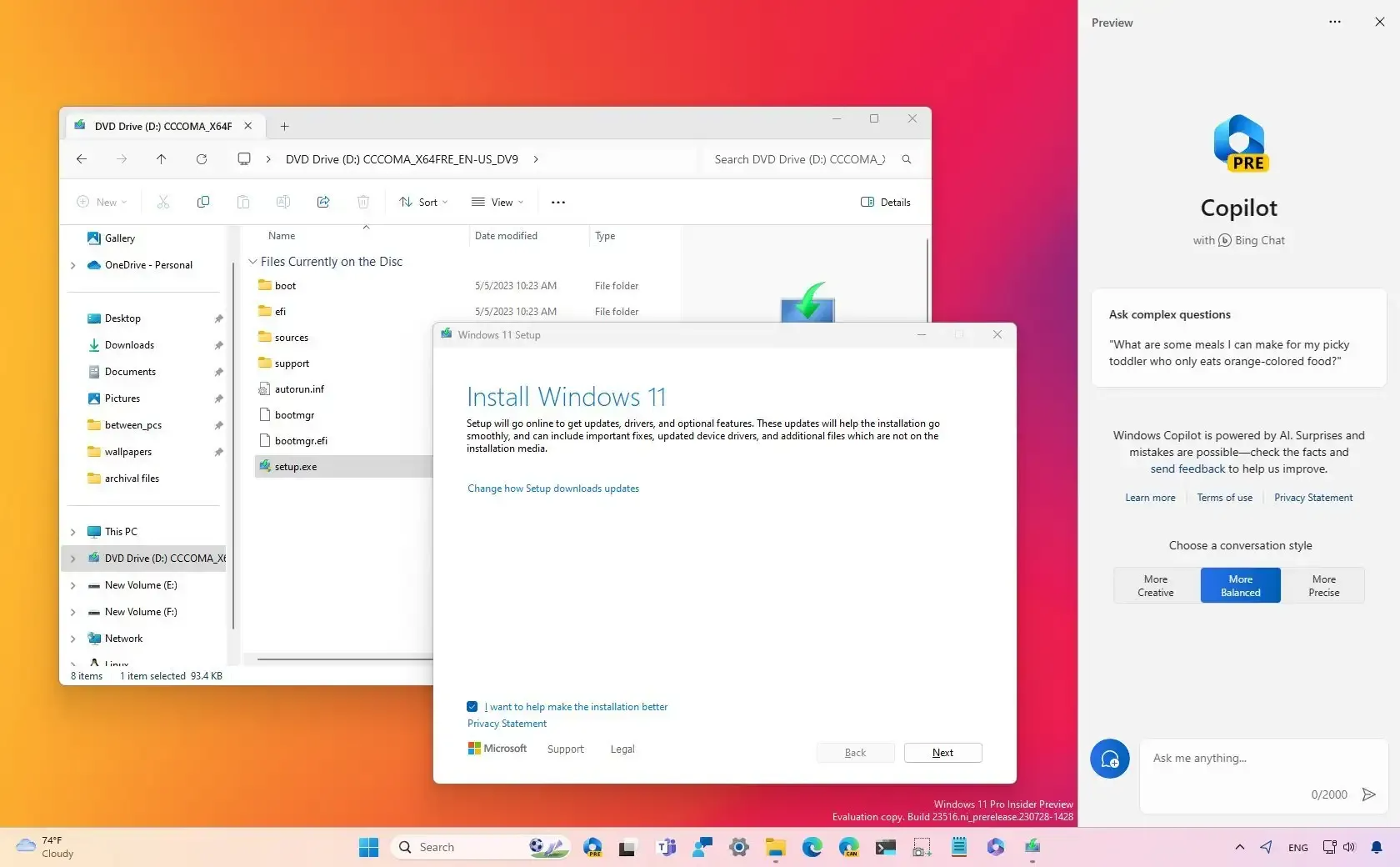
To upgrade to Windows 11 23H2, you can use the ISO file, Windows Update, Installation Assistant, or Insider program. Here's how.
 lilac dragon
sorry if this is late, but even with updating windows to 23H2, the crashing is still there, but if this important, I undervolted the cpu.
shadow vessel
lilac dragon
sorry if this is late, but even with updating windows to 23H2, the crashing is s...
This is definitel going to be difficult... Thanks for the intel though!
lilac dragon
I'm also playing with this mod https://steamcommunity.com/sharedfiles/filedetails/?id=2289036743
idk if a mod can crash a game by any chance
shadow vessel
it can
lilac dragon
I'll try playing a game with no mods and see if it's just the mod or is it the game
lilac dragon
Yea, still crashing
shadow vessel
lilac dragon
Yea, still crashing
Could you do this please?
#1148668057464606730 message
lilac dragon
It stopped crashing after some crashing later
So I guess either the game or windows fix itself
shadow vessel
@finite crescent @ocean steeple Hi there!
Would you guys be able to test this one out? Just unpack it into your BR folder and see if the crashing persists. :)
finite crescent
Sure will do it tomorrow probably as time today is a bit tight.
finite crescent
shadow vessel
<@329704858632323073> <@290555370970284035> Hi there!
Would you guys be able to...
Sorry we didn't get back to you yet, we both got sick.
knotty girderBOT
@finite crescent has learned a new technique and is now level 2!
shadow vessel
finite crescent
Sorry we didn't get back to you yet, we both got sick.
Oh no worries, get well soon!  ☕
☕
shadow vessel
Hello once again, I hope you guys have recovered and in thriving in good health now. 😅
This is a test, not a solution, but could you set your Windows 11 to "High Performance Plan" for BR? And see if it helps with the crashes?
**Setting > Gaming > Game Bar > Graphics > Browse BR and select High Performance. **
shadow vessel
We have just released a patch with the goal to address this. If possible, please check if your situation has improved.

Greetings, Warriors! We are releasing a patch to check if we got at least one of the crashing culprits nailed down (yes, there are multiple unfortunately). As per our previous announcement, only Windows 11 users are affected by the now infamous lag/stutter/crash. Note that this is not a fully-fledged fix yet as it tackles only one of the crashin...