

#how to use custom hair textures with Hyperline?
19 messages · Page 1 of 1 (latest)
 elfin ravine
 white sparrow
elfin ravine
Maybe I am dumb but for the life of me, I can't figure out how to use the custom...
white sparrow
elfin ravine
Maybe I am dumb but for the life of me, I can't figure out how to use the custom...
what have you tried so far to make hyperline recognize your textures?
elfin ravine
I didn't even understand where to find the list of textures I can use 😔
white sparrow
well i doubt any vanilla texture would look good as bangs/hair tbh
elfin ravine
so where could i find other textures? not vanilla?
white sparrow
you can put textures yourself by making a mod
elfin ravine
ohh ok that makes sense
white sparrow
if you need the vanilla textures as a reference,
 clear scrollBOT
Download the graphics dump here: https://drive.google.com/file/d/1ITwCI2uJ7YflAG0OwBR4uOUEJBjwTCet/view
Viewer for the graphics dump: https://maddie480.ovh/celeste/graphics-dump-browser
Google Docs
Maddie's Random Stuff
Browse the Celeste Graphics Dump online, download individual images or figure out their path.
elfin ravine
ok thank you I will look into this :)
white sparrow
making a mod is very simple, you just
- make a folder inside
Mods(likeMyCustomHair) - put an everest.yaml in that folder with contents similar to this
- Name: MyCustomHair
  Version: 1.0.0
  Dependencies:
  - Name: Everest
    Version: 1.5326.0
- make a
Graphicsfolder insideMyCustomHair - make an
Atlasesfolder insideGraphics - make an
Gameplayfolder insideAtlases - make an
Hashyfolder insideGameplay(to prevent conflicts) - make an
MyCustomHairfolder insideHashy(again, to prevent conflicts) - put your hair textures there i think
then when you load everest make sure your mod with the textures is enabled, and then you can pass the custom textures into hyperline
elfin ravine
omg thank you so much for taking the time to do this 😭
white sparrow
the path would be Hashy/MyCustomHair/yourHairTextureName without the .png at the end
elfin ravine
this is so helpful 
white sparrow
note that i havent read the documentation and im just making an educated guess on how hyperline is looking for textures
white sparrow
yea let me know if something's up
 lyric matrix
Hyperline does work a bit differently. As far as I know this is the only mod that actually implements custom hair and bangs textures.
https://gamebanana.com/mods/435133
All you need to do is make the folders Graphics/Atlses/Gameplay/Hyperline/ and put your hair/bangs textures there. You can open up this mod to reference how it does it. You only need to create the folders and images. No extra stuff needed.
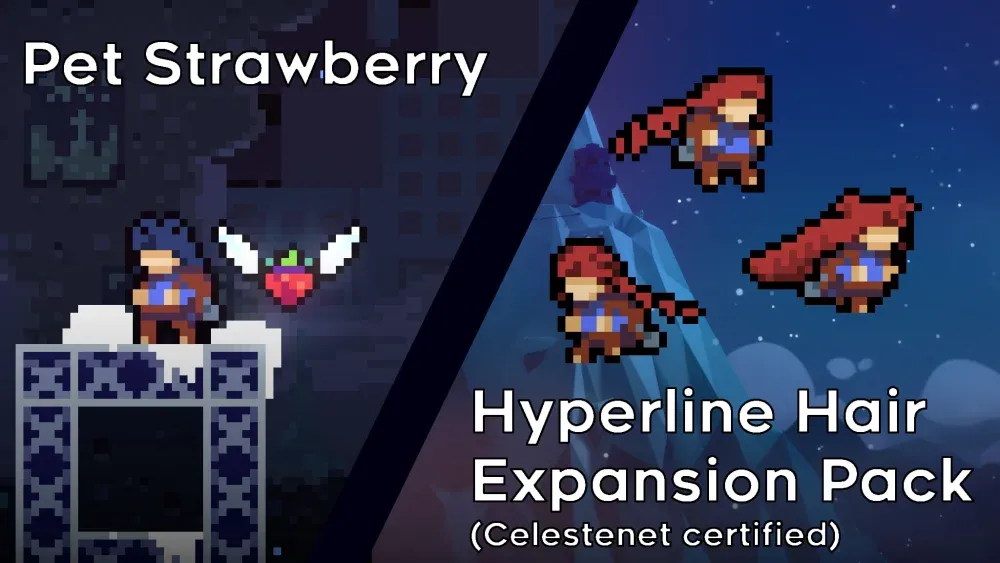
GameBanana
Mountain Strawberries have been domesticated and New hair designs... A Celeste (CELESTE) Mod in the Other/Misc category, submitted by kuksa