#[SOLVED] Steam is invisible
31 messages · Page 1 of 1 (latest)
 mild crest
 sweet nymph
mild crest
Hi, I'm new to Linux and I use dwl. I've been trying the whole day to run Steam ...
sweet nymph
mild crest
Hi, I'm new to Linux and I use dwl. I've been trying the whole day to run Steam ...
Run it like this steam -cef-disable-gpu in the terminal.
mild crest
Nothing changes
sweet nymph
mild crest
Nothing changes
How about this one steam -cef-disable-gpu-compositing??
mild crest
same nothing change
sweet nymph
mild crest
same nothing change
Try LIBGL_ALWAYS_SOFTWARE=1 steam
mild crest
same again sadly
sweet nymph
mild crest
same again sadly
Does this GDK_BACKEND=x11 steam work??
sweet nymph
mild crest
if you want i can send you the terminal or something like that
Try STEAM_DISABLE_VULKAN=1 steam
mild crest
Same has before
sweet nymph
mild crest
Same has before
Does this xclock work??
sweet nymph
mild crest
Do i need to install it
Output of ps aux | grep Xwayland??
mild crest
dt 151364 0.0 0.0 6896 4488 pts/0 S+ 15:28 0:00 grep --color=auto Xwayland
sweet nymph
mild crest
dt 151364 0.0 0.0 6896 4488 pts/0 S+ 15:28 0:00 grep --color=...
Output of which Xwayland??
mild crest
/usr/sbin/Xwayland
sweet nymph
mild crest
/usr/sbin/Xwayland
Run sudo ln -s /usr/sbin/Xwayland /usr/bin/Xwayland and restart Dwl and test Steam again.
mild crest
i have an impossibility to create the link because the file already exist
sweet nymph
mild crest
i have an impossibility to create the link because the file already exist
Install Sway to see if the same issue occurs there or if it is just dwl.
mild crest
ok
sweet nymph
Because dwl is not maintained anymore.
mild crest
Oooh so it's not the greatest choice is there any better ones with the same degree of "liberty" ?
sweet nymph
mild crest
Oooh so it's not the greatest choice is there any better ones with the same degr...
You can use Sway or Mango https://mangowm.github.io/
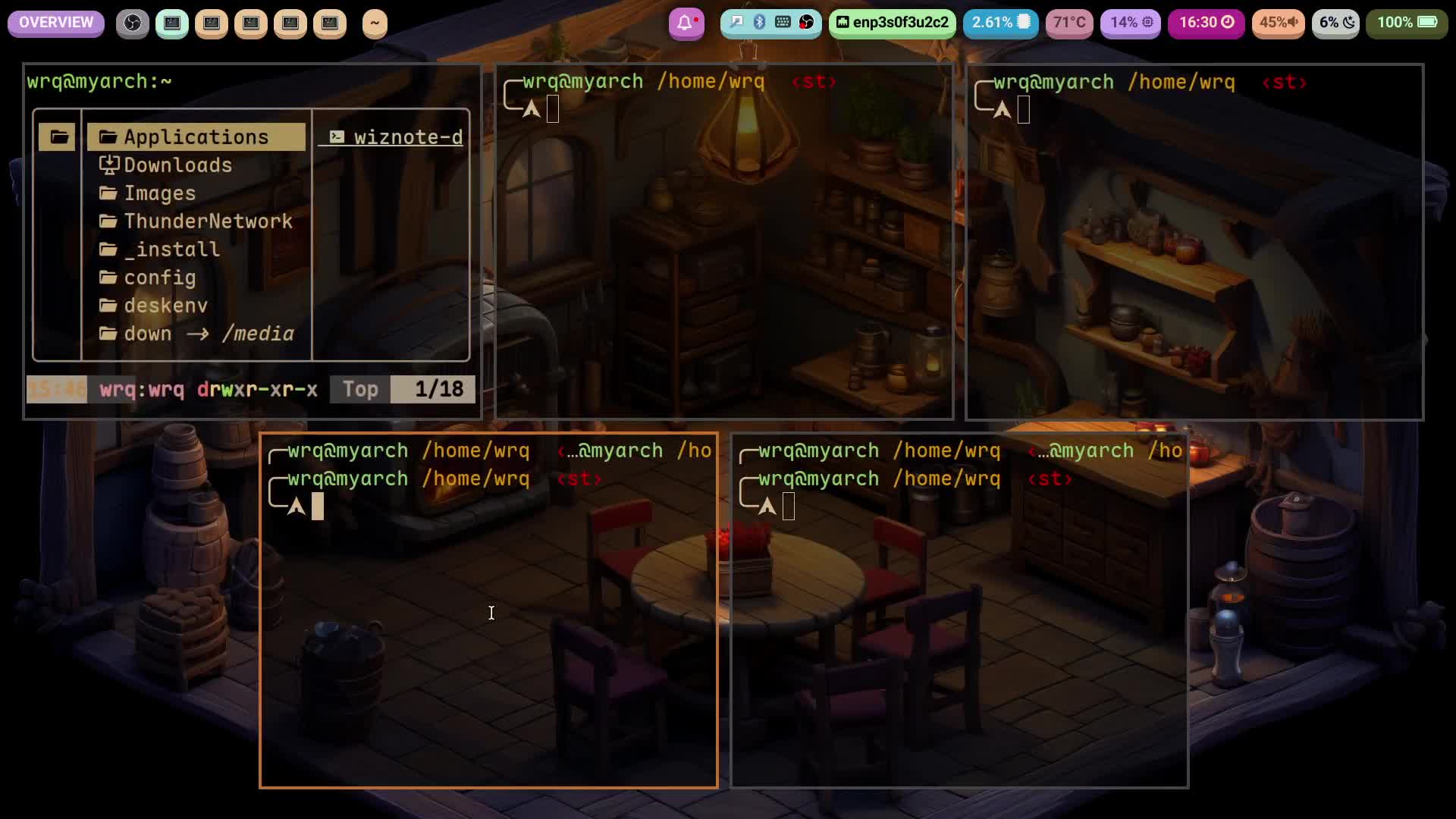
A lightweight and feature-rich Wayland compositor
mild crest
Work on sway i think i will switch compositor thanks for every advice
sweet nymph
mild crest
Work on sway i think i will switch compositor thanks for every advice
Good.
sweet nymph
mild crest
Work on sway i think i will switch compositor thanks for every advice
Mango is close to Dwl.
sweet nymph
mild crest
Work on sway i think i will switch compositor thanks for every advice
... solved
 eager shadowBOT
#17680 📣 If there is nothing else that we can do for you, please close this thread by adding "[SOLVED]" to the title.
- You can do this on desktop by clicking the three dots on the top right of the page, and pressing "Edit Post".
- You can also do this on Android / iOS by long tapping your post in the text channel list, and tapping "Edit Post".
Your title should be like so: http://0x0.st/8Rt9.png
Thank you
