#Desktop in KDE Plasma turned to black after updates
56 messages · Page 1 of 1 (latest)
 stray nimbus
I'm on KDE (Plasma 6) sudo pacman -Syu is the command I used to update everything
Here's my pacman log
 vocal pagoda
is this a new install?
stray nimbus
An old one I haven't ran update in a month
vocal pagoda
oh. ok. i was looking i didn't see the date ok. yeah, that looks like its showing from the begining.
stray nimbus
ooh
here is the newer ones
I was wondering why wayland showed 2 times I haven't checked the dat 😭
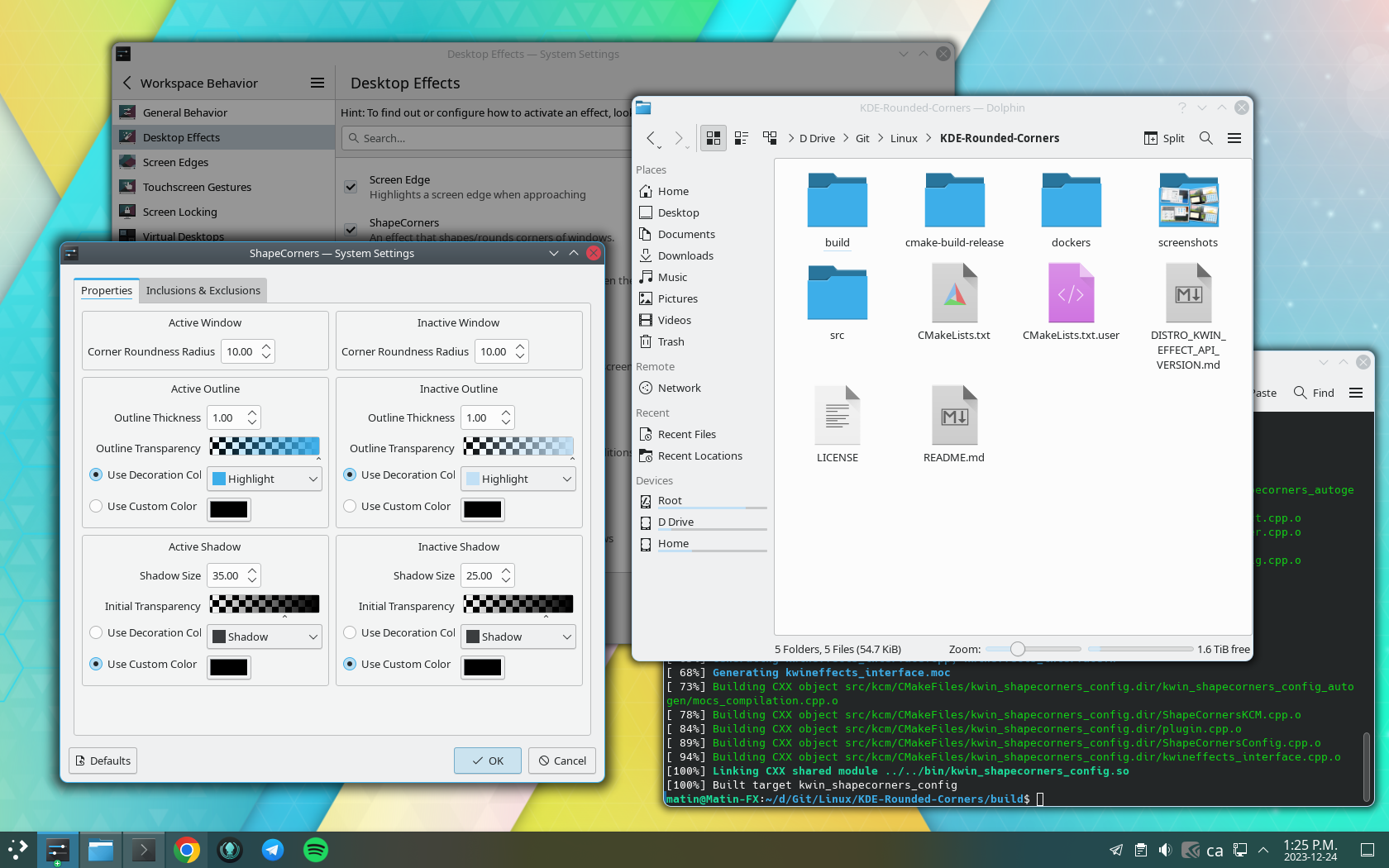
I forgot to mention but I installed KDE-Rounded-Corners alongside doing an update
GitHub
Rounds the corners of your windows in KDE Plasma 5 and 6 - matinlotfali/KDE-Rounded-Corners
vocal pagoda
idk if it will show anything usefull. but what happens if you put kde in .xinitrc and run startx?
it might at least spit out osme useful errors
stray nimbus
vocal pagoda
idk if it will show anything usefull. but what happens if you put kde in .xinitr...
how do I do that
vocal pagoda
maybe try removing that first. not sure that would cause it.
stray nimbus
I just uninstalled it and the error persists
when I installed rounded corners it seems to work even if kde is broken
so might be a problem with kde itself
do i just echo kde >> .xinitrc ?
and then type startx while in tty?
not sure what to do
vocal pagoda
you can run cp /etc/X11/xinit/xinitrc ~/ or you can make an .xinit file and paste some stuff into it
if you do the first one you need to change the name to .xinitrc from xinitrc
then edit a few things
stray nimbus
ok
vocal pagoda
i'll get what you would need for it and paste it here. so you can just make it.
vocal pagoda
#!/bin/sh
~/.xinitrc
Executed by startx (run your window manager from here)
if [ -d /etc/X11/xinit/xinitrc.d ]; then
for f in /etc/X11/xinit/xinitrc.d/*; do
[ -x "$f" ] && . "$f"
done
unset f
fi
exec enlightenment_start
exec i3
exec mate-session
exec xmonad
exec startlxqt
exec startlxde
exec awesome
exec bspwm
exec gnome-session
exec gnome-session --session=gnome-classic
exec startplasma-x11
exec startplasma-wayland
exec startxfce4
exec startfluxbox
exec openbox-session
exec cinnamon-session
exec pekwm
exec catwm
exec dwm
exec startede
exec icewm-session
exec jwm
exec monsterwm
exec notion
exec startdde # deepin-session
 severe hornetBOT
blank
Compile Error! Click the  reaction for more information.
(You may edit your message to recompile.)
 vocal pagoda
lol idk what that app is. but anyway you make a file in you home/user/ directory
name it .xinitrc and paste that into it.
and uncomment the one for your desktop
stray nimbus
#!/bin/sh
#
# ~/.xinitrc
#
# Executed by startx (run your window manager from here)

if [ -d /etc/X11/xinit/xinitrc.d ]; then
  for f in /etc/X11/xinit/xinitrc.d/*; do
    [ -x "$f" ] && . "$f"
  done
  unset f
fi

# exec enlightenment_start
# exec i3
# exec mate-session
# exec xmonad
# exec startlxqt
# exec startlxde
# exec awesome
# exec bspwm
# exec gnome-session
# exec gnome-session --session=gnome-classic
# exec startplasma-x11
# exec startplasma-wayland
# exec startxfce4
# exec startfluxbox
# exec openbox-session
# exec cinnamon-session
# exec pekwm
# exec catwm
# exec dwm
# exec startede
# exec icewm-session
# exec jwm
# exec monsterwm
# exec notion
# exec startdde       # deepin-session
yeah.
i haven't tried doing it with wayland, but you can try uncommenting either. I would stick with x11 first to keep it simple.
once you have that done. type startx in the terminal
see what that does. it will either spit out an error or multiple or start it
stray nimbus
vocal pagoda
once you have that done. type startx in the terminal
command not found
vocal pagoda
hmm
sudo startx?
i mean, idk i don't think I have ran into something not having startx
i suppose if you don't have xinit installed?
stray nimbus
I'm in a kde sesion rn and my problem is that the desktop isn't showing up but I can still do shortcuts like opening a terminal etc but the wallpaper and panels are gone and some kde apps just doesn't work
vocal pagoda
but I would think even wayland stuff would end up having it
I'm assuming you've tried setting the wallpaper already?
i mean like setting it again.
one of the easiest things might end up being to try reverting the packages that aren't working to a different version, and see if they work again.
that or give it a day or so run pacman -Syu again see if some updates come and it works again.
with that error about the screenshot, it seems like something with the kde session or how its working with xorg wayland etc. but i really don't know exactlty
stray nimbus
vocal pagoda
that or give it a day or so run pacman -Syu again see if some updates come and i...
nothign
I'm gonna try looking into that first but if I still can't I'll come back to this thread
if I did fix it I'll close this thread
vocal pagoda
looking at that you might need to try reverting whatever got messed up in the update to an older version, and wait a little for another update is pushed to fix it.