#Arch stuff...
1265 messages · Page 2 of 2 (latest)
 waxen nest
wdym
waxen nest
login as root
 harsh cargo
I can't.
waxen nest
did you not set a root password?
harsh cargo
Yeah.
waxen nest
you'll need to boot back into the usb
I have to go. Hopefully I'll be back in around 30-45 mins
harsh cargo
Ok.
waxen nest
I am back
harsh cargo
waxen nest
I am back
Cool.
I'm having issues.
Already.
I've installed Arch twice.
waxen nest
what are you having issues with rn?
harsh cargo
I can't get pantheon on it.
Internet...
I connected it to my router but it got disconnected from it.
harsh cargo
Error: failed to commit transaction (invalid URL for server)
I keep getting this error.
waxen nest
try pacman -Syu
harsh cargo
Yeah.
waxen nest
pacman-key --populate archlinux
pacman-key --refresh-keys```?Temporary failure in name resolution.
waxen nest
oh
harsh cargo
Nah.
waxen nest
ping doesn't work either?
harsh cargo
Errors everywhere.
waxen nest
it's awful and it's buggy and if it messes up somewhere you won't know what the problem is because you didn't set it up
I know
Just don't use archinstall
harsh cargo
I'm not going away from it.
waxen nest
do it manually
harsh cargo
That's harder.
waxen nest
archinstall is the automated script
waxen nest
harsh cargo
That's harder.
and archinstall breaks itself all the time
you can try typing systemctl enable NetworkManager.service and reboot
if that doesn't work I've no idea how to help you because I don't know what the hell archinstall does every time it's ran
harsh cargo
One more time...
waxen nest
well you could just do it the correct way and be done with it
or you could get an arch iso with an actual installer
harsh cargo
Ok then.
waxen nest
like EndeavourOS
harsh cargo
I don't like Endeavor.
harsh cargo
It comes with too much software that I can't remove whatsoever.
waxen nest
and I'll guide you through the manual install
 waxen nest
bruh

 waxen nest
https://wiki.archlinux.org/title/installation_guide This is where you are supposed to get the info from btw
basically enter the iso
harsh cargo
I DON'T UNDERSTAND IT.
waxen nest
type iwctl and connect to your wifi
harsh cargo
Ok.
harsh cargo
Done.
harsh cargo
waxen nest
do you remember how to connect to your wifi?
I did it.
waxen nest
ok do loadkeys uk
harsh cargo
I pinged Google.
harsh cargo
It won't stop. 🥲
waxen nest
ctrl+c
harsh cargo
This is very funny.
waxen nest
if you thought exiting vim was hard ping is harder

anyway
did you load the uk keymap?
waxen nest
waxen nest
ok do `loadkeys uk`
.
waxen nest
do ctrl+c
waxen nest
alright
type lsblk
do you know which one of the drives listed is the one you want to install to?
harsh cargo
Yes???
waxen nest
tell me which one it is so I can give you the correct commands
harsh cargo
SDB1
waxen nest
sdb1 is a partition
harsh cargo
I think.
waxen nest
you will be formatting the entire disk
so sdb
send an image
and I can tell you if that's the one with the current arch installation

 waxen nest
Hey you sure you didn't mess up your partition when installing arch for the first time? Cuz sdb only has 1 gig of storage formatted and that's certainly not enough for a full install
your nvme does seem to have some partitions that could be a linux system
harsh cargo
I don't know.
waxen nest
do mount /dev/nvme0n1p3 /mnt then type ls /mnt
this will show you what's inside the nvme
in archinstall did you select to have a seperate home partition?
harsh cargo
It is.
waxen nest
type umount /mnt
to unmount it
we are going to format the nvme so you better not have any data in there, though considering you have installed arch 3 times or more on it already it's probably all gone now anyway
harsh cargo
 waxen nest
alright
now type cfdisk /dev/nvme0n1
you should see a screen like this with the partition inside the nvme
 harsh cargo
Yeah.
harsh cargo
Done.
waxen nest
alright now select the free space and select new
for the first partition you only need 512MiB
make sure to add MiB at the end too
harsh cargo
How?
waxen nest
click on new
and type 512MiB
if I remember correctly it shouldn't ask you for anything else
harsh cargo
@waxen nest Done.
harsh cargo
15.84GB
waxen nest
It's fine
doesn't matter unless you want all your partitions to be in GiB (Multiple of 1024 instead of 1000)
now for the root
harsh cargo
Ok.
waxen nest
I recommend at least 32GB
harsh cargo
Ok.
waxen nest
but you can give it a little more if you'd like
I use 48gb in my 512gb nvme for example
this isn't your home partition so don't give it too much. Most of your data will be in your home partition
harsh cargo
I only play two not AAA games so, it won't be necessary.
waxen nest
your games are also installed in your home partition
harsh cargo
I know.
waxen nest
so again not needed to have more than 64gb. I have 48 because it's right between 32 and 64
after you do that
harsh cargo
What about my juicy brain?
harsh cargo
32GB should be ok. Can I increase it later?
waxen nest
you can do that by leaving the partition space blank
waxen nest
harsh cargo
32GB should be ok. Can I increase it later?
not easily
harsh cargo
Ok. What should I have it at?
waxen nest
Put it at 48gb
and it should be fine
64gb if you want to be 100% sure you won't run out
waxen nest
send an image
harsh cargo
I can't.
harsh cargo
No
waxen nest
crazy
harsh cargo
The PC is off.
waxen nest
what did you do
harsh cargo
I lost all of my data for nothing but failure.
waxen nest
you didn't format anything yet
waxen nest
You are trying arch linux when you don't even know the basics. You really should try something easier first and it doesn't have to be ubuntu
harsh cargo
How do I connect it to WiFi?
waxen nest
iwctl
harsh cargo
waxen nest
You are trying arch linux when you don't even know the basics. You really should...
I don't like anything.
waxen nest
crazy
waxen nest
You do realize you can use a distro like endeavour and change the stuff you don't like right?
You are not locked into what is installed by default
don't like KDE plasma? Just remove it and install something else
There is also OpenSUSE which is pretty cool
It has a minimal option which doesn't install any DE or WM and lets you choose which one you want yourself
harsh cargo
I can't use Windows because it has a lot of bloatware and it feels Chinese.
I can't use Fedora because it doesn't work well with NVIDIA.
I can't use Ubuntu because it feels Chinese.
I can't use Arch because it is complicated.
I can't use MacOS because Macbooks are expensive and Hackintosch's don't support NVIDIA.
OpenSUSE is also complicated.
waxen nest
it isn't
harsh cargo
Everything is difficult.
waxen nest
opensuse is really easy
harsh cargo
Shut up, it is. I can't use any operating system.
waxen nest
there are also distros like vanillaOS which are immutable (You can't break the base operating system), but you can use containers with any package manager you'd like
harsh cargo
I need to game on an operating system that natively supports NVIDIA.
waxen nest
so you are able to install programs from basically any distro
waxen nest
harsh cargo
I need to game on an operating system that natively supports NVIDIA.
Linux Mint?
waxen nest
FreeBSD 💀
harsh cargo
Orical Linux ot whatever turns ? Fonodjrjdndjd
Fuck EJJESLKDJDBDLDBDOD
What amI supsius to use,m
I'd rather using Windows 7.
harsh cargo
A simple what?
waxen nest
distro
waxen nest
Hackintosh
waxen nest
well idk how I can help you when you aren't willing to try anything
waxen nest
Oh yeah
harsh cargo
FydeOS for NVIDIA? Yeah, where?
waxen nest
also this exists https://archcraft.io/index.html
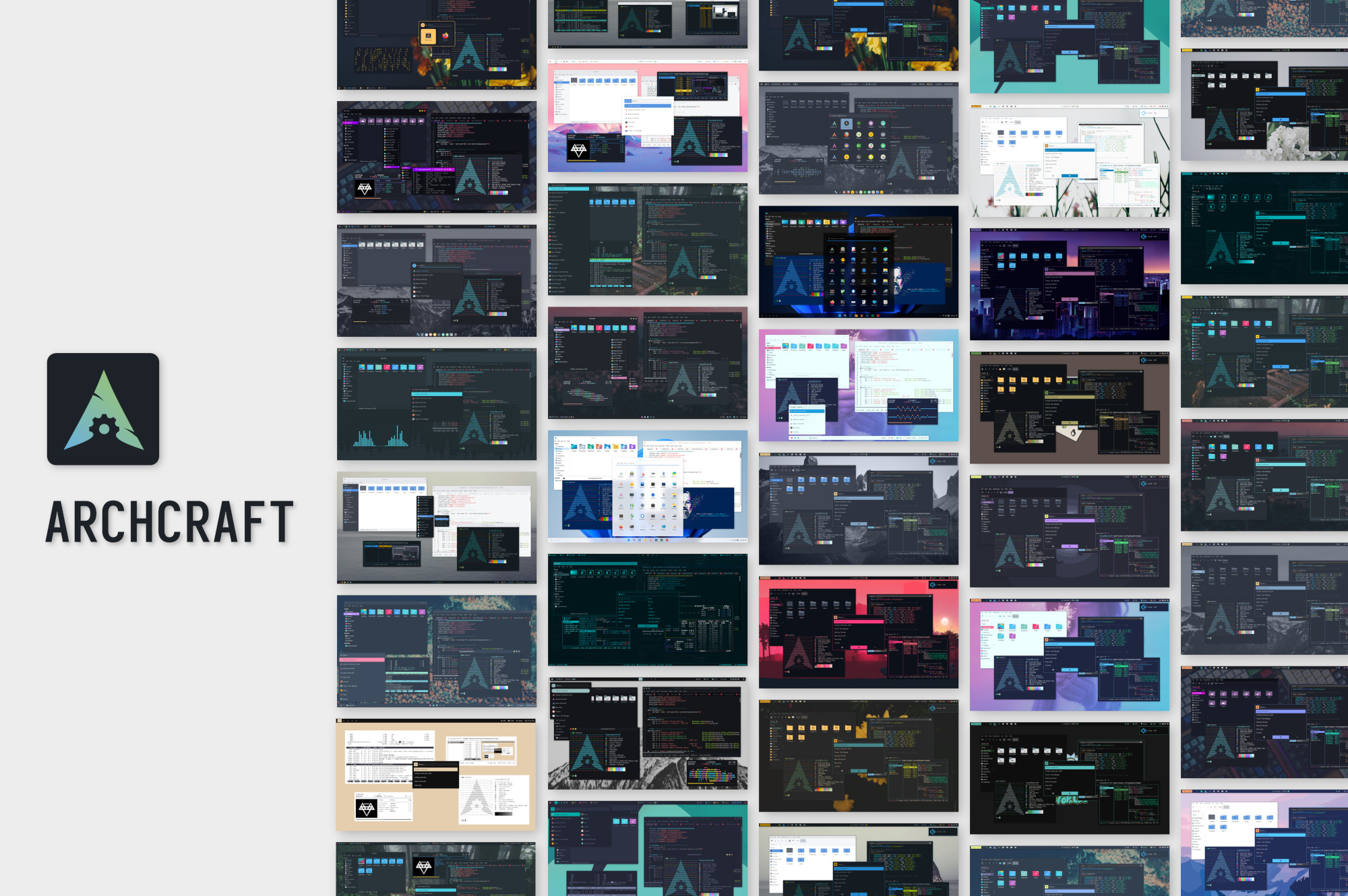
Yet another minimal Linux distribution,
based on Arch Linux.
it's arch but with a good installer and multiple flavors with basically any DE or WM you could want
harsh cargo
Yeah.
harsh cargo
waxen nest
we'll never know
OrbisOS for PC. Where is it?
@waxen nest PearOS.
pearOS is a linux distribution that aims for UI and UX, offering a mac like feeling, now even on older PCs. Why hackintosh when you can pearintosh? Try it now, it's free!
harsh cargo
waxen nest
we'll never know
I don't know what operating system to use.
What should I use? Windows or Linux?
I was using TuxedoOS. It was absolutely brilliant.
harsh cargo
@waxen nest I'm switching to Windows 11. 😟