#[SOLVED] Port VM Disk to Host PC's HDD

1 messages · Page 1 of 1 (latest)

drowsy blaze
#

Hello,
So i have got a Arch installation as a VM in VMPlayer. Is there a way to like make a ISO of the Virtual Hard Drive and Port that over to a Hard Drive on my Host Computer?
The Virtual Disk is 300GB
I have 2 Hard Drives. One where i wanna store the ISO (1.25TB free). And then a 3TB Hard drive where i want to Burn the ISO on. (it is conviniently the same Hard drive as where the Virtual Hard Drive is on, 3TB)

Any Idea?

fathom river
drowsy blaze
#

But not to the same drive i think

fathom river
#

If youre using the drives on the same pc, it should work in theory

#

I've already cloned several drives with clonezilla and it takes care of everything

drowsy blaze
#

And idk abt scratch as i've configured everything to my liking. That would be my last bet

#

Yea but the Virtual Drive is on the Drive i want Arch to be on

fathom river
fathom river
drowsy blaze
fathom river
#

Like.. on your VM, attach the VHD that has your current arch Installation as NVMe drive, have a virtual SATA optical drive with clonezilla iso on it then add your real drive to it and begin cloning

fathom river
#

.aw archiso

graceful frostBOT
fathom river
#

If you want to make an iso instead

#

.aw cloning

graceful frostBOT
fathom river
#

Is what I'm talking about

#

Then you have

#

.aw migrating to new hardware

graceful frostBOT
fathom river
#

.aw migrating Installation

graceful frostBOT
fathom river
#

.aw migrating Installation to new hardware

graceful frostBOT
fathom river
# drowsy blaze Then imma try that

I haven't used VMware in a while but you should be able to pass through your real drive to it. Be sure it is not a partition as windoz likes to place drives and partitions as the same kind of thing
Yeah, smart move windoz harold1

drowsy blaze
#

Yea the download is pretty slow

fathom river
drowsy blaze
drowsy blaze
fathom river
#

But you may want to direct clone from drive to drive

drowsy blaze
#

Can i then resize the partition to the whole size of the Harddrive?

fathom river
fathom river
drowsy blaze
#

ahhh okay

fathom river
#

Just tell it where's the source and target

drowsy blaze
#

Do i need to boot into it?

fathom river
#

It will warn you 3 times that this will nuke and wipe the target drive

drowsy blaze
fathom river
drowsy blaze
#

Okay

#

accidental caps

fathom river
drowsy blaze
#

will do

fathom river
#

I'm not at home rn so I can't help you with images

drowsy blaze
#

Shit i cant move the Harddrive

#

i copied it but VMPlayer doesnt let me

fathom river
#

Is this an internal drive?

drowsy blaze
#

Nvm i got it

fathom river
#

Your target shouldn't be a partition of your main drive

#

Clonezilla will always wipe and destroy the data of the whole drive when using it

drowsy blaze
#

Yea i have one drive that isnt used at all

fathom river
drowsy blaze
#

3 actually

#

hell

fathom river
#

If you plug it as external drive, you should be able to attach it to the vm

#

You could also export the vhd then try cloning with vbox

drowsy blaze
#

yea its internal

#

Yea nowq it completely fcking broke

fathom river
fathom river
#

Alternatively you could image the vhd with clonezilla then deploy it on the real deive by booting into clonezilla on your real hardware

#

Ofc you need a drive where to store the image

drowsy blaze
#

Yea it wont let me use a Phyiscal Drive

fathom river
drowsy blaze
#

i think thats right

fathom river
#

Then deploy the image by booting into clonezilla on bare metal

drowsy blaze
#

Lets hope

#

Clonezilla just takes its time

fathom river
# drowsy blaze Lets hope

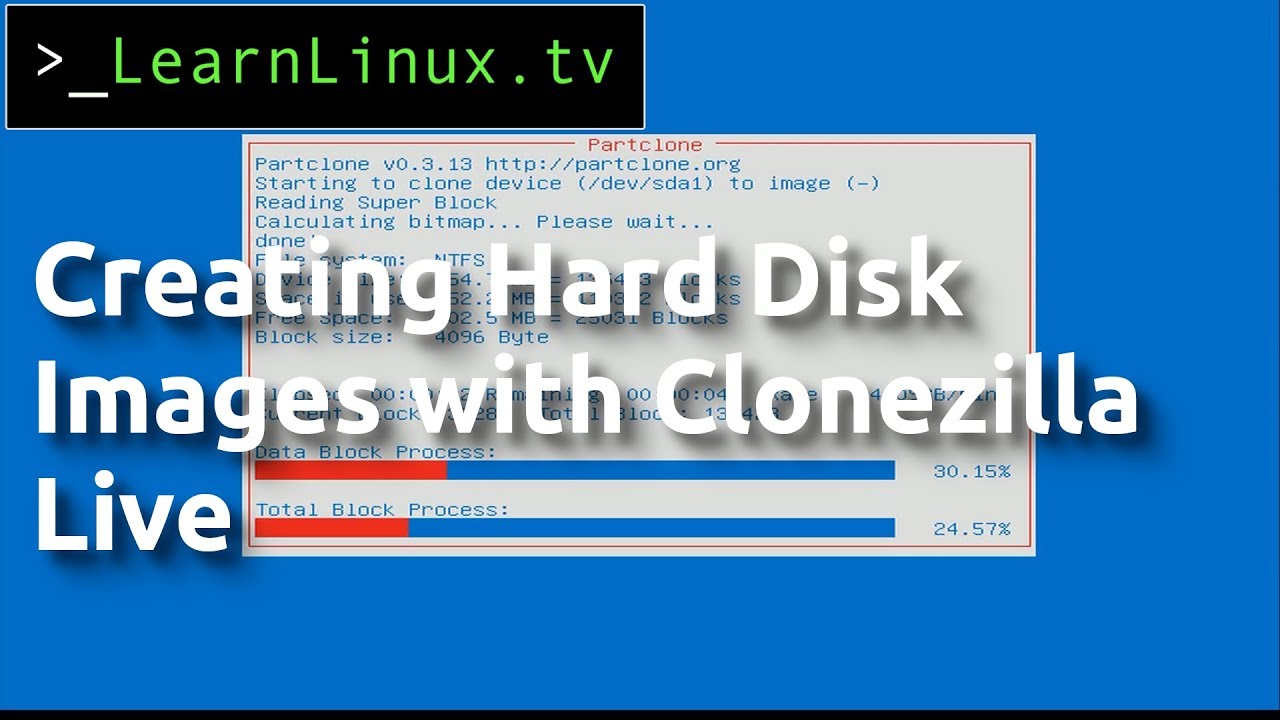
https://m.youtube.com/watch?v=EW4_tqBaczw
🎥 Cloning/Imaging Hard Disks with Clonezilla Live - YouTube
https://m.youtube.com/watch?v=lVQjpUc4obk
🎥 HOWTO Clonezilla save disk to image - YouTube
https://m.youtube.com/watch?v=Q0A9SqBvy1s
🎥 How to use Clonezilla to create an image in Windows 10 - YouTube

Clonezilla Live is a fantastic tool for cloning hard disks for backup or redeployment. In this video, I show off the process of taking an image of a Windows installation, and restoring it. This process works with Linux and other operating systems too.

Keep in mind that if you plan on creating a Windows image for use on multiple machines, you'll...

▶ Play video

In this video I will demonstrate how to clone a drive to a disk image with clonezilla.

Please like and subscribe. If you have any questions please ask in the comment section below.

Visit us on the web at www.csny.co and call / email us if you are in need of IT support we are here to help!

Thanks for watching

▶ Play video

How to use Clonezilla to create an image in Windows 10
In this video, I show how to use Clonezilla to create an image in Windows 10 on to an exteral USB hard disk. The video goes into detail on how to partition a large hard disk for backing up several different computers. Included is a tip on how to format an exFAT hard disk in Windows for use w...

▶ Play video
#

Clonezilla ofc takes its time as it is copying a whole drive so

#

But here takes some mins as I use NVMe SSD

drowsy blaze
#

Now it doesnt see the other drive

fathom river
#

Im my case I cloned directly from drive to drive. But you can use images to deploy

fathom river
drowsy blaze
#

I am trying

fathom river
#

The time it takes depends of your system specs and the kind of drive you're using. Sata HDDs ofc will take its time

drowsy blaze
#

For now i need to first get it to see the drive

fathom river
drowsy blaze
#

Yea but nothing works

#

wont detect shit

fathom river
drowsy blaze
#

Yea i did that

#

Just needed a second HDD to copy stuff to

#

It just didnt do anything

#

fun

#

Nah imma just do a fresh install

#

not gon deal with that bs and everything dying

#

But still ty for trying with me

drowsy blaze
fathom river
#

After you get the new Installation, you can clone it

#

... solved

graceful frostBOT
#

#9742 📣 If there is nothing else that we can do for you, please close this thread by adding "[SOLVED]" to the title.

  • You can do this on desktop by clicking the three dots on the top right of the page, and pressing "Edit Post".
  • You can also do this on Android / iOS by long tapping your post in the text channel list, and tapping "Edit Post".

Your title should be like so: https://cdn.discordapp.com/attachments/503224329191030787/1039841700417384498/image.png
Thank you

fathom river
#

Append solution

drowsy blaze
#

[SOLVED] Port VM Disk to Host PC's HDD