#Settings to lower down input lag and 1% lows?

1 messages · Page 1 of 1 (latest)

empty crystal
#

Hi, I'd like to ask what are the best/recommended settings for input lag/1% lows in TF2? And is there is a way of testing it without high speed camera?

Because I ran into many things that I'm not sure about.

  • Vsync on/off, if on in game or NVCP?
  • Gsync/freesync on/off?
  • Low Latency Mode off/on/ultra?
  • In game fps cap or NVCP or RTSS cap?
  • Dx90/Vulkan?
  • does injecting reflex with RTSS help/work?

Now I'm using vsync on in NVCP, gsync on, Low Latency Mode ultra, vulkan and fps cap of 158 with NVCP because Low Latency Mode doesn't support vulkan found in article from Blur Busters. And it feels fine I would say, but I'm just wondering if it can be better or nah or are there any other ways. And if there are any settings to improve 1% lows?
Thanks in advance.
Pc specs: Ryzen 5600H, 32 GB, 3060 laptop, Win 11. Gsync 165 hz.

odd crow
#

Hi, hello.

This topic is pretty complex, so to understand it I'll have to first give a simplified explanation, upon which you can then build on more knowledge.

https://youtube.com/clip/UgkxA3Ul359COMfLGBS4tLUuLj8H1uwdBJ6S?si=V-ktv5j710pN9qzf
"Input lag" is, basically, the time delta between an input given, and then monitor, headphones, or whatever other medium (VR stuff) to give back "a response, feedback".

The easiest way to straigt up lower it is to have an higher framerate, BUT a lower, more stable framerate is preferable to a framerate which can reach higher, but fluctuates way lower.

YouTube

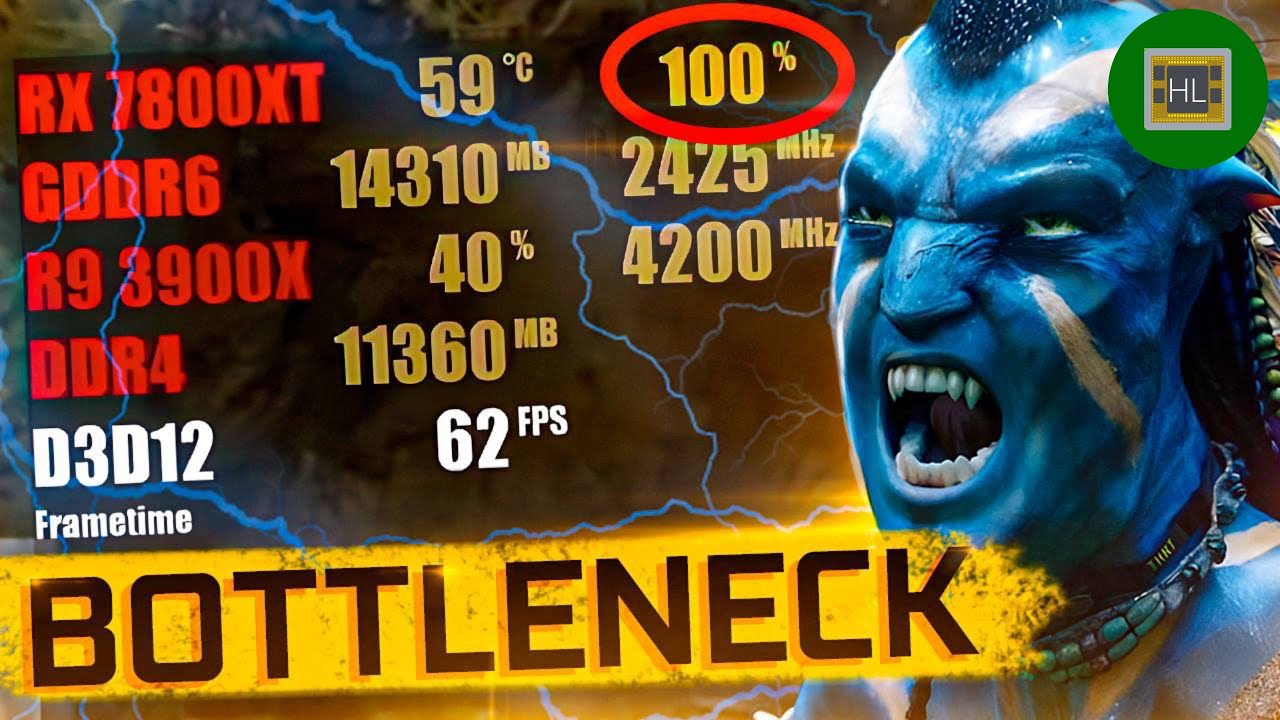
60 seconds · Clipped by Isaac Clarke · Original video "What you’re getting WRONG about BOTTLENECK" by Hardware Lab

▶ Play video
#

I don't know what NVCP or RTSS or reflex are, but Gsync/Freesync are a form of Vsync.

There are many different versions of Vsync just like of AntiAliasing.

These help just and only up to the framerate of your monitor, not above, so unless you have a 1000hz monitor you don't need to think about them for this game (your laptop has 165hz).

#

Here's the roles of the CPU and GPU:

  • The CPU dictates the maximum stable framerate (for a given game) that your PC can give, so lowering the resolution won't raise it.

  • The GPU dictates at which resolution you can set the game at a given framerate (same settings for benchmark). A GT 1030 can get to 4k 60fps while a GTX 1050ti can get to more than 120fps.

.

You could probably raise all the settings at the maximum and not notice a framerate change which is important for your machine, also because of the fact that a laptop shouldn't be pushed, or its life will be shorter.

#

This video is great for simply and quickly understand how a framerate way higher than the monitor's HZ is still important, but as I said before you are on a laptop, so...
https://youtu.be/hjWSRTYV8e0

How many FPS do you need for an FPS?

▶️ SUBSCRIBE TO 3KLIKPSHILIP : http://www.youtube.com/channel/UCmu9PVIZBk-ZCi-Sk2F2utA?sub_confirmation=1 for CS GO content
▶️ TWITTER: https://twitter.com/3kliksphilip
▶️ MY BROTHER'S CHANNEL : http://www.youtube.com/channel/UCEKJKJ3FO-9SFv5x5BzyxhQ?sub_confirmation=1

0:00 - 100, 200 and 400 fp...

▶ Play video
#

Low Latency Mode:

It lowers the maximum stable framerate, but makes the fps more stable over time, so making your inputs feel "smooter" as in "the framerate stays almost always the same, so the delay starts to fade away, like the feeling of your ass on that chair, or the awaraness that you don't need to think to breathe".

It's good for games where it may be needed, with a more competitive gameplay,
but games like War Thunder... they don't really need it, the gameplay is way more lax, and the advantages are based on Pay 2 Win mechanics.

#

CLOSURE

Some graphical settings weigh on the CPU way more than the GPU,
like polygonal density (model detail and rendering distance).

The GPU will have to work a little more, but the vector mesh is way more complex to compute, so the CPU will work way way more.

That said, you could just max everything out and still get 200fps at 1080p easy, but the battery life may not be that long then.

fringe cypress
#

There are only confirmed settings to get consistent frame times. Input lag will just be the end result of your hardware/software environment and of course your frame rate/display.

TF2 is very easy to get headroom available on both cpu/gpu, which does most of the work before anything like reflex can make an impact. RTSS itself adds 1 frame of delay, however the frame time consistency improves the feeling of the game, and the higher the fps, the less 1 frame actually adds.

There are some very granular tweaks you can make to your OS like editing your usb root hub, or changing driver modes but these things are nanoseconds, not even milliseconds of difference when they actually have any effect at all. Most of the results come from making your background resource usage consistently low/none by having only the bare minimum applications running. Frame caps can help with consistency and reserving the strongest/highest clock cpu cores for the game can help on modern cpu's with differing clock rates between cores

sullen owl
#

Since TF2 is heavily CPU-limited, the best you can do is reasonably min-max your processor.

#

For a tearing-less low-latency experience, VRR is the only true option. I guess you can try RTSS' Scanline Sync, but don't expect any magic out of it unless you can consistently run your game way past your monitor's refresh rate.

sullen owl
#

As for your specific questions, I can vaguely answer these based on stuff I've read around in Special K's server, so don't quote me on 'em.

Vsync on/off, if on in game or NVCP?
Shouldn't matter. You can let the game handle it. Never force it globally.
Gsync/freesync on/off?
If you have a VRR monitor, then turn it on.
Low Latency Mode off/on/ultra?
From what I've seen around, you won't find large yields out of it. With a VRR monitor, it will limit the framerate to an ideal one.
In game fps cap or NVCP or RTSS cap?
In-game, cap has weird precision issues. NVCP and RTSS should be more or less equivalent. RTSS can have higher latency depending on the limiter type.
Dx90/Vulkan?+
In my machine, both are almost equal, with Vulkan performing slightly worse. Use whichever yields a higher measurable performance.
does injecting reflex with RTSS help/work?
Reflex doesn't support DirectX 9. Last I checked, neither does Vulkan.

sullen owl
#

From what I can vaguely remember, it should come down to which limiter mode you are using, and whether you have V-Sync enabled or not.

empty crystal
#

With a VRR monitor, it will limit the framerate to an ideal one
On ultra you mean? If yes then its not working for me

#

On Vulkan I have slightly better performance and better 1% Lows

sullen owl
empty crystal
sullen owl
empty crystal
fringe cypress
#

The difference between the two just shrinks as your fps increases

#

I.e only 2ms for 500 fps

sullen owl
#

My best guess would be around 157.

empty crystal
#

close

sullen owl
#

Should be fine for your refresh rate anyways

#

I'm also basing my numbers on something similar

sullen owl
cerulean briar
#

Didn't read anything in this thread this but if latency (time between performing an action and seeing the result) is your concern:

Use peripherals (mouse, monitor, keyboard) that have been tested to have lower latency than other peripherals, use fullscreen mode not windowed, use low graphics settings in tf2, antialiasing off, get rid of background software and overlays, get rid of screen recording, deselect core 0 for tf2 cpu affinity if you have an older cpu, or test whether it actually helps if you have a newer cpu, or don't do it if you have 4 cores or fewer, make sure cpu and memory are running as fast as is acceptable and stable (the process for doing such will be specific to your hardware). Use ethernet don't bother with wifi, wifi is close but always worse.

If you use dxlevel 90/95 in tf2 put textures high (mat_picmip 0), otherwise if you use dxlevel 81 the texture setting doesn't matter.

  • Vsync on/off, if on in game or NVCP?
    Off
  • Gsync/freesync on/off?
    Off
  • Low Latency Mode off/on/ultra?
    Doesn't really matter as long as mat_forcehardwaresync is enabled in tf2 (default) and gsync is off. Low latency mode 'on' is fine. Best thing you can do is make sure your gpu is not anywhere near max load, try to stay below 70-80% 'usage' in utilities that show you such a metric.
  • In game fps cap or NVCP or RTSS cap?
    Either in game or NVCP, cap close to 1000 if latency is your only concern
  • Dx90/Vulkan?
    Dx9
  • does injecting reflex with RTSS help/work?
    Doesn't do anything in dx9 games
#

All statements based on actual latency testing with usb microcontroller and photodiode