#Screen goes black when starting up game
45 messages · Page 1 of 1 (latest)
 elfin vapor
Additional information:
i had to change the pcie connection to gen3 in bios due to vertical bracket with pcie express 3 connection, before this change, my pc would also randomly restart.
I set my ram to expo1, but according to windows theres no issue there.
Inreconnected power cables to mu gpu and pushed on the pcie connectors to see if they were in correctly
Things i want to try are reconnecting every cable into psu, going back one driver update via nvidia app.
 sharp seal
@elfin vapor Open Event Viewer → Windows Logs → System.
Scroll down to around the last time you had this happen in the timestamps and you should see a Kernel-Power event (Critical event with a red X icon).
Select this, then in the bottom half where it shows info about the event, click the Details tab and screenshot.
elfin vapor
this?
 elfin vapor
@sharp seal ?
sharp seal
Yeah.
If the GPU crashed, I would expect a BSOD, not just a shutdown. Though it could freeze which then prompts a restart, just less common.
And that event shows no BSOD
elfin vapor
sharp seal
And that event shows no BSOD
does this help you in any waY?

is it just reinstalling drivers?
sharp seal
elfin vapor
does this help you in any waY?
That indicates that the GPU is just going missing.
You could try DDU
rTS Wiki
elfin vapor
sharp seal
That indicates that the GPU is just going missing.
im also having problems after it reboots with my sound, one time it works and when i try to start a game and restart my pc the sound is gone. is that related?
and how does that ddu work when i have both integrated graphis and 3060ti registered?
sharp seal
elfin vapor
im also having problems after it reboots with my sound, one time it works and wh...
Are you doing audio over HDMI/DP?
sharp seal
elfin vapor
and how does that ddu work when i have both integrated graphis and 3060ti regist...
Yes, you select which device to remove the drivers for in the tool
Also, Nvidia's drivers went to crap in January 2025. They are a lot better now, but if you want to just rule out a driver issue, this driver is from before that: https://www.nvidia.com/en-us/drivers/details/237719/

NVIDIA
Download the <dd~LanguageName> <dd~Name> for <dd~OSName> systems. Released <dd~ReleaseDateTime>
elfin vapor
its so weird, yesterday i was able to play everything and since i started it today, it just crashes constantly
and also, can i just wait for nvidia to release a new drive from their app and install that?
elfin vapor
sharp seal
Also, Nvidia's drivers went to crap in January 2025. They are a lot better now, ...
?
sharp seal
What is the question?
elfin vapor
elfin vapor
and also, can i just wait for nvidia to release a new drive from their app and i...
This?
sharp seal
Sure
elfin vapor
sharp seal
Sure
Now it black screened while searching on chrome
elfin vapor
sharp seal
Sure
DDU didnt work
sharp seal
@elfin vapor Then if it's a desktop, the next step is testing the GPU in a different PC.
sharp seal
elfin vapor
And maybe get the riser cable out and check again?
Yes, I hate risers
They cause issues so often
elfin vapor
sharp seal
Yes, I hate risers
Okey so
I removed the gpu extension cables
It seems i had 1 slot left for gpu in my psu, so i think 1 pcie cable with two extensions on it was too much
But now when i start game, the gpu makes a weird sound
sharp seal
elfin vapor
Sounds like coil whine
With GPUs, the VRMs can vibrate as well which creates a weird pitch coil whine
@elfin vapor This is from DIY Perks when he put a CPU cooler on a GPU: https://youtu.be/h6hvsqUEtZ4?t=435
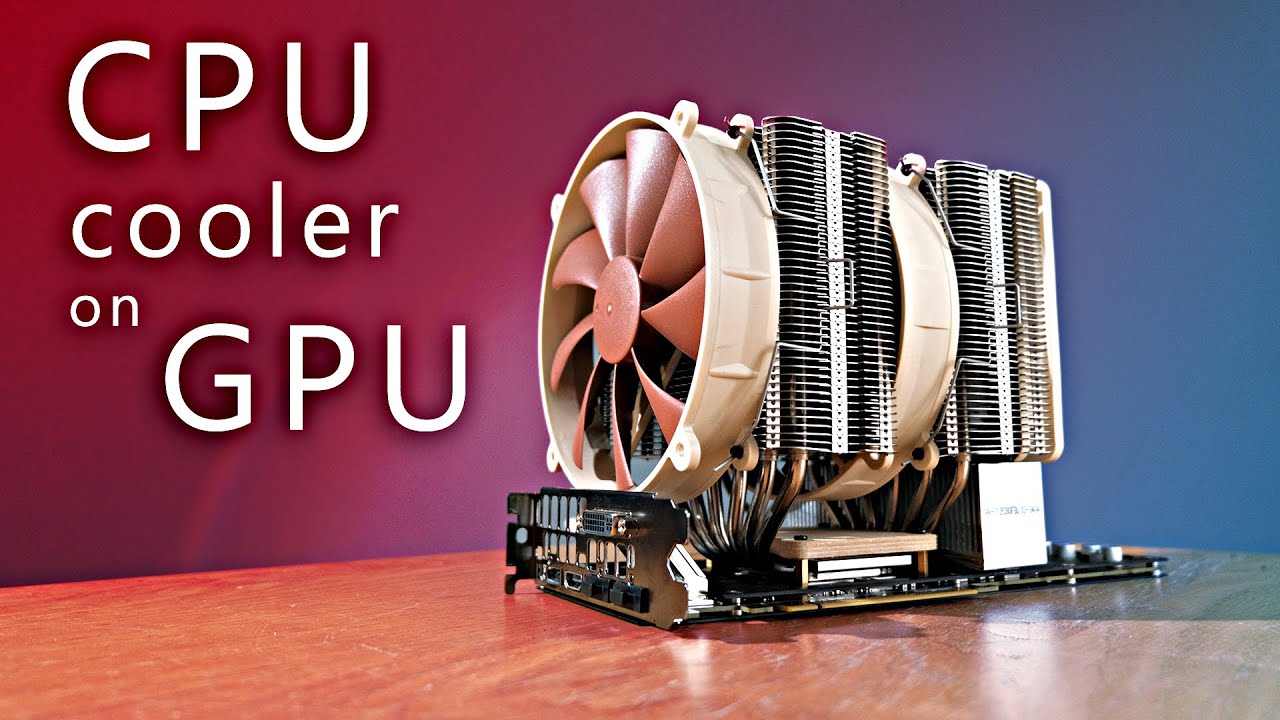
Can this crazy mod cool a 250w graphics card quietly? Let's find out!
SVG files for bracket here: https://drive.google.com/open?id=10gkGP7LqwUqumcXtO3Z7uuVXUYXh1_DY
OFFICIAL DIY PERKS LINKS:
Support me on Patreon: https://www.patreon.com/DIYPerks/
Official Website: https://www.diyperks.com/
Discord: https://diyperks.com/discord-server/
For...
Use the time stamp for VRM coil whine
elfin vapor
Ahh okey, so probably was there already but u dont hear it with glass panel on🙃
elfin vapor
sharp seal
<@425258272618971166> This is from DIY Perks when he put a CPU cooler on a GPU: ...
Thanks
I can play at least rocket league for now