#My Ethernet randomly stops working why is that?
19 messages · Page 1 of 1 (latest)
 bitter pumice
 broken thorn
bitter pumice
try a different cable
broken thorn
bitter pumice
try a different cable
I did and don’t work
bitter pumice
Update your network drivers
broken thorn
How do I do that?
bitter pumice
Go online and find your motherboard manual
broken thorn
bitter pumice
Go online and find your motherboard manual
But is that on bios? That I need to update
 left patio
No drivers are just files windows loads based on the hardware
Bios can also affect hardware but less often something you need to update (usually only for newer CPU or GPU compatibility after the motherboard was released)
broken thorn
i didnt understand what i need to do my pc is already old i have had it for 7 years but idk why the ethernet is having some problems my motherboard is a asus rog strix 370x-f
left patio
https://rog.asus.com/motherboards/rog-strix/rog-strix-x370-f-gaming-model/helpdesk_download/ should be able to grab the lan driver here and install can check device manager and double click the device to open details and see which driver is loaded too. Not sure if installing the driver there will fix anything but is usually a good place to start (chipset for mainboard then lan drivers usually good to have so aren't using generic drivers windows found a match for)

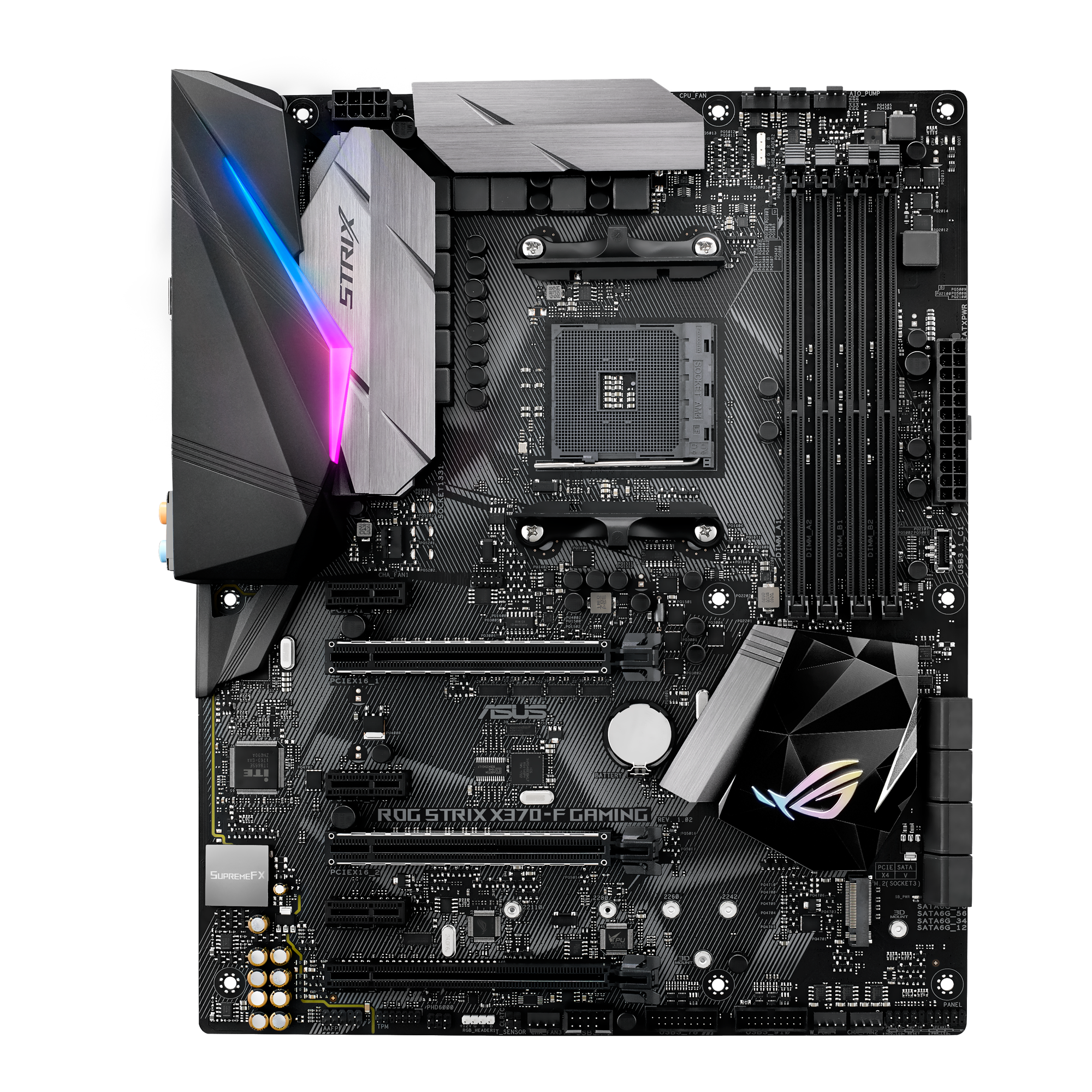
@ROG
Value-packed AMD AM4 X370 ATX gaming motherboard, great for OC and cooling, with Aura Sync, SupremeFX, M.2, Intel LAN and USB 3.1. Pro Gaming successor!
You can also use winkey+r, type cmd, hit enter, for command prompt then ipconfig enter in there to get some quick details about the network connection will just show the IP and gateway/router being used and DNS, if problem with maintaining IP address or DNS is spotty or something can cause issues but maybe helpful to just check that when working vs not see if helps give any direction
Also assuming the network card and or router/switch it's wired to have activity and/link lights would be good to know if those are going out, guess is possible the network card is being put into a sleep mode of some sort and not coming back, if no physical connection the link light will be out if just no communication the activity light should be dim but link light would still be on... In any case can try new drivers or other software config and if nothing works can always get replacement PCI or USB based network interface
broken thorn
Thx man I solved it it was my brother that block my pc in the app of the router in parental control
Behind my back
left patio
Oof can never rule out pranked by siblings 😉 glad to hear you got to the bottom of it
 tender notch
at least you did not buy a new motherboard or smth 🤣
bitter pumice
broken thorn
Thx man I solved it it was my brother that block my pc in the app of the router ...
get a new brother, should fix the problem
broken thorn
left patio
Oof can never rule out pranked by siblings 😉 glad to hear you got to the bottom...
yeppp
broken thorn
tender notch
at least you did not buy a new motherboard or smth 🤣
ahahhaah it would be suc