#HDR Problem?
23 messages · Page 1 of 1 (latest)
 left cairn
 slender nymph
left cairn
What monitor are you using?
slender nymph
left cairn
What monitor are you using?
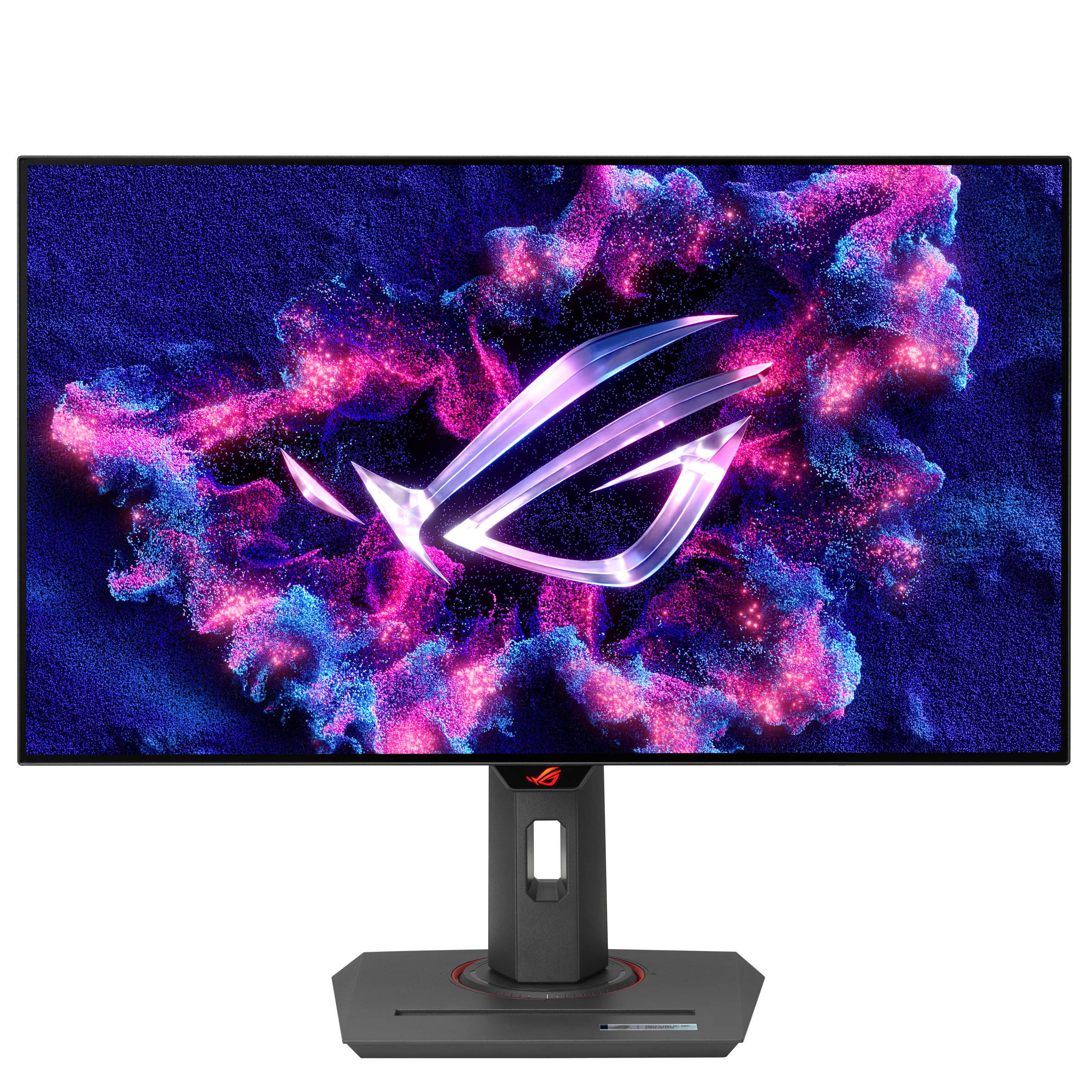
@ROG
ROG Strix OLED XG27AQDMGZ 27-inch gaming monitor with 1440p WOLED, 240Hz, 0.03ms response time, ASUS OLED Care, Anti-flicker, and advanced heatsink.
left cairn
Have you calibrated the HDR in windows? That may help the problem
slender nymph
left cairn
Have you calibrated the HDR in windows? That may help the problem
I did it when I got it, Just did it again, Same issue
left cairn
Are you using an Nvidia GPU?
If so, I know of some settings in Nvidia control panel which might also help
slender nymph
left cairn
If so, I know of some settings in Nvidia control panel which might also help
I am, I just havnt messed with it much. Seems complicated, Ill take a loot though
left cairn
Okay
Open the control panel > adjust desktop colour settings then see what the sliders are set to
slender nymph


Thought it could be one of these. I turned off HDR Video Streaming off and on and still didnt want to fix itself.
left cairn
I was thinking possibly brightness but I don’t think that’s it. Maybe try turning off Auto HDR?
slender nymph
Would I have to restart for it to work?
left cairn
Shouldn’t do
slender nymph
It didnt work, Its not a big deal. Just happens when its playing a video of some sort, kinda annoying
left cairn
Yeah, I did manage to recreate it on mine but only by turning the brightness up
And does it not happen with HDR off?
slender nymph
Well In windows Theres HDR and on my monitor therees a special HDR True Black feature. could that be why? I has it set to on right now
left cairn
The true black is just the HDR rating/type, in system settings it should say that