#Are this gonna last for 8-10 years ?
204 messages · Page 1 of 1 (latest)
 cobalt sun
 sick comet
so, i try to build a current gen gaming PC dedicated for streaming.
its well above average, but not the best at all...
i researched, and besides Ark Survival Ascended, all games that i want to play should run just fine.
one of my friend told me that bottlenecking is a thing, but after i showed him my build with my currently monitor, he calculated 0% chance for bottleneck... so i'm pretty confident about that...
PC BUILD:

Zalman i3 Neo üveg ablakos fekete számítógépház | PCX.hu
Zalman i3 Neo üveg ablakos fekete számítógépház most csak: 36.391 Ft. Kedvező szállítás, személyes átvétel, háztól-házig garancia, cseregarancia.

ASUS ROG Strix B650E-F Gaming WIFI alaplap (90MB1BQ0-M0EAY0) | PCX.hu
ASUS ROG Strix B650E-F Gaming WIFI alaplap (90MB1BQ0-M0EAY0) most csak: 105.291 Ft. Kedvező szállítás, személyes átvétel, háztól-házig garancia, cseregarancia.

AMD Ryzen 9 7900 processzor (100-100000590BOX) | PCX.hu
AMD Ryzen 9 7900 processzor (100-100000590BOX) most csak: 167.690 Ft. Kedvező szállítás, személyes átvétel, háztól-házig garancia, cseregarancia.
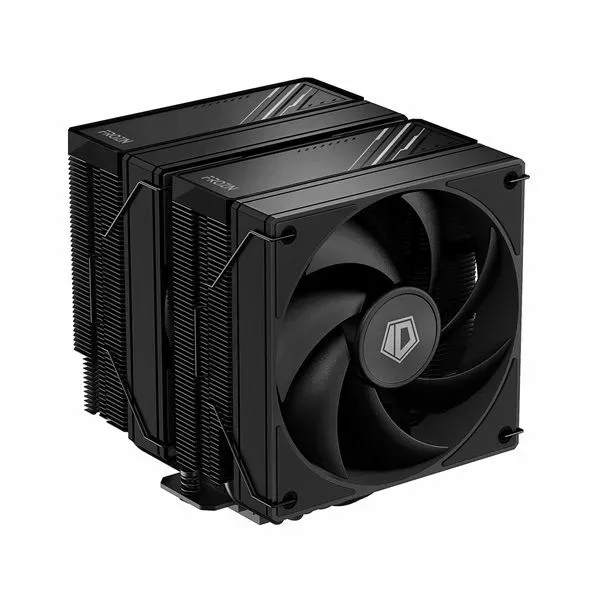
ID-Cooling CPU Cooler - FROZN A620 BLACK (29,85dB; max 132,94 m3/h; 4Pin csatlakozó, 6 db heatpipe, 12cm, PWM) | PCX.hu
ID-Cooling CPU Cooler - FROZN A620 BLACK (29,85dB; max 132,94 m3/h; 4Pin csatlakozó, 6 db heatpipe, 12cm, PWM) most csak: 20.591 Ft. Kedvező szállítás, személyes átvétel, háztól-házig garancia, cseregarancia.

Kingston FURY Beast RGB 2x16GB 6000MHz DDR5 memória (KF560C40BBAK2-32) | PCX.hu
Kingston FURY Beast RGB 2x16GB 6000MHz DDR5 memória (KF560C40BBAK2-32) most csak: 54.091 Ft. Kedvező szállítás, személyes átvétel, háztól-házig garancia, cseregarancia.
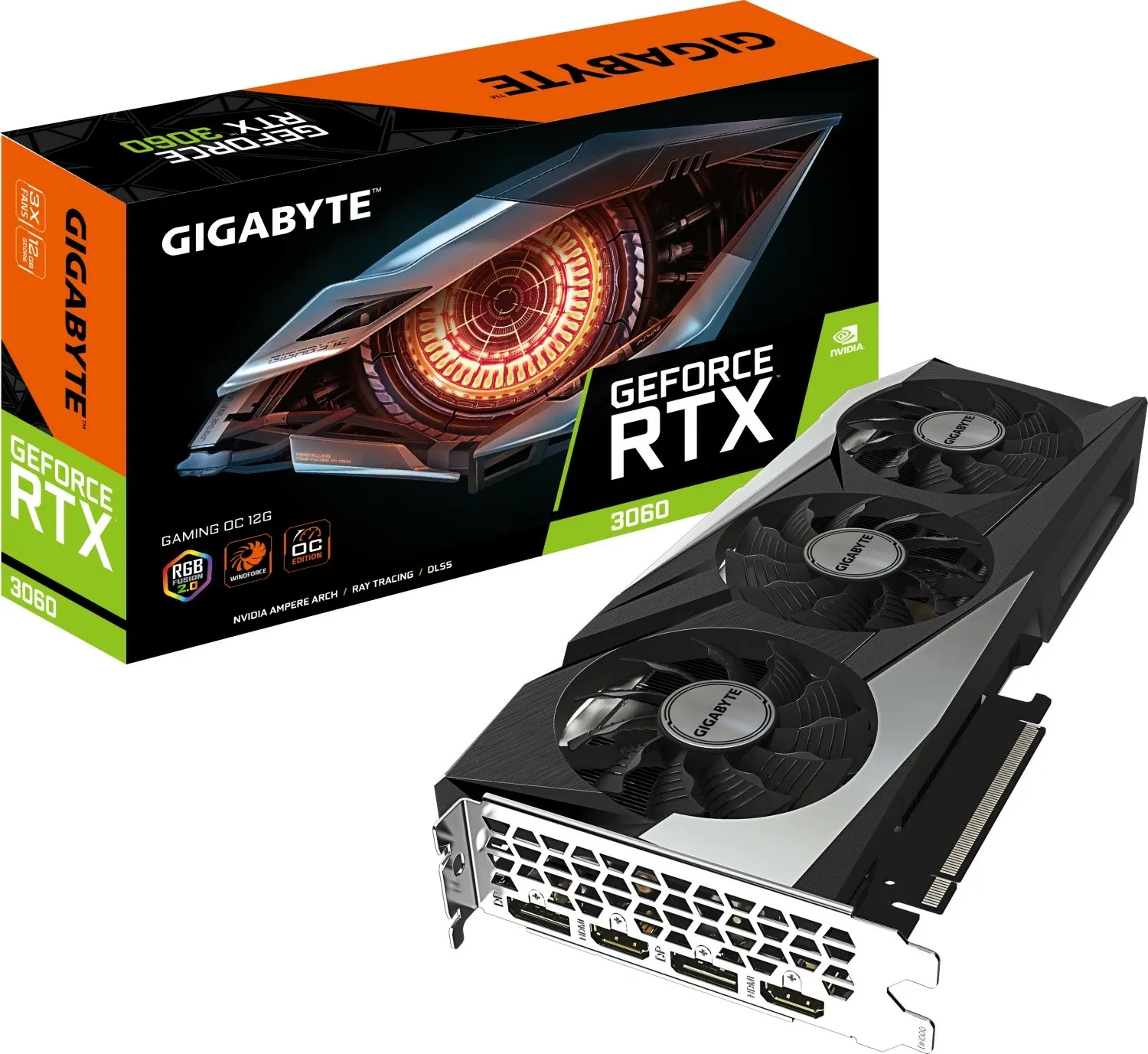
GIGABYTE RTX 3060 Gaming OC 12G 2.0 12GB GDDR6 videokártya (GV-N3060GAMING OC-12GD 2.0) | PCX.hu
GIGABYTE RTX 3060 Gaming OC 12G 2.0 12GB GDDR6 videokártya (GV-N3060GAMING OC-12GD 2.0) most csak: 132.690 Ft. Kedvező szállítás, személyes átvétel, háztól-házig garancia, cseregarancia.
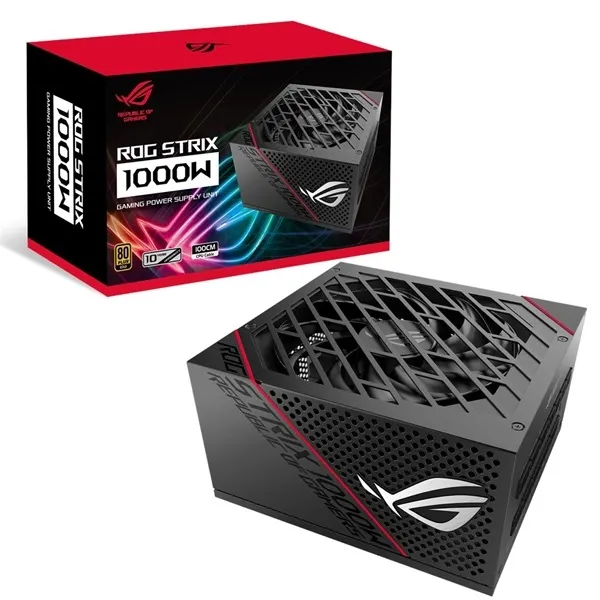
ASUS ROG Strix 1000W tápegység (90YE00A5-B0NA00) | PCX.hu
ASUS ROG Strix 1000W tápegység (90YE00A5-B0NA00) most csak: 78.690 Ft. Kedvező szállítás, személyes átvétel, háztól-házig garancia, cseregarancia.

Kingston 1TB M.2 NVMe 2280 Fury Renegade (SFYRS/1000G) SSD | PCX.hu
Kingston 1TB M.2 NVMe 2280 Fury Renegade (SFYRS/1000G) SSD most csak: 28.190 Ft. Kedvező szállítás, személyes átvétel, háztól-házig garancia, cseregarancia.


. . .
so, thats my setup. what do you think ?
 weary tide
the cpu is going to "bottleneck" the gpu
you should spend more on the gpu and the cpu
get somrthing like an rtx 4070 and a ryzen 5 7600
if you want it to last as long as possible
then get an rx 7800xt/7900xt(x)
because of their vram
 tardy forge
I would advise against the Seagate 20TB drive.
- its way too large. Get 4-6TB either IronWolf or WD red drive and 2TB NVMe drive. You will be happier that way
- I have 16TB model of these Exos's and it is really loud and quite often causes 2 secons lag when browsing files
tbh the entire build feels like something one person with very specific needs would get. What do you plan on using it for? just gaming?
 nova plover
tardy forge
tbh the entire build feels like something one person with very specific needs wo...
nova plover
tardy forge
tbh the entire build feels like something one person with very specific needs wo...
fr
R9 7900 rtx 3060?
bros scared so bad about bottleneck
tardy forge
nova plover
bros scared so bad about bottleneck
that he introduced reverse bottleneck
nova plover
And use this @sick comet https://pcpartpicker.com/
cobalt sun
sick comet
so, i try to build a current gen gaming PC dedicated for streaming.
its well abo...
how did he calculate? bro skipped math classes
nova plover
weary tide
then get an rx 7800xt/7900xt(x)
hes right tho, im getting a 7900 xt
and a 7600
for my pc to last 6+ years
PC Builds
We bring you a unique calculator for bottleneck and chokepoint problems in your computer. We will help you to choose most appropriate processor and graphic card for your PC. Our calculator offers you best solutions for reducing or removing bottleneck problems.
@sick comet Maybe if u tell us ur budget we could give u an better option
weary tide
bottleneck calculators suck
dont use them
my 5600 doesnt even bottleneck my 3090
just get a midrange/high end cpu and do some research about whether or not it will be a bottleneck
in the games you play and appd you use
 undone dew
the cpu is too powerful for the gpu. u should get a 7500f and a 7800 XT instead
nova plover
fr
sick comet
weary tide
because of their vram
are RX 7600 8 GB version has Vram in it ?
since currently thats the only gpu that is close to the rtx 3060 performance,
and it fits to my currently budget.
also, i watched this video, and what i seen is the RX 7600 8GB GPU has better stability in FPS but the RTX 3060 12GB has better visual lighting effect...
https://www.youtube.com/watch?v=JsvSRSmoi4M&t=515s

GeForce RTX 3060 12GB vs RADEON RX 7600 8GB l 1080p l
Prime Tech Mart: 20% Coupon Code for software: TG20
Windows 10 Pro retail key: https://bit.ly/33renoM
Windows 11 Pro retail key: https://bit.ly/3nLcltK
Office 2019 Pro Plus Key: https://bit.ly/33sJJv7
Office 2021 Pro Plus Key: https://bit.ly/32qdzmM
Other Software Products: https://bit.ly...
sick comet
tardy forge
I would advise against the Seagate 20TB drive.
1) its way too large. Get 4-6TB ...
😄 i need that large HDD, since i want to install all my whole steam libary at once, so i don't have to wait to play a game...
my steam libary has a little more than 600 games.
excluding visual novels, or test servers, and we down to 550 game...
tardy forge
sick comet
😄 i need that large HDD, since i want to install all my whole steam libary at o...
you dont want to play most games from that HDD anyway. thats why I recommend a larger SSD. as I said the lags it is having are ok for file storage but I don't game from it.
sick comet
tardy forge
tbh the entire build feels like something one person with very specific needs wo...
i plan to use it for twitch streaming modern games, and emulating hundreds of older games...
sick comet
tardy forge
you dont want to play most games from that HDD anyway. thats why I recommend a l...
i have a 2 TB hdd currently, and i don't sense any lagg with that...
or thoose extra discs inside matter that mutch ?
tardy forge
sick comet
i have a 2 TB hdd currently, and i don't sense any lagg with that...
or thoose e...
I don't know what the cause is. My 4TB WD RED NAS drive was totally fine for 8 years. but the 16TB Exos is having these freeze ups
They are not bad enough for me to go and investigate as the drive is used for storage. If I want to play a game that I stored on the HDD previously I first move it onto a SSD.
sick comet
hm... well, i will check that lag issue, when its arrived.
if its not perform as well as i was expected, i switch it for 2 pieces of 10 TB hdds instead...
sick comet
800.000 HUF.
convert that from your vault.
tardy forge
it does have a great storage to price ratio. Just dont launch a game from it and move it onto a ssd previously.
nova plover
sick comet
800.000 HUF.
convert that from your vault.
Whats huf
tardy forge
hungarian florint
sick comet
hungarian forint.
weary tide
sick comet
are RX 7600 8 GB version has Vram in it ?
8 GB is the vram
sick comet
since i'm from hungarian...
weary tide
its in the name
like the 12GB in the rtx 3060
The rtx 3060 12 GB is better than the rx 7600 i reckon
weary tide
But i would still recommend spending more money on the GPU and less money on the CPU
nova plover
isnt that 2200 dollars?
nova plover
weary tide
But i would still recommend spending more money on the GPU and less money on the...
yes
If its for gaming and streaming absolutely
sick comet
nova plover
isnt that 2200 dollars?
its around 2290$.
acoording to google at least...
tardy forge
also another thing with having drives this size is mine takes a day(20h) to defragment
nova plover
sick comet
its around 2290$.
yeah
so
why u getting an 3060
For it to last 8-10 yr?
sick comet
weary tide
But i would still recommend spending more money on the GPU and less money on the...
well, the next gpu that i would like is an RTX 3080, but currently, it is out of budget...
however, i plan to upgrade it in the next 3 years...
nova plover
do u know the 40 series are out or do u live under a rock bc idk why u aiming that low with an 2290$ budget
Are u purchasing local?
sick comet
nova plover
why u getting an 3060
since it can run all games that i like to play, and plan to buy.
only the new ark survival game has that sky high pc requirements...
nova plover
sick comet
well, the next gpu that i would like is an RTX 3080, but currently, it is out of...
there are many cards that outperform it for cheaper as far as i know
like the rx 7800 xt
For 500$
nova plover
sick comet
since it can run all games that i like to play, and plan to buy.
only the new ar...
Yes it does
but u still can get better
for 2290$?
nova plover
nova plover
Are u purchasing local?
?
sick comet
nova plover
Are u purchasing local?
yes.
in this way, i don't has to py for shipping.
thats why i using that local website
sick comet
nova plover
like the rx 7800 xt
i don't know. its 2x price in my region...
nova plover
sick comet
i don't know. its 2x price in my region...
yeah sounds pretty good to pay over 100 dollars more than pay 30 for shipping
tardy forge
https://hu.pcpartpicker.com/list/2NjfFs if you absolutely must have the storage I would go for something like this
Part List - AMD Ryzen 7 7800X3D, GeForce RTX 4070, Zalman i3 NEO ATX Mid Tower
the mobo has plenty of SATA connectors
nova plover
fuck
nova plover
tardy forge
https://hu.pcpartpicker.com/list/2NjfFs if you absolutely must have the storage...
i was modying it and didnt saved
@sick comet Atleast buy the gpu online
so u can get an better one
if u want it to still being a beast for 8+ years
Get an 7900 xt or 7900 XTX
tardy forge
rdna for old stuff? thats a pass from me.
nova plover
tardy forge
rdna for old stuff? thats a pass from me.
wdym?
tardy forge
had issues with old games and apps on 5700xt. I did manage so solve them all but nvidia backwards compatibility is better.
tardy forge
driverwise yes
nova plover
ok then go for the 4070 non ti
tardy forge
4070 is probs the only worth 40 series card imo
nova plover
yea
nova plover
tardy forge
had issues with old games and apps on 5700xt. I did manage so solve them all but...
rlly that doesnt matter
old cards
newer ones are better
Drivers keep getting better as far as i know
im getting a 7900 xt for a 6+ year build
cus of its 20 gb ram
better bandwith
tardy forge
they dont work much on backwards compatibility tho. dx11 and older.
dx12 perf is awesome
sick comet
and can a radeon card lighting effect looks so intense as a nvdia can ?
sick comet
sick comet
also, i watched this video, and what i seen is the RX 7600 8GB GPU has better st...
since thats the main reason why i picked an nvdia card, over a rx one...
tardy forge
dont worry about raytracing. radeons having 15-20% more raster performance for same price is still very noticeable.
you will enjoy either nvidia and radeon.
sick comet
allright...
nova plover
ye
but u can get more with radeon than nvidia
the only reason to go nvidia nowdays its ray tracing
sick comet
. . . btw, you said that the large hdd that i'm buying rn, will be slow.
but how slow are your 16 TB hdd is ?
weary tide
only buy SSDs for gaming
tardy forge
up to 250 MBps. usually around 100 tho. sequential
Exos x18 16TB

here is samsung 980 pro SSD.
 sick comet
weary tide
only buy SSDs for gaming
sick comet
weary tide
only buy SSDs for gaming
i gaming from a 2 TB hdd for about 3 years now, and i don't have any problem with it what soever...
thats why i decided to buy a bigger hdd for this purpose in the first place...
tardy forge
i use the exos as a torrent stash which is about all i need from it. I have 2 SSDs with 2TB total capacity. if I want to run anything more than a movie I move it onto those ssds.
sick comet
tardy forge
i use the exos as a torrent stash which is about all i need from it. I have 2 SS...
do you has any hdd that is only 1 or 2 TB ?
i like to see if that has a faster reading speed compared to the 16 TB one that you currently use...
i mean, comparing an ssd to a hdd is something that i not consider "fair comparasion"
tardy forge
not on hand. will search online. also I have heard my writing head moving around a lot even during sequential read. I have 1% fragmentation but due to nature of my usage those speeds might be lowered.
sick comet
btw, whats the name of the app where you compared to the hdd / ssd speed ?
in that way i can test it to myself
tardy forge
crystal disk mark shizuku edition


Alza
Pevný disk Seagate BarraCuda s nadstandardní 8TB kapacitouAť už stavíte běžný kancelářský počítač, pracovní stanici, nebo nadupané herní dělo, můžete se při výběru pevného disku bezpečně spolehnout na řadu Seagate BarraCuda. V ní najdete skvělé univerzální modely, které jsou proslulé svou ryc
sick comet
tardy forge
Exos x18 16TB
so, i used the same settings, and it seems like the smaller hdd is truly faster...
 tardy forge
mine is fragmented due to me torrenting on it.
I spend the entire day to defragment it. Wan show from like a year ago did touch on the subject of who could need 20TB HDDs.
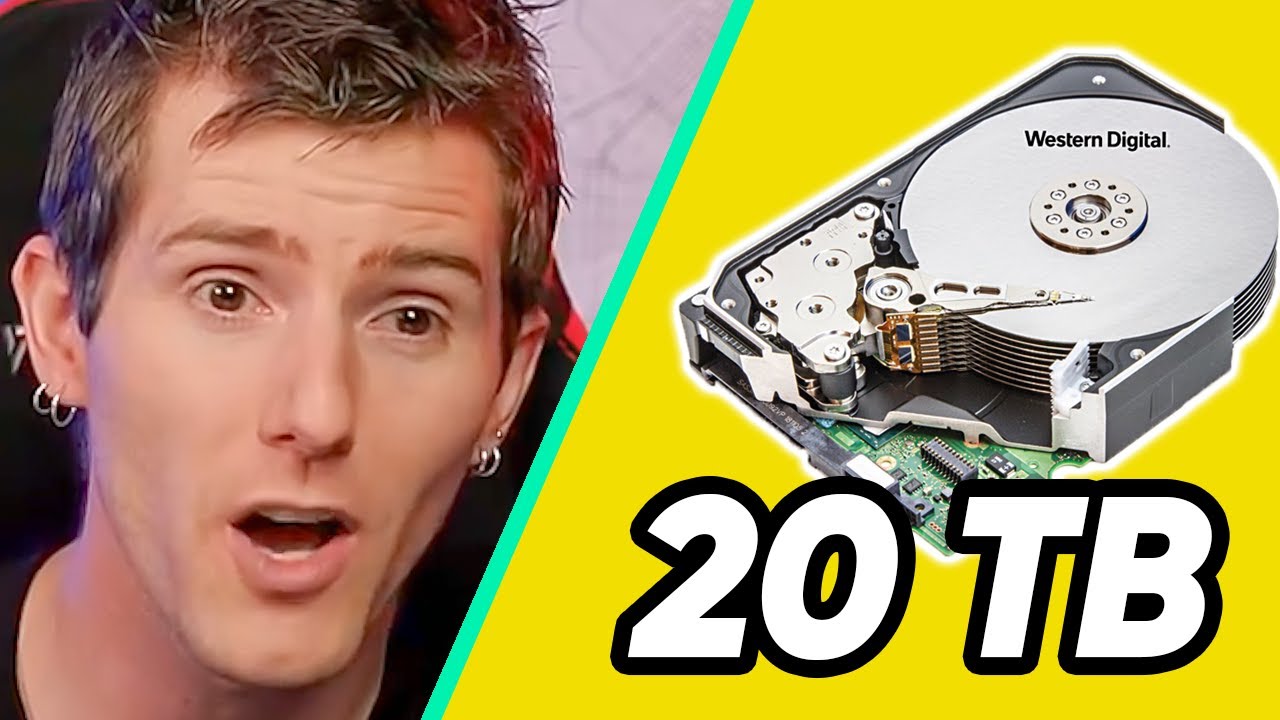
Watch the full video: https://youtu.be/OeRa1St6KtM
Check out our Merch Store: https://www.lttstore.com/
sick comet
tardy forge
https://www.youtube.com/watch?v=8IRjFZ9xEj8
1:30
it says "its no pentaly while you reading it"
so i don't know how gaming on it will effect that... isn't that just reading the games ?
tardy forge
new cyberpunk patch basically requires ssd. When I played BDO I got performance boost from running the game off SSD. When many assets are to be loaded the drive head has to wiggle around because those assets are located elsewhere on the drive. wiggling read head=lost speed. SSDs are elctronical and dont have moving parts. this is why random read/write speeds are so different.
sick comet
tardy forge
new cyberpunk patch basically requires ssd. When I played BDO I got performance ...
alright, but i have 3 questions then:
-
1: one of my friend said that gaming off an ssd might damage the hardware overtime mutch more than it would do to a hard drive... this friend is currently AFK, so i can't prove this information yet.
-
2: you mentioned assets loading, and rendering, but isn't those things are the gpu / cpu - s work ?
-
3: you mentioned performance loss, but how much fps that means ? since if its around 4-5 fps, its not a big deal for me...
tardy forge
- moving head will wear hdd down more than ssd. ssds can wear out over time, that is true, but I have had my current ssd for half a year and if I am to extrapolate manufacturer's TBW rating to my usage(frequently moving games on and off it) it will last me about 30 years.
ssd has a limit on how much you can write there. hdds don'tasterisk
*:physical failure can occur at basically any time.
- game does run from RAM and VRAM but games are way larger than usual person's RAM capacity so SSD/HDD is still used.
- performance is game and location dependant. in BDO it was about 200% increase.
sick comet
wow. thats a lot...
tardy forge
not to mention load times
just run your games off the ssd. hdds are for long term storage.
and dont worry about wear. 10 years ago ssds were 250GB in capacity and used SATA controller instead of going trough PCIe lanes. technology evolves.
sick comet
😄 thats true.
and if you don't mind, i ask some more technical questions just to self evolve...
so, what is the difference between RAM and VRAM ?
my original plan was to use DDR4 rams, but after discovering that the newer DDR5 rams are better in some way, i came up with this build to just nearly fit to my budget...
but i don't know about anything about VRAM...
how is that different from regular rams ?
tardy forge
one is used by CPU(game code) the other by GPU(textures) basically.
sick comet
ohh...
tardy forge
DDR4 to DDR5 difference is how much bandwidth they have. just get DDR5. DDR4 is end of life.
sick comet
tardy forge
DDR4 to DDR5 difference is how much bandwidth they have. just get DDR5. DDR4 is ...
yeah. that's why i modified the original plan...
btw, what ram type used by what ?
regular ram is for cpu,
and vram is for gpu ?
tardy forge
vram comes preinstalled on gpu. its in the name of the product. ram just get 32GB. look at the pcpartpicker list I sent before.
 waxen bloom
32tb of hdd space 
Damn
If it’s sensitive data you might wanna look into more drives at a lower capacity for using them in raid or something
tardy forge
yes. big harddrives around 20GB+ are a pain. Even running RAID is not very good because rebuilding takes over 24hours.
For my usecase my backup is in the rest of the swarm.
waxen bloom
tardy forge
yes. big harddrives around 20GB+ are a pain. Even running RAID is not very good ...
that5s why i suggested smaller compacity drives but several of them like maybe a few 4 tb drives instead for raid data backup
sick comet
waxen bloom
32tb of hdd space <:whoa:717980111965650985>
its only 20 TB. and i don't need more than that.
- since i want my whole steam libary downloaded at once, its around 10 -12 TB.
- movies, and anime series around 3 TB
- and the rest of the storage go for self developed indie games, and non steam game launchers, like GOG.
first, i thinked about having 2 piece of 10 TB hdd instead of a single 20 TB one, but since i don't know currently, how mutch tb my stea libary needs exactly, i feared about that 10 tb won't be enough for it...
so thats why i decided to has one massive hdd instead of multiple smaller one...
but if you are right, and i will have problems with it, i probably will sell it, and switch to multiple smaller ones.
anyway, are 10 TB hdds more trust worthy than a 20 tb one ?
waxen bloom
sick comet
its only 20 TB. and i don't need more than that.
- since i want my whole steam l...
Unless you’re playing older games. Gaming on a hard drive will not be an enjoyable experience. And some games literally won’t run on a hard drive
waxen bloom
sick comet
anyway, are 10 TB hdds more trust worthy than a 20 tb one ?
And it’s not really that per say. But with multiple drives you can use raid and have data redundancy for if a drive fails you won’t lose all your data
tardy forge
No need to have redundancy for steam library. Backing up what can't be redownloaded to a smaller 4-8 TB drive in an external enclosure is imo the better option.
waxen bloom
tardy forge
No need to have redundancy for steam library. Backing up what can't be redownloa...
He said he'd be developing indie games
tardy forge
Any development=ssd. No question about that.
waxen bloom
tardy forge
Any development=ssd. No question about that.
I mean he seems hard set on harddrives so idk
sick comet
waxen bloom
Unless you’re playing older games. Gaming on a hard drive will not be an enjoyab...
i mainly play games that released around 2020, or 2023 indie games...
rarely playing emulated games from older systems like PS2 / 3DS...
waxen bloom
Yea that’s what I was alluding to
sick comet
tardy forge
Any development=ssd. No question about that.
to be clear, i don't develop massive games in unity or unreal.
i only use game engines like: RPG Maker or Visual novel maker. (due the fact that i can't code)... what i done so far, they don't consume a lot of power, but since i like to use a lot of different assets for the game, it can quickly reach huge sizes...
but i quess i will research, how mutch an 5 TB hdd cost...
maybe i can stack 3-4 of them.
tardy forge
consider setting up this
 sick comet
. . . how can i know, if my hdd is usning PMR or SMR reading technology ?
 torn spade
sick comet
. . . how can i know, if my hdd is usning PMR or SMR reading technology ?
torn spade
sick comet
. . . how can i know, if my hdd is usning PMR or SMR reading technology ?
Go to the manufacturers website
sick comet
ok, so my pc is finaly arrived with all the good stuff in it, but when i turned it on, the fans are instantly going like crazy.
the fan speed is high even if i'm idle in the desktop with no background process...
someone know, how can i fix this issue ? the fans are really loud at this speed...
(my pc has windows 11 OS)
waxen bloom
sick comet
ok, so my pc is finaly arrived with all the good stuff in it, but when i turned ...
Do you have them hooked into a sata fan hub
tardy forge
how many pins do the fans have?
 waxen bloom
Depends on what kinda fan it is
PWM/dc controled or DC voltage controlled fans (typically pretty cheap)
The picture will pretty much tell you which fan you have. But the listing of the fan will for sure tell you which is which
sick comet
ohh... ok.
so it turns out, my case fans can't be controlled by software...
waxen bloom
Awesome so are they 4 pin?
tardy forge
my case fans dont even have any dynamic curve. just have it blow some air at a loudness you are comfortable with(configure in bios). most of the heavy lifting will be done by GPU and CPU fans. case fans just blow the excess hot air away.
waxen bloom

 sick comet
. . . so, problem solved.
the issue caused by the gpu is not connected to the pc. the cable is too loose, when they built it...
now, its all quiet.
sick comet
so uh, yesterday i encountered some unusual bugs...
- first is when i tryed to update one of my game that had a dlc with a different launch icon, the download section said, its allready downloaded, but in my libary it said that its currently downloading...
i only could fix that when reinstalling the base game, and then downloading the dlc.
- second bug is when i tryed to copy large folders for my old drive to my new one, the download freezed at 16%, and i can't even close the transfer.
so i decided to restart my pc, but the restarting process is taked too much time too (even tho my windows is in my SSD), so i needed to manually restart, and that fixed the issue...
so, my question is, is theese bugs can occure becous of the 20 TB hdd ? or is it something else ?
tardy forge
i might have made the 20TB HDDs sound a little too scary. They aren't scary, just inconvenient, slow and if program is running off of it it significantly degrades performance for that particular program. But HDDs of all sizes are functional and (if formatted properly) aren't a cause of SW issues
check what the game path is, check how the drive is formatted.
recently I thought I had an issue with sectors. turns out I just had two programs modyfying the same folder and throwing errors because the contents kept changing.
sick comet
ohh... alright.
i sliced the hdd for 2 sections, a 10 TB section for games, and 8 TB section for any other stuff...
with this setup, the file transfers are works properly. however i don't tested the steam issue yet...
anyway, currently everything seems to be fine.
only thing that bothers me is no matter the pc upgrade, the win11 boot up just as slow as my win10 in my previous computer...
so, are you know a OS that supports most of the PC games, and faster than win11 ?
i thinked about putting steam OS in my PC, but first i want to try reinstalling windows, and minimzing the useless system files, maybe that would make the bootup a bit faster...
tardy forge
hate to say it but boot times of over 20 seconds are normal. sub 16 is really fast. Issue comes from DDR5 size... You can try to reduce it by enabling 6000MHz XMP profile in BIOS.
keep windows. everything else is a gimmick that doesn't have wide software support. Games are made to run on windows.
 waxen bloom
I beg to differ. My 7700 with 6000Mhz memory is 7-8 seconds on the latest asrock bios version