#My PC restarts while gaming!
20 messages · Page 1 of 1 (latest)
 robust rune
 latent shale
robust rune
how are the gpu temps when you are gaming?
cause 60° idle seems high, which is o...
latent shale
robust rune
how are the gpu temps when you are gaming?
cause 60° idle seems high, which is o...
Its Msi Gaming X verison card. It stays on 60c and gpu fans runs when it needed. I also try different gpu to rule out GPU overheating issue. My gpu is not casuing any issue here.
Here is HWinfo video for volts and temps.
I'm planning to buy a new motherboard but I don't know if it will fix my issue or not I already wasted my money on new aio and rams.
I just want to know if it is hardware issue my pc should restart even I disable System Failure Restart.
To add more I already done few stress test on CPU, GPU and power and it run long enough without restart.
 devout thistle
So it never crashes when not gaming ?
latent shale
devout thistle
So it never crashes when not gaming ?
yes.
 dense hill
Have you checked the event viewer?
latent shale
dense hill
Have you checked the event viewer?
yes, its always Kernel-Power 41 (63)
here is log -
Log Name: System
Source: Microsoft-Windows-Kernel-Power
Date: 25-10-2023 14:15:08
Event ID: 41
Task Category: (63)
Level: Critical
Keywords: (70368744177664),(2)
User: SYSTEM
Computer: Hakshuuu
Description:
The system has rebooted without cleanly shutting down first. This error could be caused if the system stopped responding, crashed, or lost power unexpectedly.
Event Xml:
<Event xmlns="http://schemas.microsoft.com/win/2004/08/events/event">
<System>
<Provider Name="Microsoft-Windows-Kernel-Power" Guid="{331c3b3a-2005-44c2-ac5e-77220c37d6b4}" />
<EventID>41</EventID>
<Version>9</Version>
<Level>1</Level>
<Task>63</Task>
<Opcode>0</Opcode>
<Keywords>0x8000400000000002</Keywords>
<TimeCreated SystemTime="2023-10-25T08:45:08.9628807Z" />
<EventRecordID>7359</EventRecordID>
<Correlation />
<Execution ProcessID="4" ThreadID="8" />
<Channel>System</Channel>
<Computer>Hakshuuu</Computer>
<Security UserID="S-1-5-18" />
</System>
<EventData>
_ _
<Data Name="BugcheckCode">0</Data>
<Data Name="BugcheckParameter1">0x0</Data>
<Data Name="BugcheckParameter2">0x0</Data>
<Data Name="BugcheckParameter3">0x0</Data>
<Data Name="BugcheckParameter4">0x0</Data>
<Data Name="SleepInProgress">0</Data>
<Data Name="PowerButtonTimestamp">0</Data>
<Data Name="BootAppStatus">0</Data>
<Data Name="Checkpoint">0</Data>
<Data Name="ConnectedStandbyInProgress">false</Data>
<Data Name="SystemSleepTransitionsToOn">0</Data>
<Data Name="CsEntryScenarioInstanceId">0</Data>
<Data Name="BugcheckInfoFromEFI">false</Data>
<Data Name="CheckpointStatus">0</Data>
<Data Name="CsEntryScenarioInstanceIdV2">0</Data>
<Data Name="LongPowerButtonPressDetected">false</Data>
<Data Name="LidReliability">false</Data>
<Data Name="InputSuppressionState">0</Data>
<Data Name="PowerButtonSuppressionState">0</Data>
<Data Name="LidState">3</Data>
</EventData>
</Event>
latent shale
devout thistle
Just means your pc turned off unexpectedly
Yes.
latent shale
devout thistle
I’d look at stuff around that
Thanks brother.
devout thistle
latent shale
Yes.
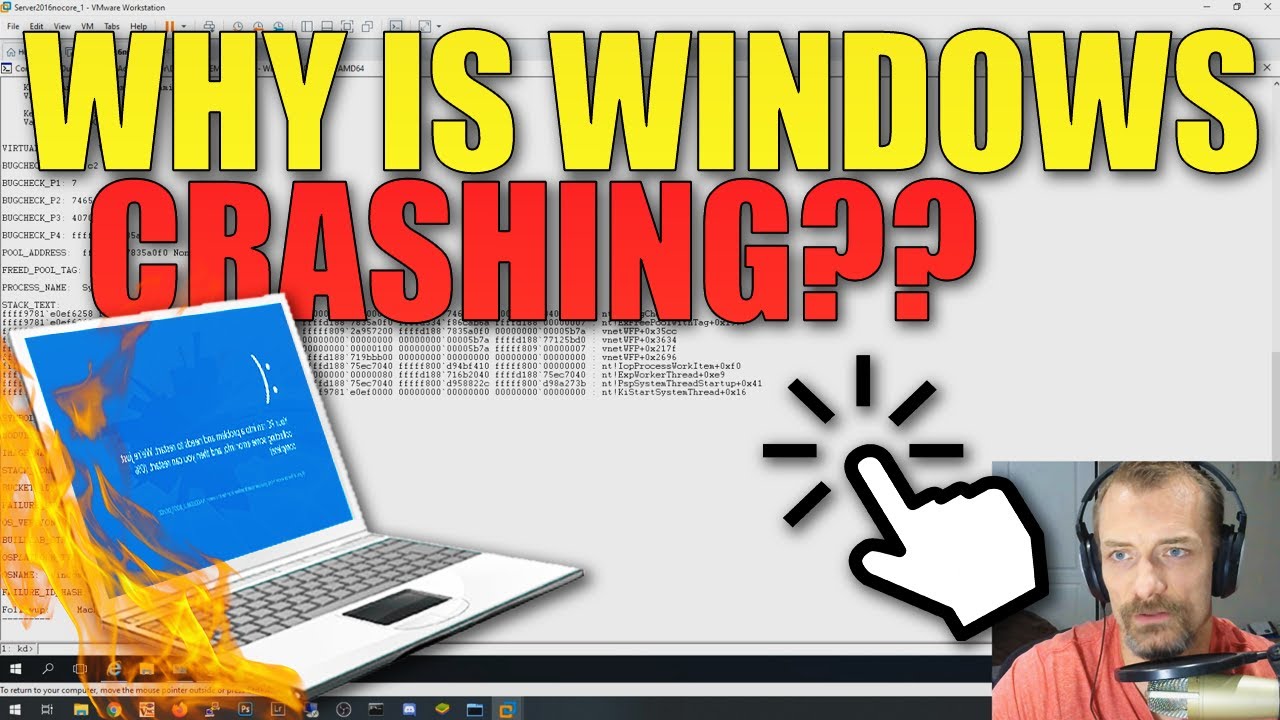
Watch this guide to learn how to check the crash dump created by Windows when your computer crashes with a blue screen of death, aka, kernel panic. This type of crash is typically caused by drivers or faulty hardware. The Windows SDK has a tool that allows easy analysis of the MEMORY.DMP file.
#windows #windowscrash #crashdump
I’d check this out
latent shale
devout thistle
https://youtu.be/_r-qSamHe8c?si=NL5AcQqHefotYWaD
I will surely look into this. thanks!
latent shale
devout thistle
https://youtu.be/_r-qSamHe8c?si=NL5AcQqHefotYWaD
This video is for Blue Screen not for sudden restarts. My pc can't create memory dumps 😦
devout thistle
oh no bsod rip