#Windows Activation Code
1 messages · Page 1 of 1 (latest)
 brazen steeple
 mellow folio
Yes there is a piece of software that can do it, i just don't remember the name of it
But google can help you
wait wait
i think you can visiable see it in windows
its in the settings option maybe?

Right here
 shut carbon
Not sure if this works, but you might (don't count on it though) be able to see it via the "About This PC option". To find it, go to "This PC", then find the properties thing.
Oh, didn't see you just posted.
brazen steeple
alright thanks
brazen steeple
shut carbon
Not sure if this works, but you might (don't count on it though) be able to see ...
hmmm the produce ID contains things that cant be in a windows key
like 0 and letters
 tall hinge
@brazen steeple is there a troubleshoot option?
in windows activation
just click on "I recently changed the PC hardware" or similar and click on your old laptop
 dark oxide
Just sign into your Microsoft account on the new PC. You can take the activation key from there.
Note though you can only use that key if it's been upgraded to a new version of Windows. If it came with that windows version when you bought it, it will not work
tall hinge
dark oxide
Just sign into your Microsoft account on the new PC. You can take the activation...
itll work without ms account aswell
 neon aspen
Belarc advisor (free download) does a pretty good job of scraping keys and serial numbers from old installs provided you can still boot into the old OS.
 hoary slate
I don't know but if you've got a Microsoft account I think the Microsoft account and the product number is linked to your Microsoft account so I don't know if you can deactivate Windows go on to the new windows and activate it gain all ours so you can go down the third party root and get a bit black if you know what I mean
MUO
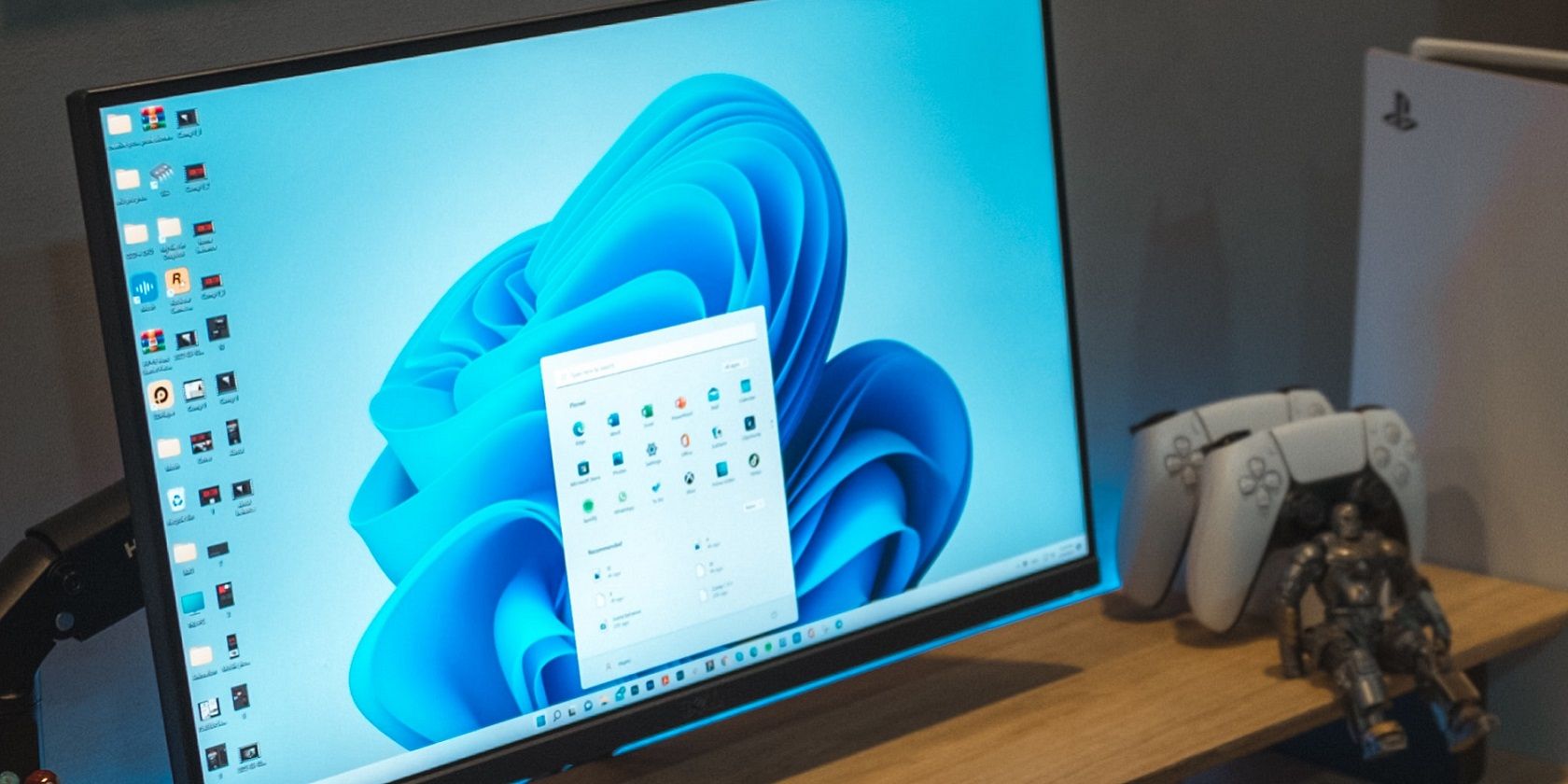
Are you replacing an old PC with a new one? Don't buy a license just yet; here's how to check if you can transfer Windows 11, and how to do so.