Around 3-4 days ago a fan in my pc would very loudly spin I cleaned my pc out thinking it was dust so I booted it up and it was still loud so I just carried on but today I turned it on but it wasn't loud I thought it fixed itself let alone 10 mins into booting a game my pc just loses signal to my monitor and then I figured it was a gpu issue and it was the fan just stopped spinning and i would have to push start the fan and then it would sound like abrasive plastic on plastic the gpu is a 3060 nvidia Geforce rtx
#gpu hitting 100°
1 messages · Page 1 of 1 (latest)
 topaz bronze
 lunar knot
topaz bronze
Around 3-4 days ago a fan in my pc would very loudly spin I cleaned my pc out th...
lunar knot
topaz bronze
Around 3-4 days ago a fan in my pc would very loudly spin I cleaned my pc out th...
Yeah in this situation you have three ways you can fix this. Either way you're going to have to take off the shroud and ziptie some casefans onto your graphics card to keep it cooled.
The ziptie method is the cheapest and easiest repair you can do here.
The more tedious but still pretty cheap solution is to go on ebay/aliexpress and buy factory replacement fans for your GPU which you would then install to replace the old ones.
The more expensive solution is to just buy an aftermarket cooler for your GPU, but an aftermarket solution will make a huge difference in thermals.
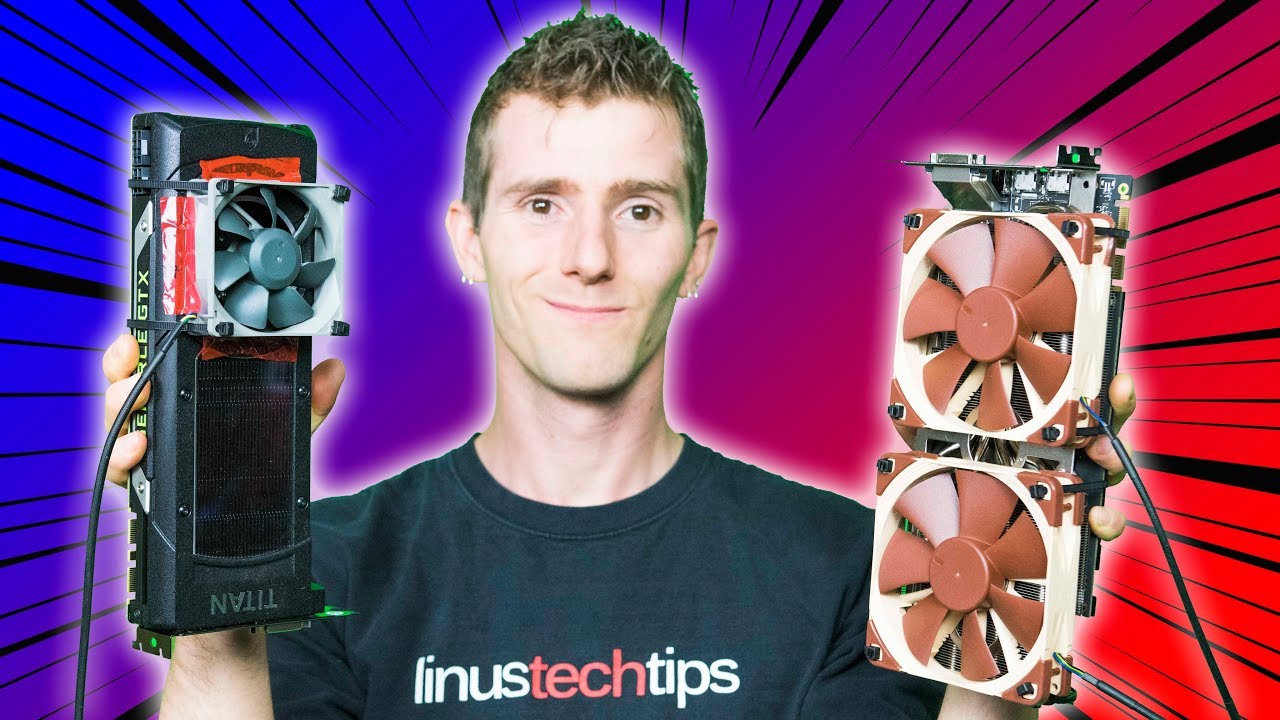
Fixing a broken video card fan - the super Canadian way!!
iFixit sponsor link: Get IFixit's Pro Tech Toolkit now for only $59.95 USD at http://ifixit.com/linus
Intel sponsor link: Check out HP's Omen X featuring Intel's 7th Generation Core i7 7700K processor on Newegg: http://geni.us/8j8j
Buy video cards on Amazon: http://geni.us/NFKIZHr
Dis...
topaz bronze
Thanks for that ima just replace the dead fan
lunar knot
Yeah that's the solution I went with too in my old GPU, just make sure you do the ziptie method as a temporary fix until your new fan(s) arrive