#DRAM red light (no display)
1 messages · Page 1 of 1 (latest)
 hard geyser
 worn maple
I’m guessing so, I re-placed them and that didn’t fix it
hard geyser
And apparently the RGB is working..?
Strange
Ok
Well...
Do you have any other sticks of RAM?
worn maple
I don’t, just those 2 DDR5 sticks.
I just tried running the system with one stick each time on the 2nd slot and got the red dram light both times with no display
hard geyser
Do you have any other slots open?
Any other RAM slots or just 2?
@worn maple I just found this online: A red light next to the DRAM indicator means that the RAM stick wasn’t put in correctly. You can tell if it’s not seated properly if the side clamps are loose.
worn maple
No there’s 4 ram slots but the motherboard manual said if I’m just using two ram sticks to place them in slot 2 and 4
worn maple
hard geyser
<@105230077586849792> I just found this online: A red light next to the DRAM ind...
They were both seated fine I made sure of it visually and I heard the nice clicks on both
hard geyser
worn maple
They were both seated fine I made sure of it visually and I heard the nice click...
Did you hear 4 clicks total?
worn maple
hard geyser
Did you hear 4 clicks total?
2 clicks per stick yup
worn maple
hard geyser
Is your RAM compatible with your motherboard?
Yup the motherboard only takes DDR5 and these are in fact DDR5 sticks
hard geyser
Huh...
Oh
Ok
It looks like your RAM is too fast for the 12700K's maximum supported RAM speed
worn maple
If that were that case the motherboard wouldn’t be compatible with both the cpu AND the ram according to pcpartpicker
hard geyser
Well
I found this on Intel's official website: "Up to DDR5 4800 MT/s
Up to DDR4 3200 MT/s"
worn maple
These are two examples of the same CPU paired with the same RAM
https://pcpartpicker.com/b/TdvfrH
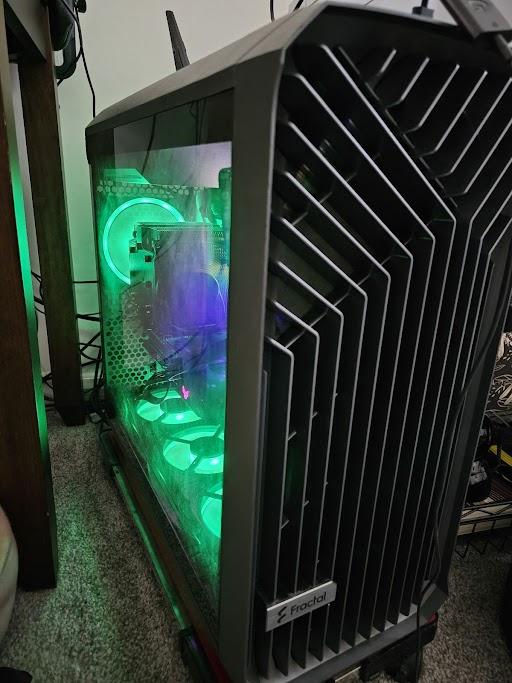
iCore SEV7N 127K 3070 Ti Fractal by A_Morpheus_Interweb - Intel Core i7-12700K, GeForce RTX 3070 Ti, Fractal Design Torrent ATX Mid Tower

Kinda UwU White Gamer PC by M_Oswald - Intel Core i7-12700K, Lian Li LANCOOL 205M MicroATX Mid Tower
hard geyser
Huh…
 blazing rose
Worth mentioning that not all CPUs, RAM sticks, and Motherboards are created equal, even if they're the exact same SKU.
When it comes to fast RAM overclocks, it is not guaranteed that you'll have success, even with identical specs to someone who succeeded.