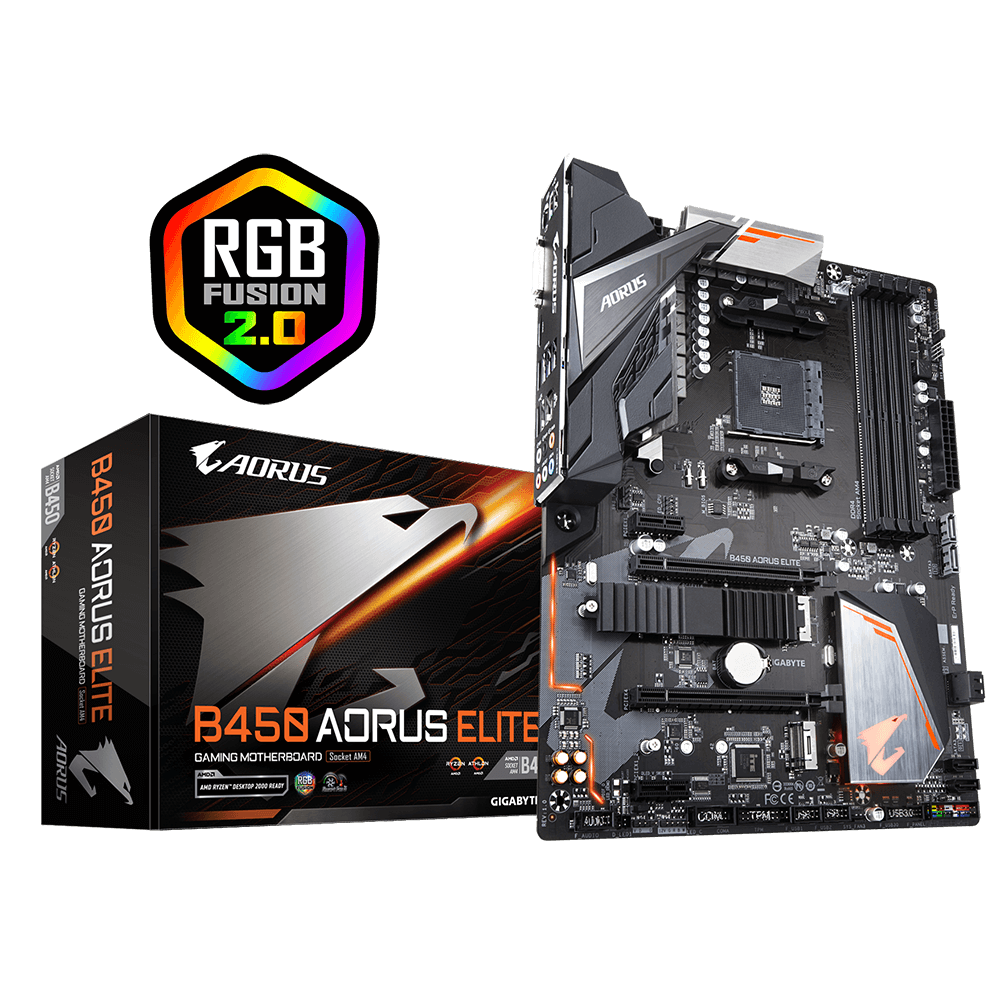
I was trying to upgrade my gigabyte b450 aorus elite motherboard from the F5 bios to the newest bios. According to the gigabyte website's vague order I was to download the F32 bios first, then download the EC FW updater tool and run it, then jump to the newest. After updating to F32 the bios splash screen gets frozen on startup only with my second of 2 m.2 ssds installed. It boots and runs fine without the second ssd. The ssd also works fine if I revert back to the F5 bios. (this is my first post btw so I hope I posted this right)
#Boot Issues with SSD installed after bios update
1 messages · Page 1 of 1 (latest)
 pastel shoal
 austere coyote
A default value may have changed in the BIOS that messed with the drive compatibility
What's the motivation for updating the BIOS?
austere coyote
Does the new CPU function with the old BIOS?
austere coyote
So, no?
pastel shoal
Nope
It supports maybe 2000 series
I’m going to 5000 series
GIGABYTE
Lasting Quality from GIGABYTE.GIGABYTE Ultra Durable™ motherboards bring together a unique blend of features and technologies that offer users the absolute ...
That’s the bios page if that’s helpful in the slightest
austere coyote
You do not need to run the EC FW tool mentioned, because you are not using 3rd gen ryzen with 4dimms
pastel shoal
Oh
I didn’t know if that applied to the newest version as well
I guess I can try just skipping to the newest…
austere coyote
Just update to F32 then the latest
pastel shoal
If the problem persists then I think I might cry, I’ll post in here when im done
austere coyote
Hol up
Before you do anything else
Take a deep breath, walk away from the computer, and go on a short walk
Come back in 15 mins
pastel shoal
After a long break (and lots of looking through Reddit) I think I’m gonna try updating the “amd chipset driver”, never heard of it before now, but worth a shot. Then I’m gonna use the ec fw tool because better safe than sorry. Then I’ll go to F40, then I’ll jump to the newest version. Hopefully the problem dissapears somewhere in there
pastel shoal
YES, it worked, no more frozen bios splashscreen. I dont know how to mark this resolved so if somebody else can do it or if i have too...
nvm i figured it out i think
 crimson turret
Hey - I’m having similar but not quite the same problems right now. B450 mb, every time I save and exit bios I get a disk error. 1 M2 SSD in the system, no hdd. Not sure what to do
pastel shoal
huh, thats a little different then what i got...
if you want to start your own ticket i might be able to help, but im obviously not the greatest tech support
crimson turret
pastel shoal
if you want to start your own ticket i might be able to help, but im obviously n...
Yep, sorry for intruding on yours lol