1 messages · Page 1 of 1 (latest)
 gritty hinge
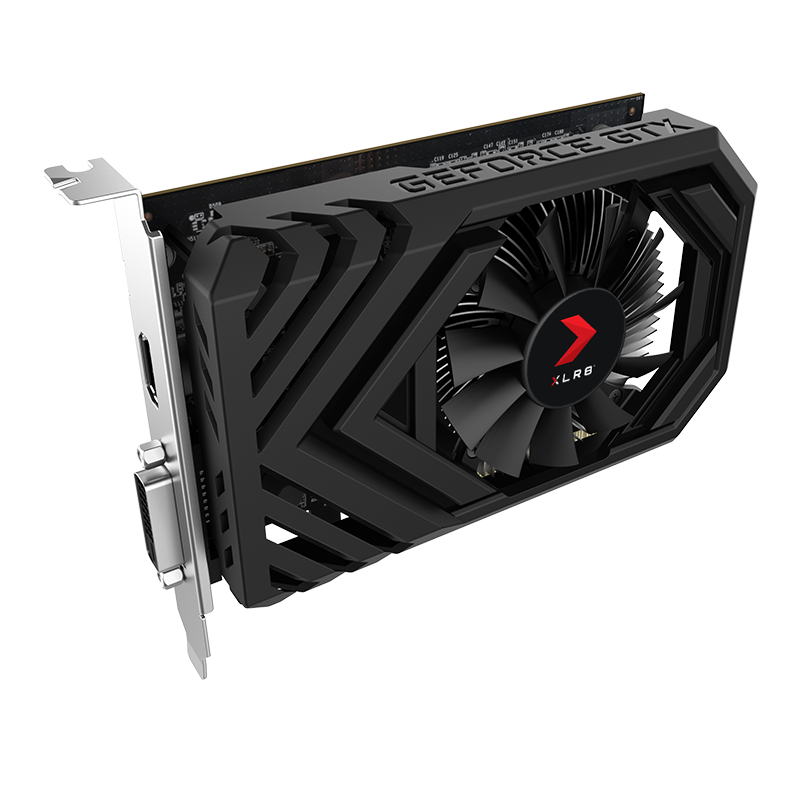
hello so uh it appears that my GTX 1650 is stuck at 300Mhz while it's supposed to be 1900Mhz?
this issue have been going with for a long time and my soliton was to disable the graphics card restart then reinstall the graphics driver restart again and it was fixed until I cut the power off for a while, after that it stopped working I tried flashing the graphics card bios but it didn't work
gritty hinge
gritty hinge
hello so uh it appears that my GTX 1650 is stuck at 300Mhz while it's supposed t...
Btw I didn't turn off my pc for a while because of that
 heavy edge
it doesn't go over 300mhz even with load?
and do you get the frames you expect or is performance also bad after it locked itself at 300mhz?
gritty hinge
heavy edge
and do you get the frames you expect or is performance also bad after it locked ...
Nope
This is now after some weird fixes

I haven't turned off my pc
if I turn it off that 2085 goes back to 300
even wallpaper engine lags so much
 heavy edge
yeah i don't have any idea how to fix this if you've already reinstalled the graphics drivers
maybe someone else can help
gritty hinge
I even tried flashing the bios of the graphics card
the only thing that I haven't tried
is to update the bios of my motherboard
even though I'm sure its the latest version
heavy edge
yeah maybe do that after you're out of other options but i would definitively wait for someone else to come with ideas before trying that
gritty hinge
Sure
 dusky gazelle
do you lag in game?
like, intel HD level
not just general lag since 1650 isn't exactly a strong card
gritty hinge
@dusky gazelle
Here's my current fps

its really average in that game at that place
I get 100 frames in other spots
but no the max clock speed is at 300Mhz
when I turn off the pc
it's stuck there no matter what you do
dusky gazelle
it's not a problem
heavy edge
and performance drops when it goes to the lower speed yeah?
gritty hinge
dusky gazelle
it's not a problem
It's a big problem
dusky gazelle
explain why it is
dusky gazelle
like this is my 3060....
 gritty hinge
That's max!!!!
dusky gazelle
this clearly says 2100mhz
 heavy edge
if performance is the same it doesn't matter.
gritty hinge
that's the problem with new cards
gritty hinge
dusky gazelle
this clearly says 2100mhz
I fixed it bro
dusky gazelle
then why is it still a problem
dusky gazelle
and does it lag
gritty hinge
it's really complicated to fix it
dusky gazelle
when it "happens"
gritty hinge
YES!
even wallpaper engine lags
the fps goes from 100 to 2
its like I don't have a graphics card at all when that happens
dusky gazelle
then it's probably a windows issue
dusky gazelle
if it is inherently on the card it wouldn't care if it shut down
try it on a different system
gritty hinge
the card?
dusky gazelle
yeah
gritty hinge
but even after reinstalling windowss
and ressiting the bios
and flashing the card!
it still happend
dusky gazelle
yeah try on a different system?
gritty hinge
bruuh fine
I'll try later
what do you think the issue is from?
I also tried reinstalling the graphics card
heavy edge
test on another system and we should be able to exclude everything but the software on the card
and ofc hardware faults
gritty hinge
yeah sure
but the weird thing
its that when I restart
or shut down
then turn it on it works perfectly
but!
if I shut it down
and go to sleep next morning
its busted up
and I need to spend like an hour
here's the process
disable the graphics card
uninstall the driver
enable the graphics card
restart
disable the graphics card
download the driver
enable the graphics card
install the driver
restart
and it works
And there's absolutely no way that'll be my daily routine
 trim tusk
Have you tried ddu yet? see if that fixes the issue
gritty hinge
trim tusk
Have you tried ddu yet? see if that fixes the issue
Yes I did
I tried every known solution
trim tusk
Have you tried to test it on a different system yet?
gritty hinge
that and the bios update or downgrade I haven't tried
I'll be trying that later on the day
just so you know my graphics card doesn't have a PCI cable
 trim tusk
ik
gritty hinge
Btw I also tried before ago to connect a second display
to the dvi port on it
and it didn't seem to work
any idea why?
i really need duel monitor
trim tusk
Have you tried a different adapter?
gritty hinge
obviously a I used a DVI adapter to vga
because my second monitor would be an old 75Hz Dell monitor
and it didn't work
trim tusk
I have no ideas, maybe some here soon can join in and help