#Supposedly high end pc performing very poorly, please, I need help...

1 messages · Page 1 of 1 (latest)

sand dagger
#

Hey beautiful people!

I am writing this as a desperation act and something I should have done much sooner. I can't understand my PC, something is very wrong with it, but it's a matter not working properly, because it works, just not up to how it should.
Long story short, a few years ago I bought a PC with the best specs available at that time on the market. Stuff like heroxi motherboard, i9900k CPU, 3090ti M2 for window and games, etc
But for some reason outside my capabilities, I never had more than 100 framerates in game, especially in PvP of any kind. In fact, in New Word (some bullshit MMO don't try if you love yourself) set to lowest setting, my framerates drop to 40.
I tried loads of "solutions" ranging from reinstalling each driver manually, then trying out with a premium driver tool, to wiping the entire pc several times. Nothing finds anything wrong with it. Nothing solves it. I am struggling with it for 2-3 years? It's time for me to ask for help.

Is there any service I can buy, someone with computer knowledge and experience that could test it in depth and help me at least pin point the issue, please... please.

PC / Monitor spec: https://uk.pcpartpicker.com/user/MiniMeepo/saved/4smDxr

sand dagger
#

Supposedly high end pc performing very poorly, please, I need help...

sudden wedge
#

Did you check the drivers? Old drivers can make the performance suffer

fervent glade
#

3090 Ti + 9900K as the best specs available at one point is a weird combination but anyway there are informations missing in the details:

  • What kind of storage are you using ?
  • What kind of screen are you using, most notably what resolution
  • What kind of workload are you using / what component of windows are actives (have Hyper-V / Virtualmachine / WSL2 active is taking a toll on my 9900k/3080 system).
  • If it is a pre-made system, Did you reinstall the OS from scratch to rid it of any junk ?
vale ore
#

9900k is just not a good cpu combo for a 3090ti

sand dagger
# vale ore 9900k is just not a good cpu combo for a 3090ti

I can change it, what should I get primarily for playing games that would compliment my build (please see PcPartPicker link below). Also, is there any way I can re-sell this CPU since it's not overclocked, installed only once but I don't have the packaging anymore?
@fervent glade (awesome name btw 👍) I am I am not using this PC for anything else other than games. No VM, no linux, nothing else.
Please find the exact specs of my (monitors included) PC here: https://uk.pcpartpicker.com/user/MiniMeepo/saved/4smDxr

#

Thank you both @vale ore @fervent glade for looking to help me. I am at the point where I want to sell it all and commit the ultimate blasphemy: buy a pre-made.

vale ore
#

Don't do that

#

What resolution are you playing on?

sand dagger
#

5120-1440

vale ore
#

What resolution is that?

sand dagger
#

I don't understand the question so here's a screenshot as consolation prize

vale ore
#

You are playing on 5k resolution

sand dagger
#

Is that even possible?

vale ore
#

Yes 5k resolution is a thing

#

Just not very common yet

sand dagger
#

So, you think all these issues I have might be caused by the resolution?

vale ore
#

Its possible but more than likely your cpu is holding you back

languid cairn
#

Got a 3080 with 9900K combo and get around 70-80 ish frames on 4K depending on the game. So yeah try setting the game to 1080P instead

vale ore
#

?

#

Thats not how it works jasper

fervent glade
#

why do you think that ?
it will be very ugly but monitor support other res than there native one..

vale ore
#

Setting the resolution to 1080p would become more cpu dependant and less gpu dependant

sand dagger
#

This is the score I got just now in 3dmark

#

It's pretty clear that the CPU is lagging behind massively

#

even for a non technical problem

#

Unless the scales of comparison in principle are wildly different

#

So it will be compatible with the rest of the components like the motherboard chipset

fervent glade
#

you cannot compare the cpu score to the gpu score

#

basically you would need at least a PICE 4.0 MB+CPU sot an 11-th gen intel or an amd zen3 arch or latter

#

since it's for gaming a ryzen 5800x3d could still be a good choice, or wait a bit for a similar "x3d" version of the new 7000 amds

#

in intel line-up, for gaming an i7-13700k probably

fervent glade
# sand dagger

carefull, time spy and time spy extreme are not the same benchmark, the scores are not comparable.
That being said my 9900k+3080 give a 15k score, with 9400 for the cpu and 17000 for the gpu so you are not that poorly running.

#

and when comparing your result, take in account that your 5120x1440 screen has almost as many pixels than a 4K display, you should probably want to replace the graphics card more than the cpu, the gain from the latter won't probably be worth it:

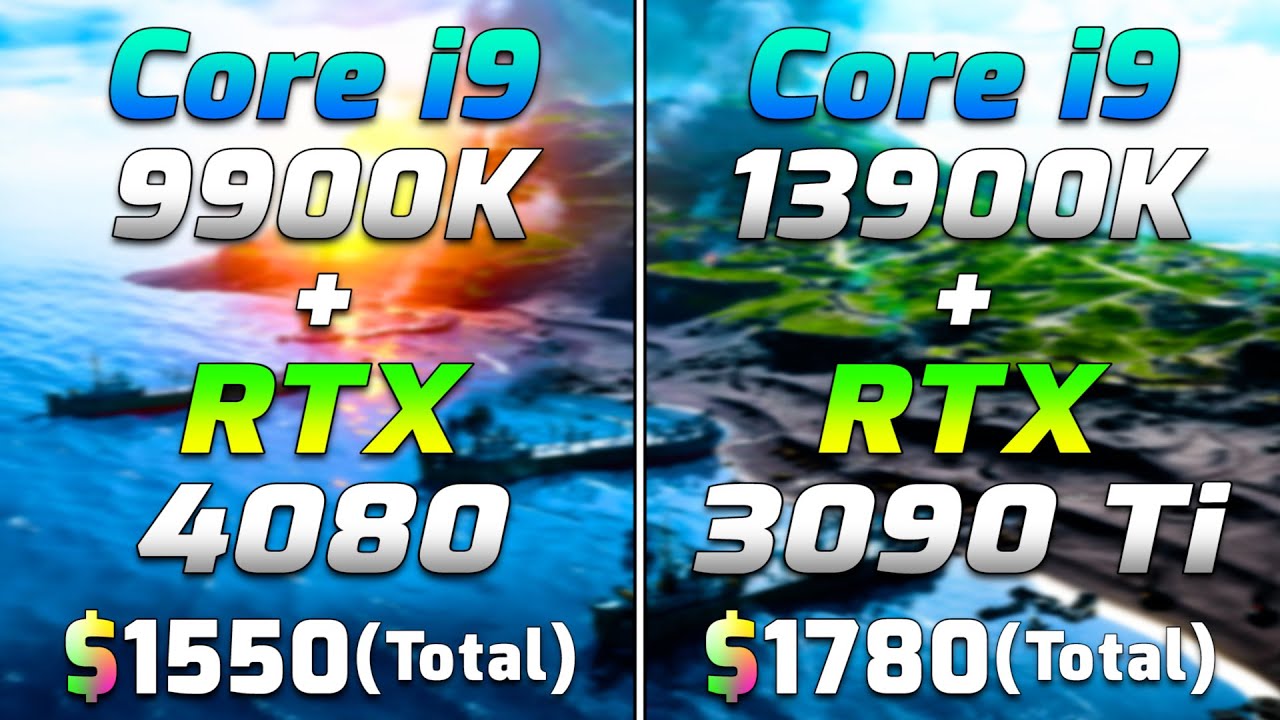
9900+4080 vs 13900+3090ti tested at 1440p and 4K:
https://www.youtube.com/watch?v=_NUGj_Fy-yg

and here you will see tests of 9900k vs 13900k with a 3090:
https://www.youtube.com/watch?v=3sMqwXEgmDk

Core i9 9900K + RTX 4080 vs Core i9 13900K + RTX 3090 Ti | Which is More Value for Money?

System Specs :
Operating System : Windows 10 Pro 64 Bit
CPU 1 : Intel Core i9-9900K (Asrock Z390 Taichi Ultimate)
GPU 1 : NVIDIA GeForce RTX 4080 16GB
CPU 2 : Intel Core i9-13900K (MSI MAG Z790 Tomahawk DDR4 WIFI)
GPU 2 : NVIDIA GeForce RTX 3090 Ti 24GB
CP...

▶ Play video

Intel i9 13900K vs i9 9900K | 15 Tests – Which is better CPU? Which one to choose for gaming and for work?

Buy items in this video from Amazon at the links below:
Intel i9 13900K purchase link: ▶ https://amzn.to/3TJjoR1

Buy items in this video from Amazon at the links below:
CHANNEL MAIN TEST RIGs:
Ryzen 5 7600X purchase link: ▶ https://amzn.t...

▶ Play video
vale ore
cedar mason
#

Did you check if are applying the performance profile to the games?

#

check the profiles applied to anything you think that needs to be faster.

#

another thing to try is to make your smaller monitor as the main monitor and run test on that one.

fervent glade
# vale ore Replacing the gpu would just make the disparity worse

with a 9900k as a starting point he should be fine whatever is running.
I've checked many time to perf upllift in game for replacing the CPU is negligeable, especially in this case where the issue is the screen size.
The cpu has almost no impact on this part and a 9900k is already plenty enough core and speed, especially since his seem to be quite OC already

meager topaz
#

I feel like either your cpu is throttling or your cpu is a bottleneck