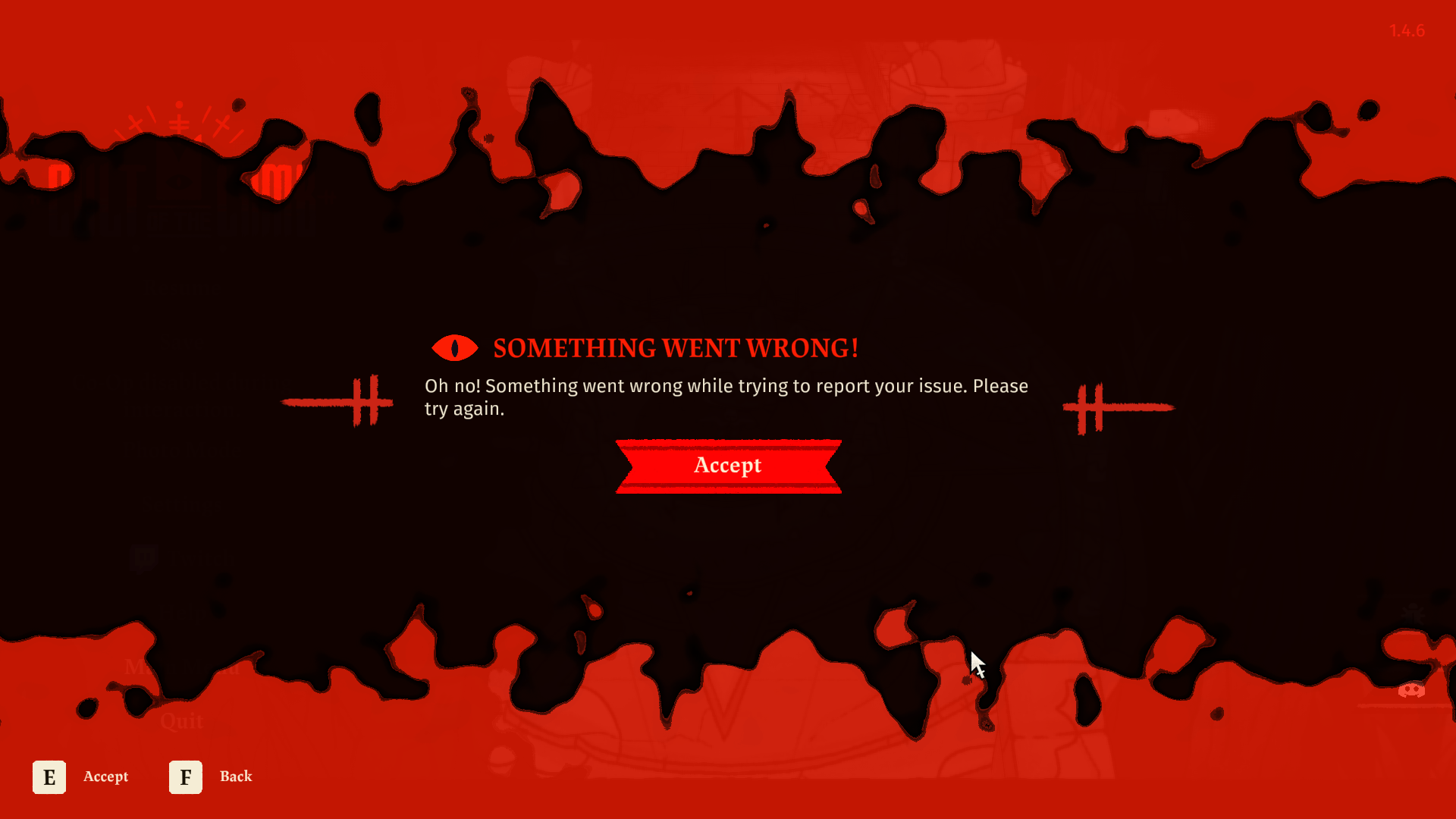
#Twitch disconnecting after backing out of the sign-in settings
29 messages · Page 1 of 1 (latest)
 thorn raft
thorn raft
thorn raft
bump
thorn raft
bump
thorn raft
@fierce pilot this has been here for 2mo now.
I truly have no idea what to do, and I don't want to pay someone who says they can fix it.
I've gotten to play all of 8 hours on it, and I'm really regretting buying it at this point
 fierce pilot
I understand its frustrating and if there was more I could do I would, however it's just not a common issue meaning we haven't been able replicate it right now.
I've flagged this with our programmer and twitch integration partner already and from what I have been told will have to wait and see if they are able to replicate it to fix it, but so far they unfortunately have not been successful.
thorn raft
update to this: I did a reset on my pc and it's definitely on the game side because it's still not working.
 short otter
I am also having this issue. Had it for a while and stopped playing the game bc of it.
fierce pilot
short otter
I am also having this issue. Had it for a while and stopped playing the game bc ...
can you send your save file and twitch username in this thread please? it will help us try to figure it out
!save
 still arrowBOT
Save File Locations
Windows: Hit Win+R and paste %appdata%/../LocalLow\Massive Monster\Cult of the Lamb\saves. Your first save slot is called "slot_0.json" your second is "slot_1.json" and the third is "slot_2.json".
Mac: From Finder up top, hit Go > Go to Folder... which will default to Library, then hit Application Support > Massive Monster > Cult of the Lamb > saves. Your first save slot is called "slot_0.json" your second is "slot_1.json" and the third is "slot_2.json".
 Created by midluuna#0 (347475163576795140)
short otter
Created by midluuna#0 (347475163576795140)
short otter
Deleted my old save but started a new one with the same issue.
Twitch name: InfernalHarmony
fierce pilot
thanks!
short otter
It appears my issue resolved on its own out of nowhere.
fierce pilot
oh ok!
 tawny quest
Just bumping this thread because I installed the game recently and I'm having the same issue
fierce pilot
tawny quest
Just bumping this thread because I installed the game recently and I'm having th...
could you send me your files pls
!save
still arrowBOT
Save File Locations
Windows: Hit Win+R and paste %appdata%/../LocalLow\Massive Monster\Cult of the Lamb\saves. Your first save slot is called "slot_0.json" your second is "slot_1.json" and the third is "slot_2.json".
Mac: From Finder up top, hit Go > Go to Folder... which will default to Library, then hit Application Support > Massive Monster > Cult of the Lamb > saves. Your first save slot is called "slot_0.json" your second is "slot_1.json" and the third is "slot_2.json".
Created by midluuna#0 (347475163576795140)
fierce pilot
!log
still arrowBOT
Windows: Hit Win+R and paste "%appdata%/../LocalLow\Massive Monster\Cult of the Lamb" without quotes. Please send the Player and MMLog files.
Mac: From Finder up top, hit Go > Go to Folder... which will default to Library, then hit Application Support > Massive Monster > Cult of the Lamb. Please send the Player and MMLog files.
Created by midluuna#0 (347475163576795140)
tawny quest
fierce pilot
could you send me your files pls
sure thing, give me a minute. Sorry I was at work
I sent the meta too just in case
tawny quest
fierce pilot
!log
any luck?