#disabled please connect to itunes

43 messages · Page 1 of 1 (latest)

glass hinge
#

My daughter disabled my jailbroken ipad pro after too many password attempts. The ipad is ios 14.4 with uncover jailbreak. Is there a way restore the ipad without updating or there a way to get another attempt for putting the pass code?

I tried restoring the ipad from find my iPhone but its asking me to verify with a old phone number and the process foe changing the number is taking too long

tepid stratus
glass hinge
fluid glen
#

lol itll brick

#

if u icloud erase

tepid stratus
limpid wasp
#

Just
Ramdisk reset

#

Unless no checkm8

#

Then L

tepid stratus
#

that's a12+

limpid wasp
#

Ah

#

I don't remember all compatibility of unc0ver lol

#

But yeah that's a big L

fluid glen
#

on device erase softbricks phone if jailbroken

limpid wasp
#

if you aren't in jb mode it shouldn't

#

and op rebooted probably so

proven crypt
fluid glen
#

bricked it for me

proven crypt
#

it's the equivalent of a restore rootfs

fluid glen
#

at least when using h3lix

#

tested it on a 5c

proven crypt
#

yeah no

#

modern jbs are different

#

this has been a solved issue since apfs

glass hinge
#

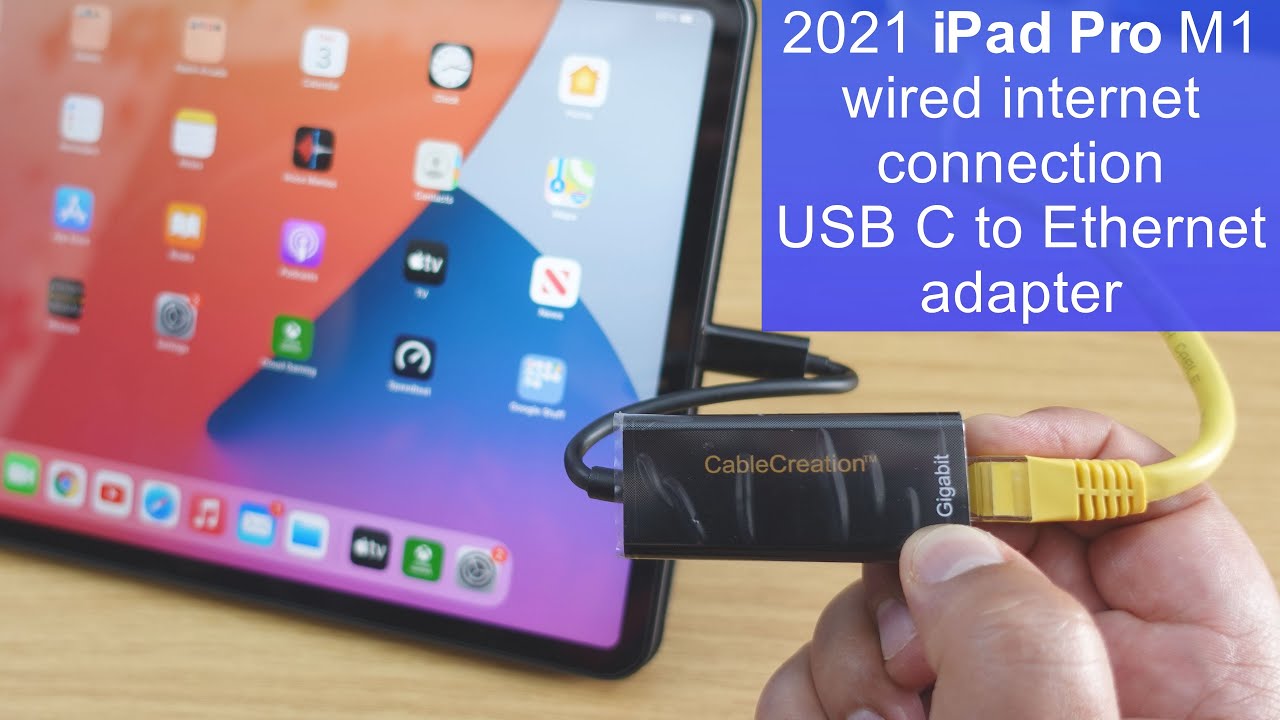
Okay so I changed the number, the issue now is how do I get the ipad to connect to the internet? Apparently If the ipad battery dies I need to unlock the device for it to be able to connect to wifi

#

Which I need in order to erase ipad from I cloud

#

@fluid glen I have erased this ipad before from settings while it was jailbroken and it worked perfectly fine

limpid wasp
#

You just make sure wifi and bt is on

#

And bring other ios device with bt and wifi on near

#

That also has fmi on

#

Then it should use find my network

#

Alternative is sim card if ipad supports

glass hinge
#

Might try this

glass hinge
#

I erased the ipad and jailbroke it

#

I'm so happy right now!!!

fluid glen
#

your imei is in the sim tray

#

or settings

limpid wasp