
23 messages · Page 1 of 1 (latest)
 sinful kite
I assume you flashed the display wit: https://github.com/Blackymas/NSPanel_HA_Blueprint ?
Then yes, you will need to import that blueprint and just use the settings there. Can't explain it better then:
https://github.com/Blackymas/NSPanel_HA_Blueprint/blob/main/docs/install.md#blueprint
This allows you to configure your complete NSPanel via Blueprint with UI and without changing anything in the code - Blackymas/NSPanel_HA_Blueprint
This allows you to configure your complete NSPanel via Blueprint with UI and without changing anything in the code - Blackymas/NSPanel_HA_Blueprint
 spare saddle
sinful kite
I assume you flashed the display wit: https://github.com/Blackymas/NSPanel_HA_Bl...
spare saddle
sinful kite
I assume you flashed the display wit: https://github.com/Blackymas/NSPanel_HA_Bl...
I used Tasmota and lovelace ui😅 this took me like 2 days as i keep messing up

Is what i got right now
sinful kite
You really have to be more specific then that...
spare saddle
sinful kite
You really have to be more specific then that...
Here it comes then haha: i do hope you can help me out. The part im stuck with is the NSPanel (EU version) while trying to set up the Lovelace UI.
Current Progress:
I’ve successfully flashed Tasmota 15.4.0 (release-nspanel) and the Wi-Fi/MQTT connection is solid. I’ve also uploaded the autoexec.be Berry driver to the file system. The panel is "ready" on the Tasmota side, but I can't get the Home Assistant integration to trigger the screen.
The Issue:
My screen is stuck on "Waiting for content" with the loading icon, which is rotating extremely slowly. In the Tasmota console, I see a constant loop of:NSP: Received Raw = bytes('55BB13006576656E742C737461727475702C35332C65755788').
It looks like the screen is calling for content (event,startup,53,eu), but it’s not getting a response. The LoadAvg in Tasmota is very high (above 400), likely because of this loop.
What I'm struggling with:
I’m trying to import the Lovelace UI Blueprint into Home Assistant, but every GitHub link I’ve tried results in a 404 error or fails to import. On top of that, the nspanel.p33.org server for the TFT upload seems to be offline.
The Goal:
I want to get the Blueprint properly installed in HA so I can create the automation and link it to my MQTT topic (tasmota_D7832C). This should finally trigger the TFT flash and replace the "Waiting" screen with the actual Lovelace interface.
Do you have a working Blueprint link or a reliable URL for the nspanel_eu.tft file that I can use? Thanks a lot!
I was also following the tutorial of haus:automation regarding nspanel but once he did the part of autoexec.be and nspanel.be he got a interface and im stuck with this sadly
sinful kite
So, you've followed: https://templates.blakadder.com/sonoff_NSPanel.html ?
Looks like that only exposes a new JSON API which you can pass commands. Doesn't look like there is a nice HA part for it though...
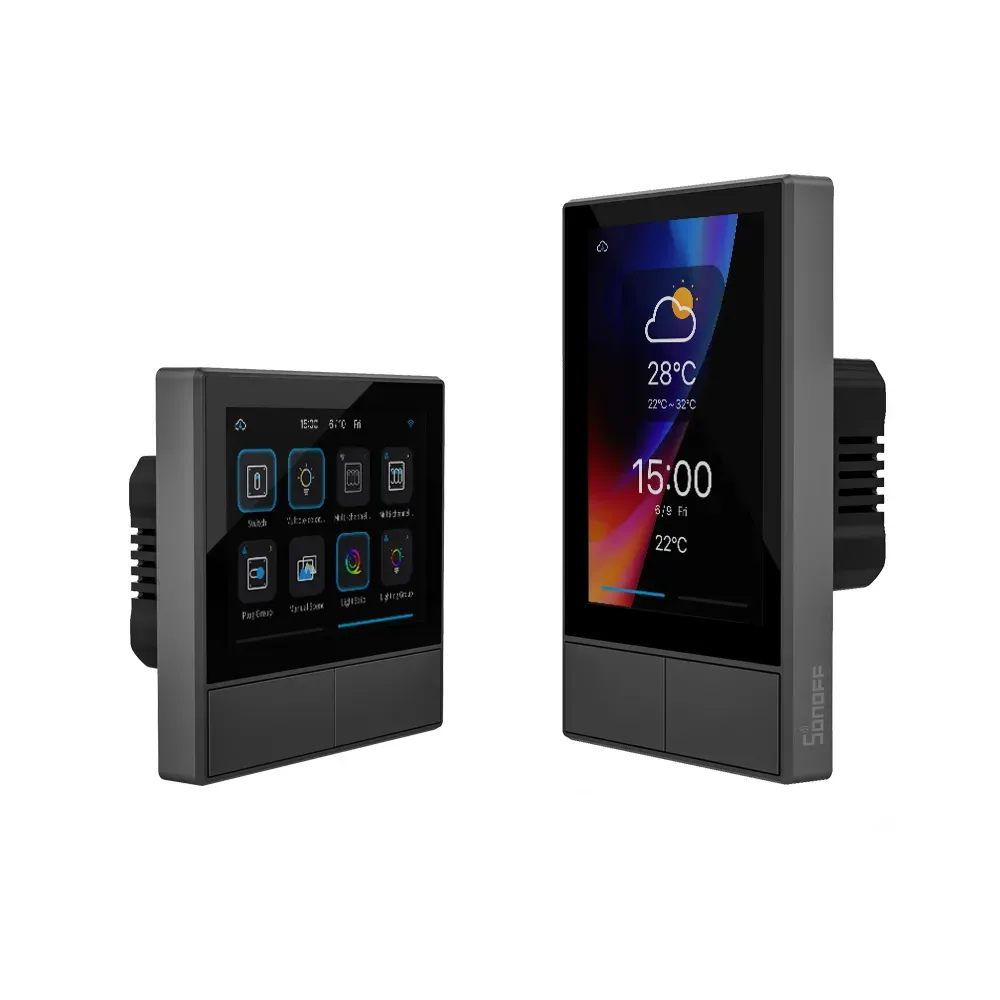
Configure your smart display switch to work with Tasmota open source firmware.
sinful kite
spare saddle
I was also following the tutorial of haus:automation regarding nspanel but once ...
Can't find that...
spare saddle
sinful kite
Can't find that...
https://youtu.be/uqPz08ZpFW8?is=NAPKnfONffVJjLmB
I got till 12:37 where he does autoexec.be

⬇ ⬇ Alle Befehle und weitere Informationen im Blog-Beitrag weiter unten in der Infobox ⬇ ⬇
➤ 👨🎓 ioBroker-Master-Kurs: https://haus-automatisierung.com/iobroker-kurs/
➤ 👨🎓 Gratis MQTT-Kurs: https://haus-automatisierung.com/mqtt-kurs/
➤ Blog-Beitrag: https://haus-automatisierung.com/hardware/sonoff/2022/01/18/sono...
spare saddle
sinful kite
So, you've followed: https://templates.blakadder.com/sonoff_NSPanel.html ?
Looks...
Oh.. what should i do then.. im sorry for the stupid questions
spare saddle
Is switching to just esphome the better option then?
sinful kite
The NSpanel HA blueprint is what I use. It has all that you need to plug it into HA. Maybe not 100% as flexible but you don't have to wipe up your own json to config the screen.
But for using Tasmota, looks like you didn't create the 2 files needed (nspanel.be and autoexec.be)
spare saddle
Oh, I thought it was in my file manager. Perhaps I made an error with the code internally?
You mentioned an NSPanel HA blueprint, did you flash ESPHome onto it?
sinful kite
NSPanel HA blueprint is indeed using ESPhome 🙂
spare saddle
sinful kite
NSPanel HA blueprint is indeed using ESPhome 🙂
Did you happen to have a YouTube tutorial that assisted you throughout the process? I experience dyslexia and tend to rely on visual examples or 1 on 1. I attempted to use AI to comprehend the information, but I encountered repeated difficulties.
sinful kite
There are Youtube video's available but I have no idea how great they are. Think you could now do the flashing part from Tasmota. Just make a bin from ESPhome and use the upgrade from file feature in Tasmota.
spare saddle
sinful kite
There are Youtube video's available but I have no idea how great they are. Thin...
So, Blackymas Blueprint, in combination with ESPhome?.
sinful kite
Yeah, although the part in ESPHome for the NSPanel is also from Blackymas Blueprint. He has the complete config for it 🙂
spare saddle
Is there a link where i can find everything in? Like step by step