I've just started using HA, and I'm hoping that I can do one rather simple thing with it. I want to click an icon and have 2 specific lights turn on for one minute, then turn off. THEN I want those same lights to turn on at a specific time. I don't want the animation to run again until I click the icon again. Is there a way to do this?
#How to manually trigger an automation
16 messages · Page 1 of 1 (latest)
 chilly thicket
 cyan kettle
You can make a button helper. This you can add as state trigger to the automation.
Alternatively, you can make a script rather then an automation. And just make the tap action of a button in the UI call that script.
chilly thicket
cyan kettle
You can make a button helper. This you can add as state trigger to the automatio...
So you can do all that with a script? Cool. I don't suppose there's anyway to import the script or automation into Homekit? And if you have a video suggestion to watch that includes how to manually trigger a script or an automation, that'd be awesome. I've watched s few videos about scripts and automations, but none covered how to manually trigger them.
 quasi pulsar
chilly thicket
So you can do all that with a script? Cool. I don't suppose there's anyway to im...
quasi pulsar
chilly thicket
So you can do all that with a script? Cool. I don't suppose there's anyway to im...
You cannot trigger them manually, you have 2 options:
- create a helper button and add the button entity to the automation to trigger it. Then the trigger is the button press
- put the "actions" part of the automation into a script and 1. invoke the script when automation is triggered and/or 2. run the script whenever you need it.
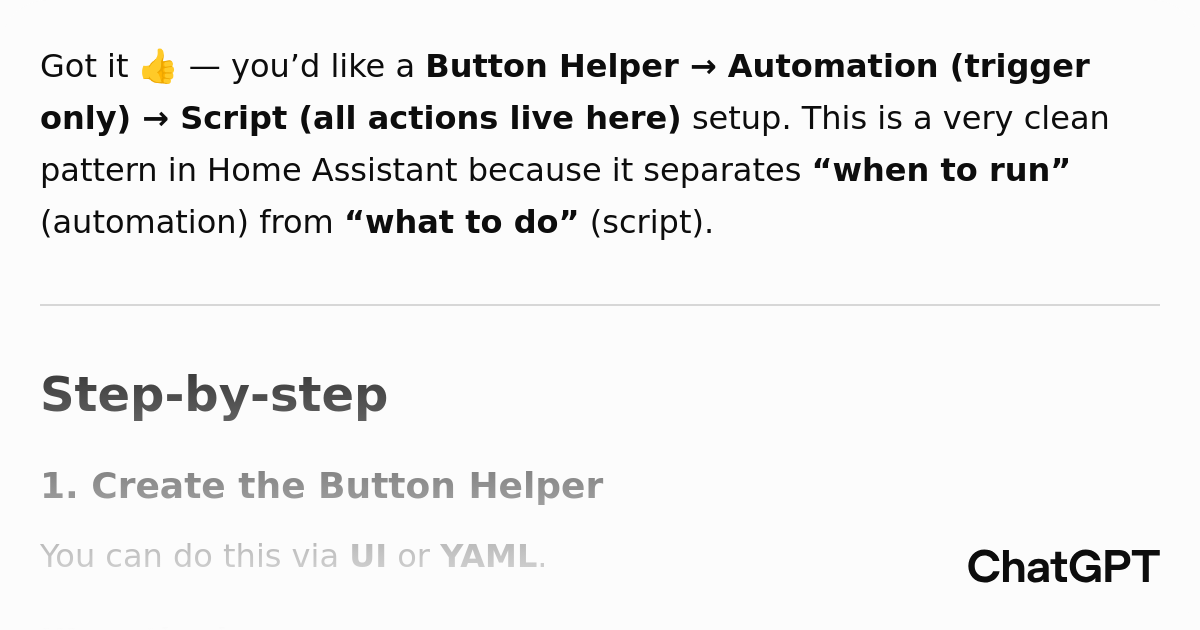
https://chatgpt.com/s/t_68ab8dd3f71c8191ae640f0860b1bbf0 This tutorial is fairly good in fact.
ChatGPT
A conversational AI system that listens, learns, and challenges
chilly thicket
quasi pulsar
https://chatgpt.com/s/t_68ab8dd3f71c8191ae640f0860b1bbf0 This tutorial is fairly...
Thanks. I spent the last hour trying to actually get the helper button to run the automation I created -- and it still doesn't work. I'm simply shocked that such a simple thing is so very, very difficult. All the helper button does is enable and disable the automation. It won't run it. I'll check out the tutorial you pointed out. Seems like it's more in line with what I wanted to do. Thanks.
chilly thicket
quasi pulsar
https://chatgpt.com/s/t_68ab8dd3f71c8191ae640f0860b1bbf0 This tutorial is fairly...
Sadly, that doesn't work. Cutting and pasting the automation only gives an error: "Message malformed: extra keys not allowed @ data['automation']"
quasi pulsar


now we have our button
here is the simple automation

If you open the yaml editor for the automation, you can paste this:
alias: my test automation
description: ""
triggers:
  - trigger: state
    entity_id:
      - input_button.my_test_button
conditions: []
actions: []
mode: single
 chilly thicket
quasi pulsar
chilly thicket
quasi pulsar
Thanks! I did get it to work after realzing that the format wasn't correct. It was a bit hit or miss, but I can modify the script to do what I want it to do. Thanks a ton for your help, I appreciate it.
quasi pulsar
glad it works for you now 🙂
chilly thicket
quasi pulsar
glad it works for you now 🙂
So... I'm still unable to do what I set out to do, which was something I thought would be simple. I posted a longer, more info filled post in the main group rather than keeping on bugging you.