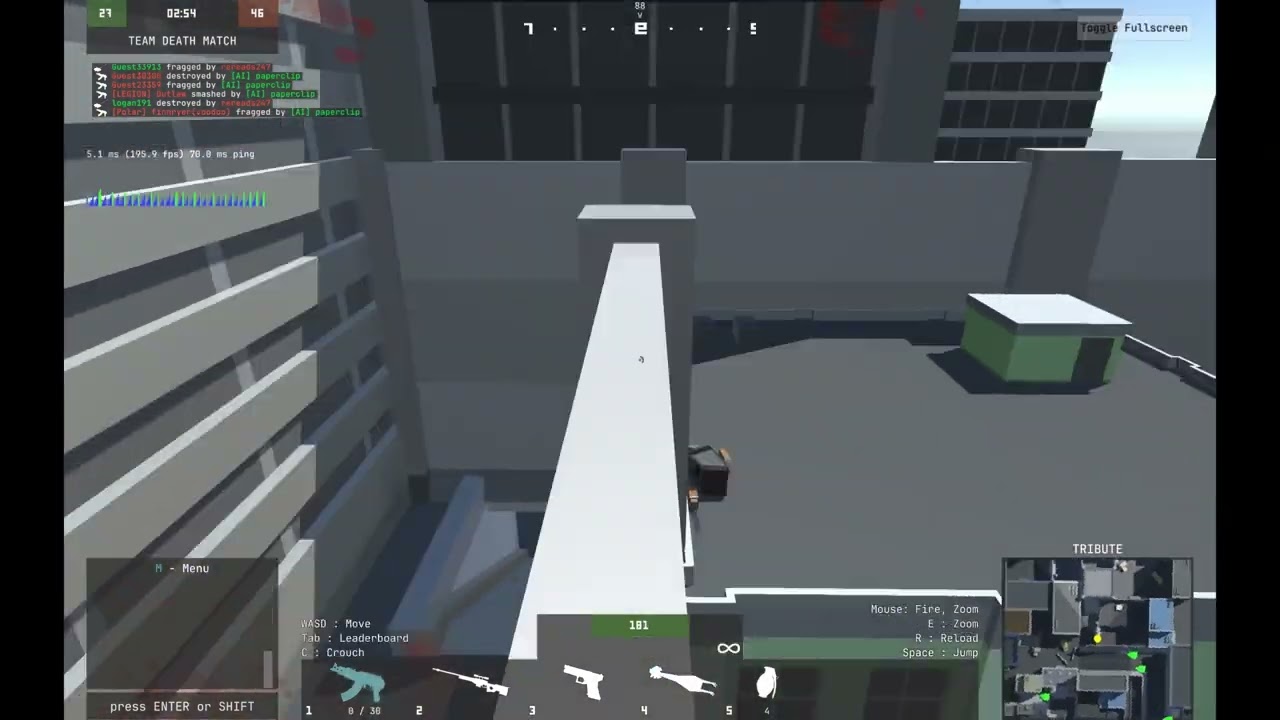
#Motion Blur Test
1 messages · Page 1 of 1 (latest)
 outer ferry
 honest sonnet
Actual w
outer ferry
However there are some things I did in the video. First I recorded in 120 FPS, and the editor was set to 60 FPS. And I also put a mask over UI elements so that they didnt get blurred when I was moving.
You can still achieve blur without the 120 FPS, its just if you ever do a slow mo or they put it in 0.25x speed, there will be noticeable frame skips
I assume oyu can record higher than 120 FPS too, its just thats the max supported by the Nvidia app
 jade spear
rip davinci resolve free does not allow this
jade spear
u can 30 fps recordings with motion blur tho
jade spear
honest sonnet
That was the whole point i wanted resolve
resolve has its own perks
outer ferry
jade spear
rip davinci resolve free does not allow this
Thats what i used
jade spear
outer ferry
Thats what i used
19?
Im on 18.6
And it says it’s not included in the free package
Only 30 fps
outer ferry
I use 19, i use Optical Flow and Vector Motion Blur with 6x scaling

But even then you should be able to do so in the free version on older ones?
honest sonnet
outer ferry
I use 19, i use Optical Flow and Vector Motion Blur with 6x scaling
Holy moly, that looks confusing
 prime gale
@outer ferry im also there