#I am confused about textures
28 messages · Page 1 of 1 (latest)
 shadow imp
this isnt how most unturned models are textured
also show the actual texture if you wanna texture this way
the actual image texture
the image you exported from your photo editor
the image/photo that makes it black and white in this photo
what does it look like in blender with texture applied
i mean when you apply the texture you made in the photo editor but in blender
look up a youtube tutorial
you just make a new material
drag in yohr image texture
and connect it to color
🗿
ok so
on the properties panel or the right side
you will see on the side bar theres a red circle with checkerboard texture on it
click that and create a new material
and then switch your outliner to shader editor
then drag your image in anf connect to color input of the bsdf

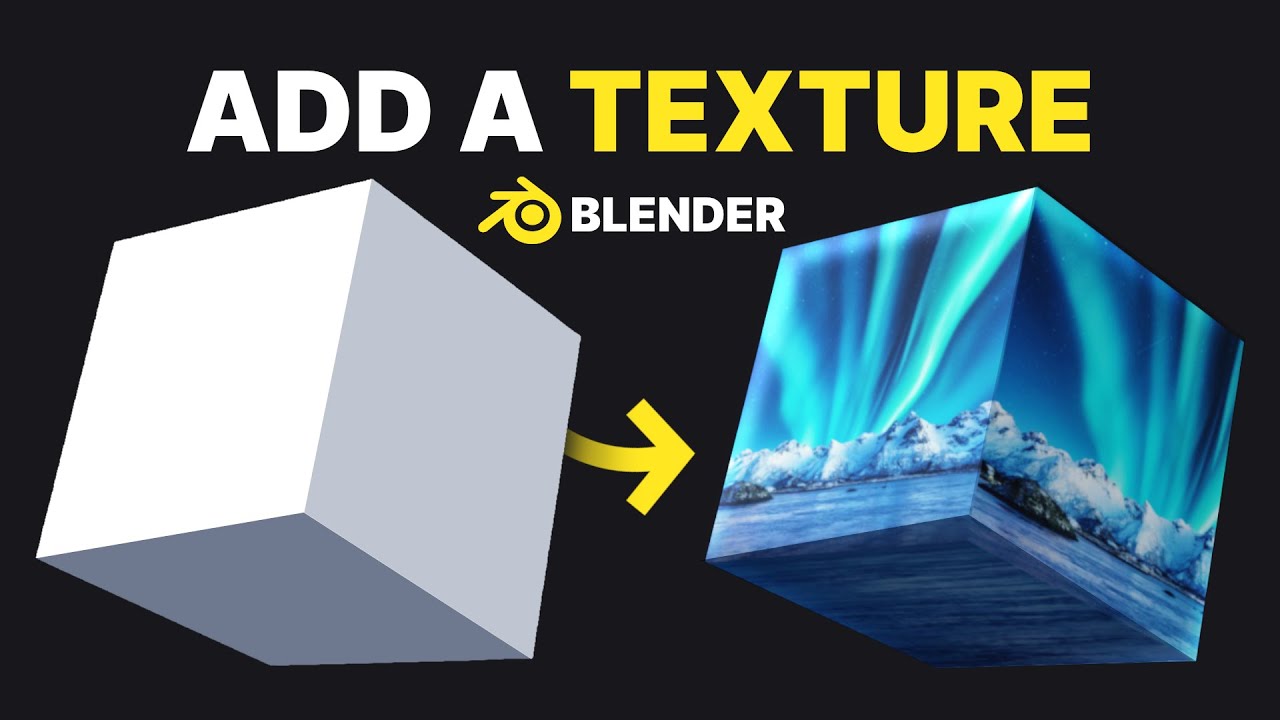
If you'd like to help support my channel, please consider making a donation! It helps more than you know : https://www.paypal.me/2kai
IMPORTANT LINKS :
💖 YouTube : https://youtube.com/tutsbykai
🐦 Twitter : https://twitter.com/tutsbykai
💸 Donations : https://www.paypal.me/2kai
🎽 Merch : https://teespring.com/stores/tutsbykai
MORE TUTSBYKAI :
🟧 ...
watch this 5 mins of yapping
did you import the texture into unity correctly
should work then
is the mesh messed up
check your mesh import settings
 restive stag
shadow imp
https://youtu.be/mURA2g1rOSc?si=RoPN6_pjbGz8bTTO
restive stag
shadow imp
https://youtu.be/mURA2g1rOSc?si=RoPN6_pjbGz8bTTO

Подписывайся на канал BLACK BEATS: https://bit.ly/2jPzFVF
Miyagi - Texture (Remastered)
Слушай на всех площадках: https://band.link/texture
Слушай плейлист с рэп новинками 2020: https://band.link/BlackBeats
Miyagi
https://vk.com/ilo13shau
https://vk.com/hajimerec
Жми на 🔔 чтобы получать первым лучшие рэп новинки!
#BlackBeats #Miyagi #Texture ...
 subtle moss
Yeah never directly import .blend files into unity