#how to change map to curated map?
110 messages · Page 1 of 1 (latest)
 limber mirage
And then in commands.dat change
Map arid
If that does not work then send your Use WorkshopDownloadConfig.json and server log
map arid
Not the numbers
 wintry ruin
did that work?
wintry ruin
is the map folder in your server folder?
Unturned Server\Servers\YOURSERVER\Maps so its in here?
and in ur commands.dat file it is "Map Arid"?
and ur subscribed to the map on workshop yes?
is the map file anywhere else?
where else is it?
it should be in 3 locations
and this is in ur actual server directory?
not the /untunred server one
Unturned Server\Servers\servername
but there?
in this spot

it shouldnt be in bundles
you shouldnt see anything in content either
yea try that
limber mirage
You say you used WorkshopDownloadConfig.json so did you? And if you did send it so we can see if you did it correctly
Ye that. Add a space before and after the numbers so [ 00000000 ]
Might help
Ye try that
Send the full server log
limber mirage
It is odd because it downloads the map
You didn't add any files manually did you?
If you added arid by had to the files like other than WorkshopDownloadConfig.json or Commands.dat delete them
limber mirage
It should be kn the WorkshopDownloadConfig.json so the id in there and in Commands.dat the map arid
Other than that no
wintry ruin
i dont have anything in my workhsopdownload config for maps and it works fine
wintry ruin
{
"File_IDs": [
2683620106
],
"Ignore_Children_File_IDs": [],
"Query_Cache_Max_Age_Seconds": 600,
"Max_Query_Retries": 2,
"Use_Cached_Downloads": true,
"Should_Monitor_Updates": true,
"Shutdown_Update_Detected_Timer": 600,
"Shutdown_Update_Detected_Message": "Workshop file update detected, shutdown in: {0}",
"Shutdown_Kick_Message": "Shutdown for Workshop file update."
}
Map Arid
limber mirage
Nau
Because the server does already download the files looking at the logs. Why is it not found when setting the map tho is a diffrent matter
Maybe just start from the begining and the to server stuff again
 high kite
@wintry ruin Have you tried a full uninstall/ reinstall of all game and server mods yet? If not unsubscribe from all workshop items, then delete the files on your server and game and launch with nothing, then relaunch after re adding them to the workshop download file. If that doesn’t work then try to start fresh with a new server
All the folders in the workshop folder
high kite
Take a look in content I think? It’s been a while so might be worth looking it up
Take a ss of your server directory, not at my pc so I can’t check rn
This is what I found online for the game, but for the server files I’ll need to see your files to remember “Navigate to the steam workshop folder for unturned
This is typically located at C:\Program Files (x86)\Steam\steamapps\workshop\content\304930, but can change depending on where you installed Steam.
Now that you've navigated to the folder, you can delete the folders inside of it”
Go into workshop
Yes those are the ones

Click that, then go Into content, then remove all the folders, should be a bunch of numbers for the folder names
Ok anything in maps or level?
Try moving pei to your desktop and starting the server, see if it reinstalls it automatically or not. If that doesn’t work you’ll need to fresh install the server after copying your server files to the desktop as a back up
No, just make a back up of your current files in case you want to use that server again, but start from scratch and double check everything your doing with the official documentation, do you have a link to the docs?
Wait
What’s in the server folder?
Yee
Nvm that’s normal
Can you post logs?
Heading out now I’ll try to help latter if no one else does
high kite
Is 2683620106 in your workshop download config?
wintry ruin
What port are you using if I can ask? @wintry ruin
Okay, steam/logs/workshop_log.txt
Do you have a workshop log?
See if you have that
limber mirage
In this time you have spend on trying to get this to work you would have created 1000 servers
And anything important you can just backup if you have player data or some data you want to keep
I am not saying it will fix it but at least we can make sure it is not about that
 grave sail
Stop your server, delete the "Workshop" folder and start it back up again
Don't delete the folders inside, just delete the "Workshop" one itself so it regenerates itself
grave sail
uhmm I only been using pterodactyl panels for unturned servers, not sure if it also applies on windows version
but give it a try, it is that folder that you delete
grave sail
perhaps 😭
limber mirage
Just delete everything and do what you did before
high kite
What tutorial did you follow?
high kite
Setting up your server, did you follow a tutorial or the official docs?
high kite
Follow official docs then I can find you the link if you need but it should be around somewhere
 open tusk
You also need to port forward it
open tusk

GitHub
Documentation for Unturned's modding features. Contribute to SmartlyDressedGames/Unturned-Docs development by creating an account on GitHub.
 glossy notch
VPNs are a option, yes
glossy notch
VPNs are (still) a option, yes
glossy notch
 mystic python
There is a website that will do it.
mystic python
There is a website that will do it.
There is not
There are tunneling services, walkthroughs or software solutions in some cases but I have yet to see a random website that lets you port forward
That’d be scary
mystic python
glossy notch
There are tunneling services, walkthroughs or software solutions in some cases b...
I have used one before but Idk how safe it was I was not too worried as it was just me and some firends.
I can try to find it in a sec I just have to remember where I found it.
I dont think It was port forwarding but It allowed your friends to join you.
https://www.youtube.com/watch?v=eSk73ELAp1s&t=3s
This was the Video I used back in the day.
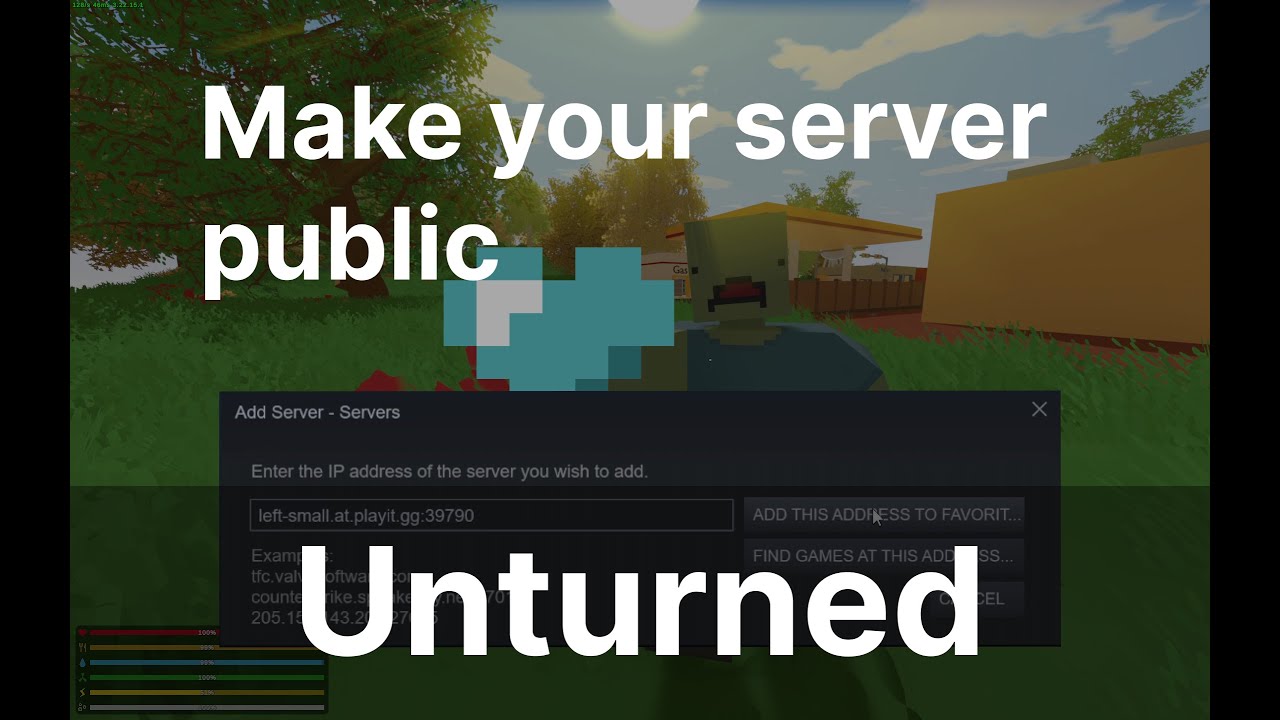
In this guide we show how to create a public Unturned server using http://playit.gg. Playit is used to create a tunnel that allows anyone to connect to your locally running Unturned server.
Steps:
- Browse local files for dedicated server
- Copy ExampleServer.bat to MyServer.bat
- Update second to last line to be: start "" "%~dp0ServerHelper...
No idea if it is still relevant/working.
And there was the sight it is linked in the video aswell.
I believe so.
I have not used it in a long time.
glossy notch
mystic python
http://playit.gg
That is a tunneling service
I would still be very curious for you to link a site that can port forward
Yes, tunneling services are still a option but they won’t help you change to a curated map
mystic python
glossy notch
I would still be very curious for you to link a site that can port forward
I just made a mistake on what it was called.
As I stated previously.
mystic python
Tunneling should work for players to join.
glossy notch
True, not for using Arid tho
glossy notch
Why would you need to make a new one?
Same way you would use any other workshop map
glossy notch
And why is that?
I mean yeah you could just make a new one, not hard plus you can port saves and such
 woeful arrow
you'd just delete all the files
glossy notch
Still I don’t see why you would do that
woeful arrow
sometimes it is just easier to start from scratch
glossy notch
True, still curious as to what is broken or why he’d do that
 zenith beacon
what going on here?
zenith beacon
So you still can't use arid as your server map?
zenith beacon
huh