#How do I change the player's model when wearing a shirt?
21 messages · Page 1 of 1 (latest)
 fossil atlas
 lapis anvil
Are you familiar with vertex groups and the like?
Basically you edit the unutrned character model in the example animation file or you rig your own one using the unturned character skeleton
One thing though is the whole mesh can only have one material if you wish to change that
Documentation for various features of Unturned 3.0 Including modding, server hosting, and more.
lapis anvil
Unturned\Bundles\Sources\Animation and theres a file called Animation.blend or something similar
or if its still a thing
use the Model_Src file instead
Create the mesh you wish to use or edit the existing one then you'll want to weight paint it: https://www.youtube.com/watch?v=SCWZr-It1bE
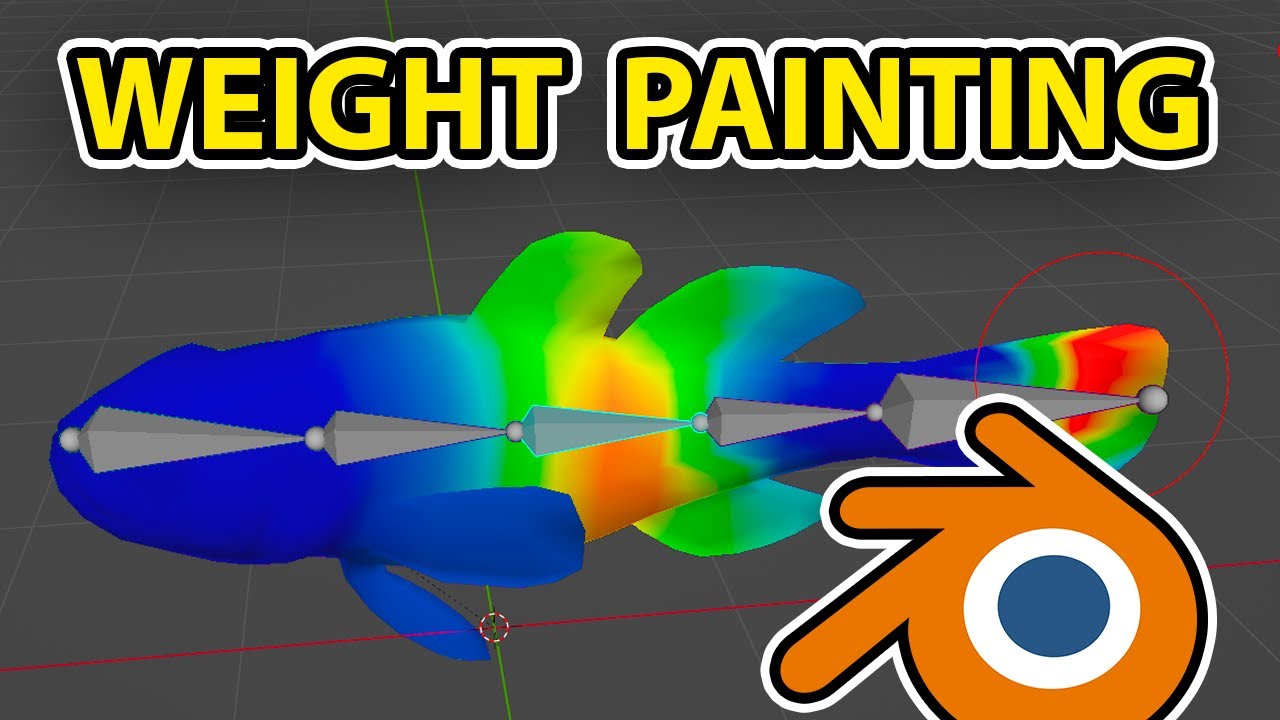
💡 Download The FREE GameDev Tools Here: 👉 https://buvesa.com/free
✔️ Free GameDev E-book
✔️ Free Game Design Document
✔️ Free Platformer Course (UE5)
▬▬▬▬▬▬▬▬▬▬▬▬▬▬▬▬▬▬▬▬▬▬▬▬▬
🏆 Join My Premium UE5 Course (The Unreal Vault) 🏆
👉 Link: https://buvesa.com/course
🗸 Full GameDev proces
🗸 Level design
🗸 Boss Fights
▬▬▬▬▬▬▬▬▬▬▬▬▬▬▬▬▬▬▬▬▬▬▬▬▬
📱 ...
I think you can just drag the .blend but ill check what I did
export as an fbx with these I believe

for more info on that check this https://unturned.info/Modding/Animation/
Documentation for various features of Unturned 3.0 Including modding, server hosting, and more.
(skip step 2 and 4)
Remember to finish with just one mesh (or two if you want to change the first person model) and one material
and beyond that, there is a charactermeshreplacement example in the unity example file
goodluck and happy modding
 sharp thistle
if you are using the unity assets Model_Source, you also need to flip the legs 180, as the bones are on backwards
or just use this, its a pre-fixed one
also these are the settings I used, I noticed Robnews settings are different then the ones i used, so if those do not work, try these
 lapis anvil
sharp thistle
if you are using the unity assets Model_Source, you also need to flip the legs 1...
lapis anvil
sharp thistle
if you are using the unity assets Model_Source, you also need to flip the legs 1...
Oh right I forgot I had to do that
lapis anvil
sharp thistle
also these are the settings I used, I noticed Robnews settings are different the...
I tend to use the fbx scaling in almost every export just because the blender unit conversion can mess up animations and i'm yet to have an issue with fbx scaling