
#Asset Browser
20 messages · Page 1 of 1 (latest)
 proven tide
Post from the plugin dev channel: https://discord.com/channels/314078526104141834/1352106715755319349
proven tide
This plugin has been released!
 uncut coyote
awesome plugin
uncut coyote
uncut coyote
awesome plugin
probably my new favorite plugin cause I work with vanilla textures/colors a lot
proven tide
Video for asset browser
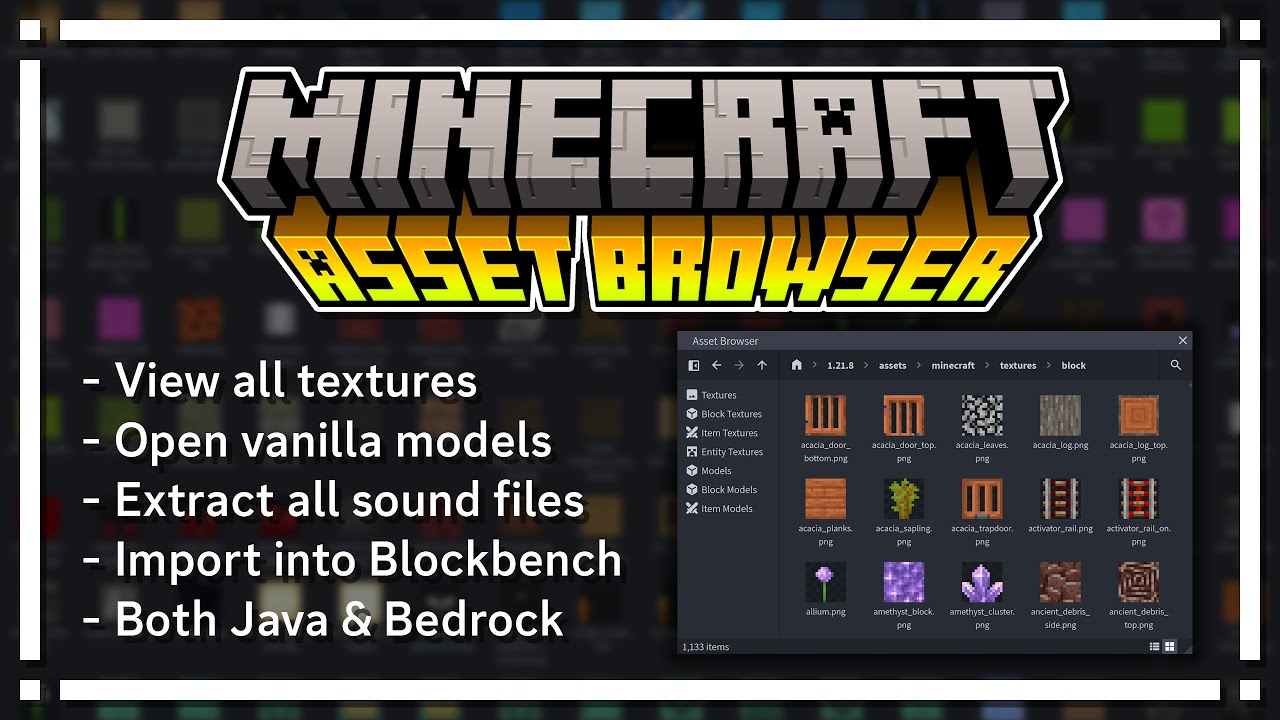
Asset browser is a browser that lets you view, modify, export, and compare the Minecraft vanilla assets. Both Java edition and Bedrock edition are supported, as well as their respective snapshots and beta versions.
Blockbench: https://www.blockbench.net/
Asset Browser: https://ewanhowell.com/plugins/asset-brows...
 torn temple
hey, i have a suggestion, maybe add an option here to be able to add the selected texture/s to reference image

 tender magnet
I kinda want this for chromebook....
 limber peak
Question about asset browser, if I use a block from the source file does it keep all its code, eg hitboxes etc, asking cause i’ve seen people making functioning stairs now on bedrock
proven tide
what
limber peak
Ok so you know how bedrock can’t use “complex hit boxes”
proven tide
i barely know anything about bedrock