#How to make custom bed

1 messages · Page 1 of 1 (latest)

ancient deltaBOT
#
Welcome to the help forum!

Please make sure to read #1029373817119838218 as it may answer your question!

Once your question has been resolved, please mark the post as closed by using the </close:1163944441741049897> command.

tulip roost
#

what version of Minecraft are you trying to add this model to?
In much older versions you could change the bed model in the base game but in newer versions you can't, so it requires mods instead

next arch
tulip roost
#

(textures work fine in vanilla though)

#

what model format is your existing model in?

next arch
#

What is emf

tulip roost
#

Entity Model Features

next arch
#

Omg what is that, i'm new on this sorry

next arch
#

:((

tulip roost
tulip roost
#

in Blockbench?

next arch
#

Yes

tulip roost
#

ok when you created it what format did you choose

next arch
#

Give me a sec i'm turning on My pc

next arch
#

Java block/item

tulip roost
#

ok that's good

#

you will need to make that into an Optifine entity but that's easy from a block/item

next arch
#

Nice

#

How to do that

tulip roost
#

Do you have the Blockbench plugin "CEM Template Loader"?

next arch
#

No i don't

#

Hae that plugin

tulip roost
#

ok go file -> plugin and download it

next arch
#

Done

tulip roost
#

now you can do this

#

select bed

#

and you should be on a screen like this

next arch
#

Yess

tulip roost
#

now you should be able to copy your model into one of the folders in the model

#

make sure to put it inside one of the folders, not outside

next arch
#

what

tulip roost
#

you can also delete the default cubes inside the folders, but do not delete the actual folders

tulip roost
#

then paste into the bed model while a folder is selected

#

some cubes may have their rotations messed up, you can easily fix that later

next arch
tulip roost
#

do ctrl A

#

ctrl C

next arch
#

done

tulip roost
#

then go to the bed model

#

the one from the template loader

#

select a folder on the menu on the right

next arch
tulip roost
#

yes

#

then you can ctrl v

next arch
tulip roost
#

yes

next arch
#

what folder

tulip roost
#

doesn't matter but I would do head

next arch
#

i got this

tulip roost
#

now when you paste it, yea the rotations will be wack

#

do ctrl shift g to put all those parts in their own separate folder

next arch
#

thx for help me btw

tulip roost
#

np, that's what this channel is for

next arch
tulip roost
#

that's good yea

next arch
#

ok what's next

tulip roost
#

now you can rotate the entire thing

#

and move it to where it should be

#

you can only rotate the bone, not the cubes

#

so everything should move together

next arch
#

ohh yeahh

#

i can

#

only this

next arch
#

done

tulip roost
#

now you can get rid of the cubes that were already in the model when it was created

#

be sure not to delete the folders

#

but only the cubes inside the folders

next arch
#

I put it to one side, because that bed doesn't let me see it. **

tulip roost
#

ah ok then yea move your custom bed so it's where you want it to be

tulip roost
#

no keep that

#

that is your model

#

delete all the other cubes

#

since that's the normal bed model

next arch
#

that cubes

tulip roost
#

yep

next arch
#

done

#

i delete all the cubes but not the folders

tulip roost
#

how does it look now?

#

you can do this to screenshot the whole app

next arch
#

ohh ok

#

i have that

tulip roost
#

alright, I think how it is right now the bed may be sideways
the feet should* be to the north

#

so you can rotate "bone" 90

tulip roost
#

well there are 3 rotation values, the first one is 90 so that's probably good
but if you change the second one it should rotate in a different direction

next arch
#

yeah i already saw that

tulip roost
#

ok yea that looks good

#

is it right-side up?

next arch
#

now the feet is in north

#

yes

tulip roost
#

ok now you can fix the texture
if you click the arrow to the right of the "textures" menu on the left side it should open a tab

#

something like this

next arch
#

Do I think it should be higher?

tulip roost
#

wait
is the headboard on the bottom?

#

the grid is where the floor would be in the game

#

so yea those 2 bars would be in the ground

next arch
tulip roost
#

ok that looks correct

next arch
#

ok ok thx

#

what's nest

next arch
tulip roost
#

ok awesome

next arch
#

:)

tulip roost
#

you can right click the little picture of the texture and "change file"

next arch
#

yes

#

i have that option

tulip roost
#

ok good, then you can find the texture you used for your other model

next arch
#

hmm only i have the model

#

how ican download the texture

tulip roost
#

oh are you using the browser version of Blockbench?

next arch
#

nono

#

i'm using the app

tulip roost
#

ok then the texture file must exist on your computer somewhere right?

next arch
#

yeah

tulip roost
#

then you should be able to find that when you "change file"

next arch
#

I have those 3 textures of my model that I want to be the bed in my resource pack

#

do i have to use those 3 in this?

tulip roost
#

oh, entity models can only use one texture

#

you are going to have to merge those together into one

next arch
tulip roost
#

hm
ok I think I know the simplest way
right click the texture again but this time do "edit in Blockbench"

#

it should open the texture in 2D

#

also open your other 3 textures

next arch
#

i do that again

#

in only 1 texure

tulip roost
#

oh that works too

next arch
#

my model is simple so it's easy

tulip roost
#

looks good

#

ah one thing, slide the model so it's centered

#

the middle of the bed is over the middle of the grid

next arch
tulip roost
#

👍

#

now you can save your model and texture
choose "Optifine jem" for the model

#

oh actually first
in your pack you should make the file location for it to save in

#

do you have a resource pack yet?

next arch
#

yes

#

i'm making some models and when i try to do with bed i can't

tulip roost
#

yeah cus the bed is different from other blocks

next arch
#

yeah yeah i already saw that

next arch
tulip roost
#

when you save it for the first time this should pop up

next arch
#

how to open that

next arch
#

i already save that

#

before

#

.bbmodel

tulip roost
#

ah ok then no problem gimme a sec

next arch
#

okay

tulip roost
#

and put the file somewhere you can remember

next arch
#

i don't have that

tulip roost
#

I think that may be the wrong model

#

you should be exporting the one you created with the CEM template loader

#

this looks like your original model

tulip roost
next arch
#

what

next arch
tulip roost
#

wait no

#

you already had that model right? the one you copied the cubes into and made the bone folder and everything

next arch
#

yeah

tulip roost
#

then export that one

next arch
next arch
tulip roost
#

the one just called "bed"

next arch
#

ohhhhhhhhhhhhhhhhhhhhhhhhh

#

omg sorry

#

done

tulip roost
#

ok
wait
does the "bed" model have the right texture

next arch
#

btw itried to put the textures of the original model and it came out like this: (Is there a solution or how do I return it to the original texture?

tulip roost
#

press "z" a few times

next arch
#

doesn't work

#

i already try to do that

tulip roost
#

huh lemme see what makes this happen again

#

ah ok press "g"

next arch
#

done

tulip roost
#

does the texture still look all white?

next arch
#

yes

tulip roost
#

ok could you go to the "edit" tab and do ctrl a
I want to see how the texture menu on the left looks when you do that

#

the blue outlined boxes show what parts of the texture the model is using

next arch
#

i already do that again

tulip roost
#

ah ok you have a different layout than I do
on the bottom left there's a "UV" menu
could you open that?

#

it should show something like this

#

but with your texture ofc

next arch
tulip roost
#

no bottom right

next arch
#

I don't see it, or well, I don't know where to click

tulip roost
#

ok gimme a sec

next arch
#

i already saw that

tulip roost
#

ok yes that

tulip roost
#

it looks like you have two models open with different textures

next arch
#

yes

tulip roost
next arch
tulip roost
#

yeah this is a good introduction to entity models actually

#

but if you want to learn more then Ewan Howell has a great tutorial on it

next arch
tulip roost
#

yea try that

#

with the "change file"

next arch
#

ohh i already saw the problem

next arch
tulip roost
#

ah ok

next arch
#

lemme fix that

#

give me a minute

#

I did everything again and I don't know why it keeps coming out like this

#

I checked several times and the positions are correct too.

next arch
# tulip roost ah ok

Well, let's leave it like that, later I'll see how I can give it a better shape, how do I now transfer it to my resource pack?

tulip roost
#

both the bed.jem and the texture (bed.png or whatever name) go in that folder

next arch
#

ok ok

#

done

tulip roost
#

if not, restart your game with them

next arch
#

i only have optifine

tulip roost
#

ok then you should be good

#

if you reload your resource pack the beds should use the model you've made

next arch
#

what bed

#

or all the beds?

tulip roost
#

all the beds

#

you can make only certain beds use the model but as it is right now all of them should use the model

tulip roost
#

ehm

#

that's not the model you made

next arch
#

No, the other one was very buggy and I don't know why, so I changed it for an easier one and it didn't bug, with time I will learn to make better ones.

tulip roost
#

buggy how so?

next arch
#

It wasn't even visible, the beds are default, with nothing

tulip roost
#

huh that's weird
so it was probably using the model but the texture made it invisible

#

maybe do a placeholder texture of just a big soild square
so it will for sure show up if the model uses any part of it

next arch
#

Surely, but anyway, thank you very much, we were here for a long time and at least I learned something, with time I will improve it.

tulip roost
#

oh alright, well glad you learned something from this!

#

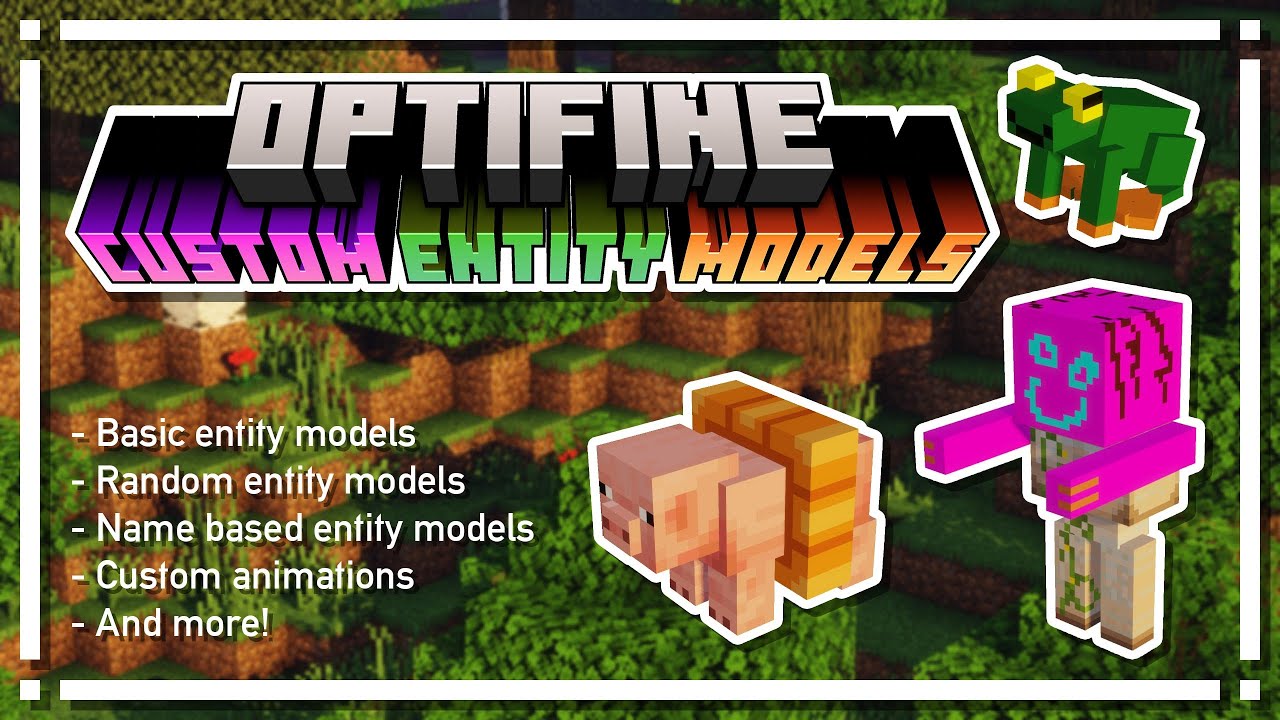
if you want to know more about models like this then I highly recommend this video
https://www.youtube.com/watch?v=arj2eim42KI

This tutorial shows you everything you need to know about OptiFine Custom Entity Models.

Useful links:
OptiFine documentation: https://github.com/sp614x/optifine/tree/master/OptiFineDoc/doc
CEM Template Loader: https://www.blockbench.net/plugins/cem_template_loader
Entity Testing map: https://www.ewanhowell.com/?map=entity-tester
Colour Gradien...

▶ Play video
#

mobs like creepers and pigs use the same model format as beds

next arch
#

Thank you very much bro, now I have to go to sleep, anyway thanks for helping me all this time

tulip roost
#

ok good night!