
#How To | Tutorial Video
7 messages · Page 1 of 1 (latest)
 glad bobcat
 sterile raptorBOT
 Conflicting tags detected
It looks like you have applied tags to this post that conflict. Please only apply the tags that are relevant to your post. We can only help you if we know the context of your question, and applying incorrect tags makes this confusing.
You can refer to #1029373817119838218 for a description of what each tag is for!
Welcome to the help forum!
Please make sure to read #1029373817119838218 as it may answer your question!
Once your question has been resolved, please mark the post as closed by using the </close:1163944441741049897> command.
 minor galleon
really depends on what that actually is
Could just be an item model being displayed via an armor stand or item display entity.
Could be a "fake entity" created via plugins like ModelEngine (basically just converts a model into several item models and puts them on several armorstands etc. to fake an entity (+an invisible slime or similar for damage detection).
 glad bobcat
minor galleon
really depends on what that actually is
Could just be an item model being displa...
glad bobcat
minor galleon
really depends on what that actually is
Could just be an item model being displa...
Block & Item Models
Modeling tutorial: https://youtu.be/aaJ8XgMAOno would this help me?
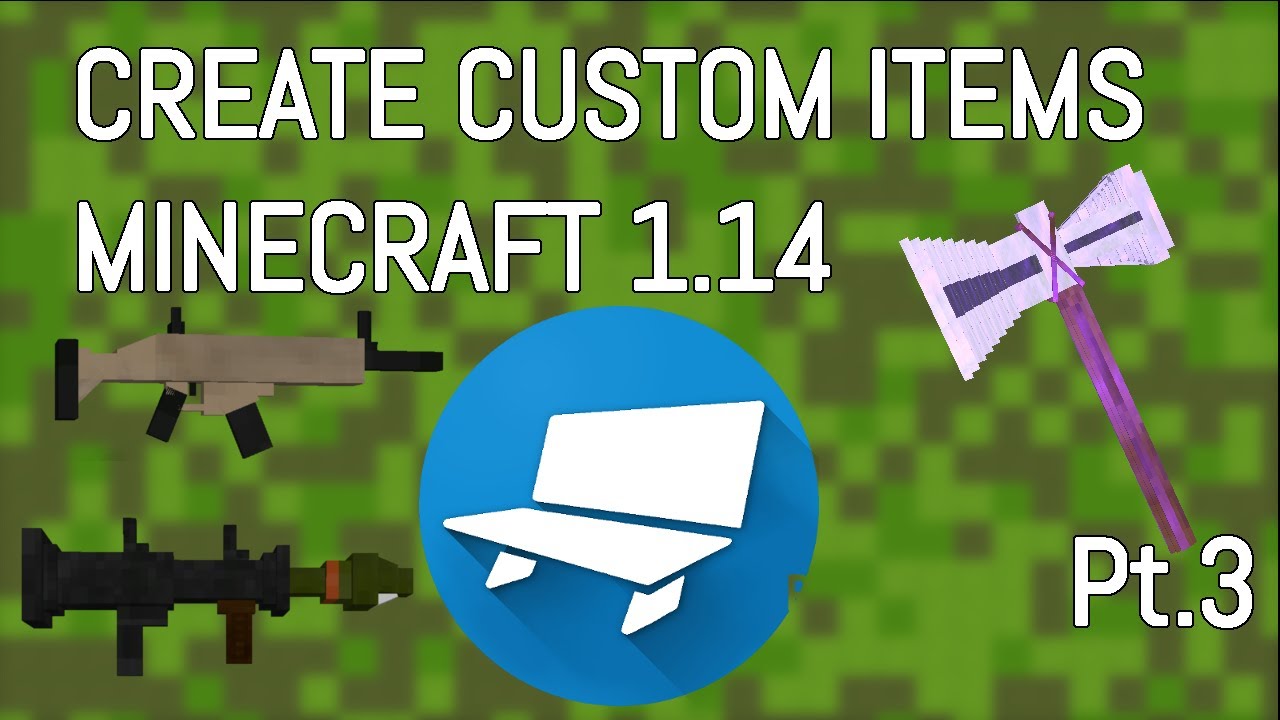
This is the third episode of the series where I show you how to use Blockbench to create custom models and textures for your item. In the last two episodes, I went over how to choose your item and give it to yourself with mcstacker.net, and I went over how to give your item a custom ability.
In future videos, I will go over ways to craft your i...
like is it a resource pack or smt