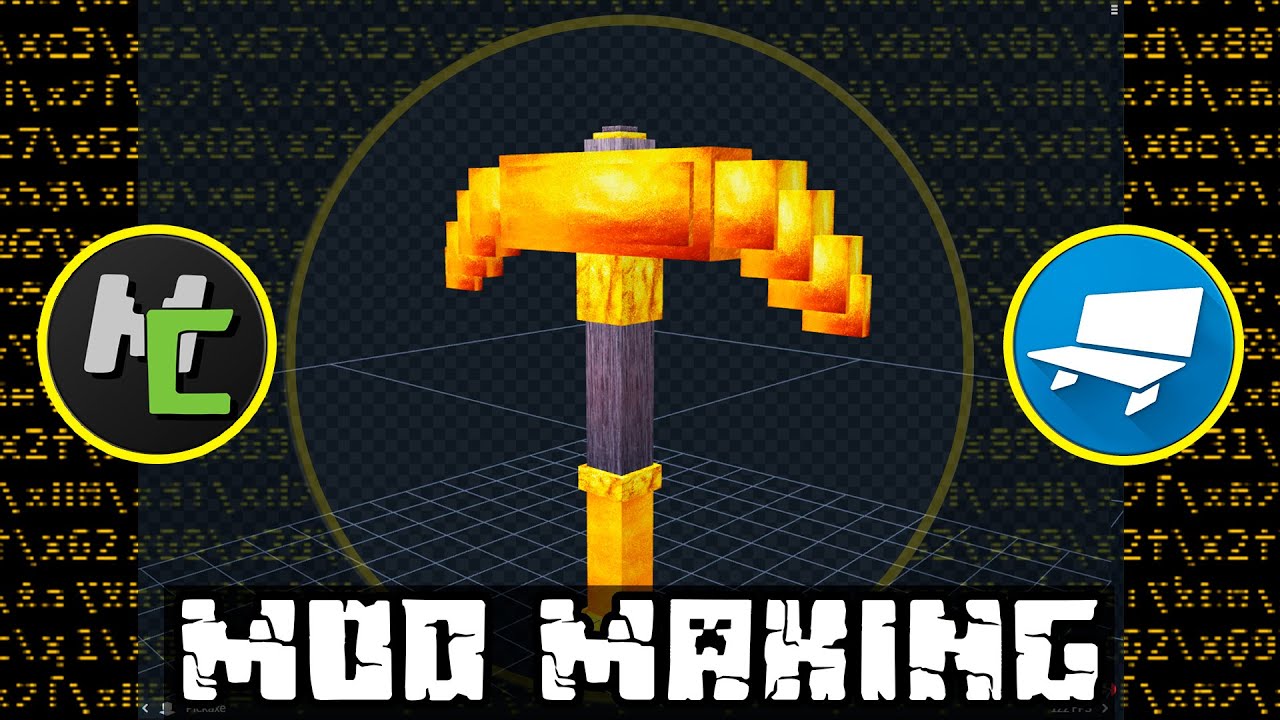
#REALISTIC Pickaxe

30 messages · Page 1 of 1 (latest)

radiant anchorBOT
#
Welcome to the help forum!

Please make sure to read #1029373817119838218 as it may answer your question!

Once your question has been resolved, please mark the post as closed by using the </close:1163944441741049897> command.

cedar patrol
#

in here like how to copy/export

#

i want to take this and put it in the UV

fervent thorn
#

just drag and drop the texture into Blockbench and it will ask you

fervent thorn
#

is it a .png?

cedar patrol
#

idk

#

look

#

i want to take one of these and put it in block bench

fervent thorn
#

well, those looke like materials for stuff like Blender etc.

#

so unless those come as .png + other files for specular settings etc. you can't use those (cause you need the .png)

cedar patrol
#

but how can i know that is png

fervent thorn
#

download it and check

cedar patrol
#

like wood.png

cedar patrol
#

this

fervent thorn
#

rightlick > Properties

cedar patrol
#

i did

#

idk i just want to take some realistic wood and export it to block bench into the UV

#

and i dont see a png

#

look its jpg

#

Minecraft Modding and Modeling Tutorial. Make REALISTIC Pickaxe Mod! MCreator + BlockBench 1.16.5 2022

How To Make Minecraft Mods? Watch in this Video!
How To Create Minecraft Mods? Watch in this Video!

Previos Tutorial: https://youtu.be/Ec6jb_AjsDM

Subscribe and Like video, please :3

Let's try to beat YouTube's algorithm as zFazT, Steveee, ...

â–¶ Play video
#

this is the video

#

this is from the video

#

i did it