#Glowing Texture
21 messages · Page 1 of 1 (latest)
 red dock
 brisk salmonBOT
(Result for "bedrock-materials")
Common default entity materials:
entity // basic opaque material
entity_alphatest // supports transparent pixels
entity_alphablend // supports translucent pixels
entity_emissive // solid, alpha channel is used as the emissive channel
entity_emissive_alpha // alpha channel is used for emissiveness, completely black + transparent pixels are rendered transparently
How to apply them: Change the material in your client entity file to the one you need:
"materials": {
    "default": "entity_alphatest"
}
More materials: https://wiki.bedrock.dev/documentation/materials.html
 knotty orchid
These are helpful too https://www.youtube.com/watch?v=-SV3FuunHWA

Presented by CyberAxe of www.OutLandishlyCrafted.com
Today we're talking about the all so scary Render Controllers. Wait what do you mean you always use Default. Well, today that stops.
#RenderController #Bedrock #Minecraft #MCPE #AddonGuides #BedrockGuides #Howto #IndieGameDev

Presented by CyberAxe of www.OutLandishlyCrafted.com
#bedrock #bedrockguides #addonguides #minecraft #mcpe #howto #indiegamedev #guide
 jovial needle
red dock
You cannot make glowing textures in Blockbench, but Bedrock supports various mat...
jovial needle
red dock
You cannot make glowing textures in Blockbench, but Bedrock supports various mat...
Or illuminescent I mean, I've seen many entities in Minecraft with illuminescent eyes and such you know? I need to know how they do it
knotty orchid
He provided the faq already for it. You set the material in bedrock RP for that bone. You can watch my guide to see how and more details.
Depending on the material you change the texture, glow, be clear, or many other effects
jovial needle
knotty orchid
He provided the faq already for it. You set the material in bedrock RP for that ...
I would like the guide
knotty orchid
If you're asking how to add eyes, there are many ways to do it. I personally perfer 3d eye, eyelids and normal animations. https://www.youtube.com/watch?v=Wi3Isin7Hjo
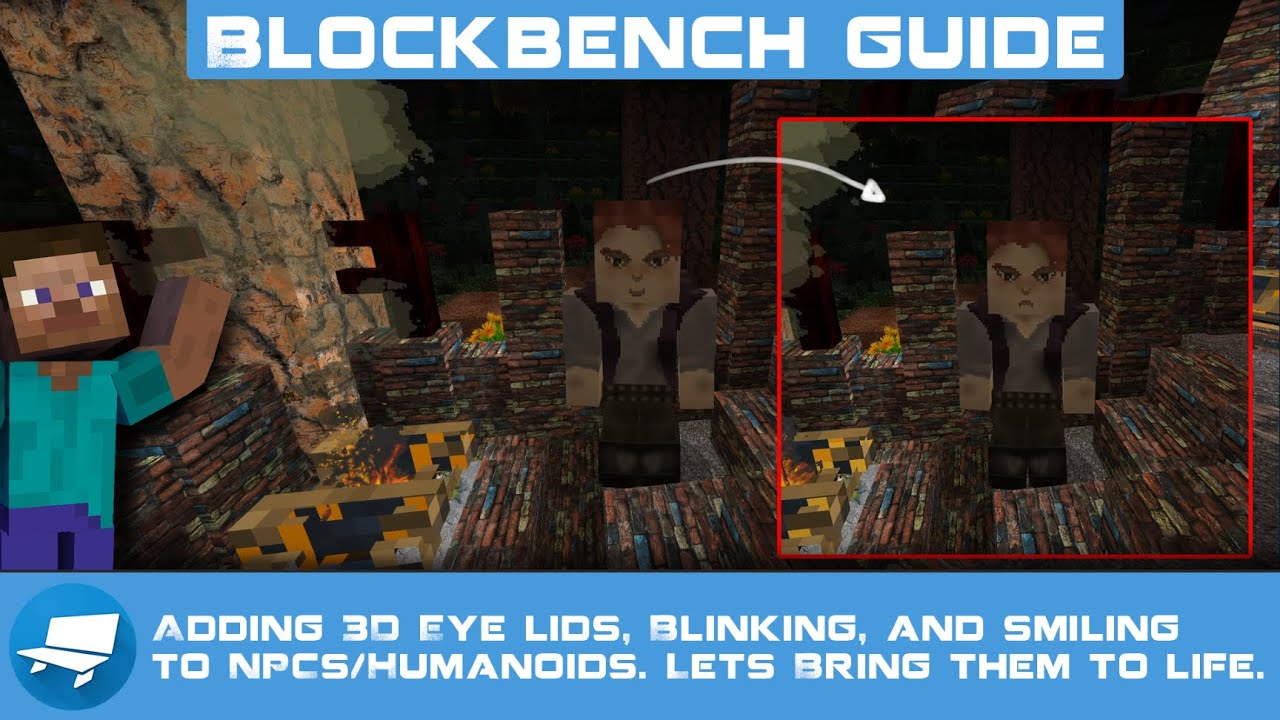
Presented by CyberAxe of www.OutLandishlyCrafted.com
We're talking about spicing up those NPCs, player models, and animations.
#Animations #Bedrock #NPC #AnimationControllers #BlockBench #Howto #Guide #addons #BedrockAddons #MCPE #IndieGameDev
knotty orchid
jovial needle
I would like the guide
I already posted it above
jovial needle
knotty orchid
I already posted it above
Thanks
knotty orchid
Start here #1074514450331205794 message
More advanced about layer materials #1074514450331205794 message
knotty orchid
You are welcome, you can find more guides here https://www.outlandishlycrafted.com/guides
Cyberaxe
After those I'd check out this one next to get any idea of editing textures in blockbench and how they react with other materials like dyes... https://www.youtube.com/watch?v=gLEVuZ1z-qU

Presented by CyberAxe of www.OutLandishlyCrafted.com
We get colorful today, I show you how to add dyes, change color tools and randomize on spawn to your entities while not ruining your textures. This is a must-have for any add-on makers. Set this up in your templates and you'll have it in everything with no extra effort.
#GuidesBedrock #Bedr...
jovial needle
knotty orchid
After those I'd check out this one next to get any idea of editing textures in b...
Seen this before too
knotty orchid
Great news
jovial needle
knotty orchid
Great news
And great content