#Sony Vaio (Mint/EndeavourOS) cannot get wifi to work

1 messages · Page 1 of 1 (latest)

north berry
#

I am attempting to install Linux for the first time, and got hold of an old Sony Vaio (SVP13229PGB) to mess around on while I learn. I successfully installed Mint, but could not get wifi to work - no wifi networks show up as an option. From my googling it seems this is a pretty common issue. Neither lspci or lsusb showed any results with wifi or wireless in their names, but from browsing probes on linux_hardware.org I think it's most likely an Intel Wireless 7260. I was able to tether from my phone, and I followed this guide: https://easylinuxtipsproject.blogspot.com/p/intel-wifi.html but nothing worked; I never had wifi show up as an option. I then saw a reddit post saying to try EndeavourOS instead of Mint, so I've just swapped over, but that's actually worse because now I still don't have wifi and my phone tethering now won't work. It's getting late here so I'm going to go to bed and try again tomorrow, but I guess my question is: should I persist in Mint, is there a better distro for this situation that's more likely to work? From this website it looks like it does work on Mint sometimes? https://linux-hardware.org/?id=pci:8086-08b1-8086-c060. It looks like the Mint version I was using was 22.2 cinnamon. Sorry I'm super new to this, I've already learnt heaps today just from trying to solve this first issue, looking forward to a long journey of getting familiar with Linux.

haughty cape
#

Have you tried the driver updater app from linux mint?

#

although it's really weird if it's not showing up at all

molten wren
north berry
haughty cape
#

You said lspci or lsusb doesn't show wireless

#

But does it show any device that could potentially be it

north berry
#

I’ve been scouring reddit threads and old forums posts from people with the same issue and I think I might have to just go and get a usb wireless adapter and see if that works, at least they’re relatively cheap and a handy thing to have around

smoky raft
#

does it work under windows?

#

try sudo apt remove rtl8723bs and then sudo apt install linux-firmware , i saw that on a reddit thread for ubuntu 22.04, so try that under mint, see if that works

haughty cape
#

you know what's interesting

#

i wanted to say the exact same thing

#

if it doesn't work on windows then it's probably dead 🥀

north berry
# smoky raft does it work under windows?

I can’t test it on windows because I fully wiped it and did a clean install of mint, because someone said dual booting can cause issues with the wifi. To my knowledge it was working, but I can’t confirm 100%

#

The first command couldn’t find the package, the second command failed

haughty cape
#

why

north berry
#

I tried to install discord so I could copy paste the error message and that bricked everything lol, just restarting in the hope it fixes it

#

I’m getting errors saying “there seems to be a programming error in aptkit” and it’s freaking out, like all the icons keep disappearing on the taskbar and it keeps freezing etc, might be fastest to just reinstall mint

#

Since it’s new anyway, nothing to lose really

north berry
#

ok reinstalled mint, redid those 2 commands, first one still couldn't find that package, second one didn't throw an error this time but said already on latest version

haughty cape
#

did you update mint

north berry
#

yes

haughty cape
#

still no wi-fi

#

sad

north berry
#

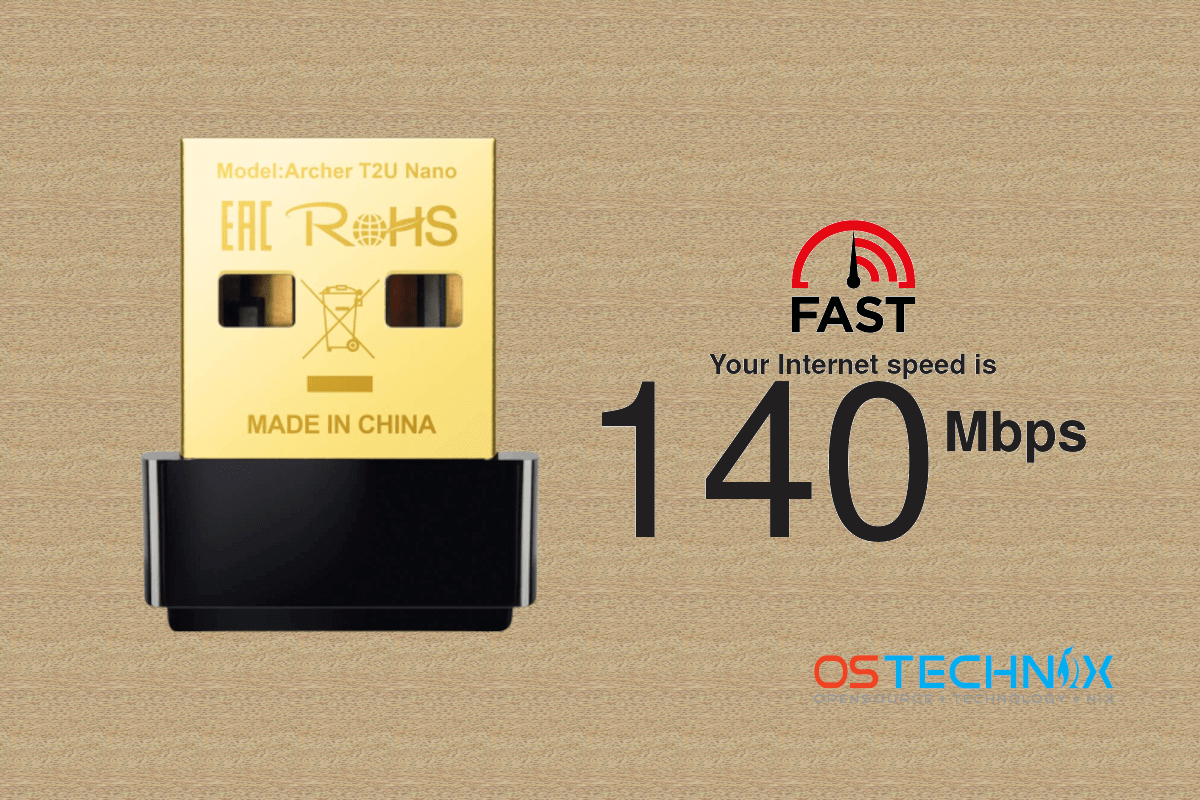
yeah sad times for me, now I'm following an online guide to try install the usb wifi adapter I got, hopefully that works

#

seems weird how it's fully not aware of any PCI wifi adapter or anything, but I did see a few other people with similar laptops complain of similar issues online

north berry
#

I can't even seem to connect using the dongle, the installation all seemed to go fine but I just get "activation of network failed" errors when I try to connect so I guess it didn't

haughty cape
#

well that's normal

#

This tutorial might even be outdated

north berry
#

oh bummer, what do you reckon might be causing the "activation of network failed" errors whenever I try to connect to my wifi then? I'm having a search but I haven't found anything relevant yet

haughty cape
north berry
#

So it’s much closer

haughty cape
#

Oh

#

If you're lucky

#

It's actually not reaching your router

#

These no antenna usb ones are pretty bad at reaching it if the distance is big

#

I had such an issue on windows

#

it would refuse to connect properly

north berry
#

My router is like a metre away 😭

haughty cape
#

yeah idk tried to help 🥀

north berry
#

Thank you for your efforts, I think I might just be cursed unfortunately

north berry
#

Turns out the router itself was having issues, so you were pretty much right. I now have managed to get wifi going with the usb adapter, and I’ve never been so proud of myself lol