#Unable to install Ubuntu (error: file "/root/" not found)

1 messages · Page 1 of 1 (latest)

wanton arrow
#

SOLVED: The boot order has to be organized manually in the BIOS. In my case, hitting F12 to select the USB stick as temporary boot medium wasn't enough.

Was wondering if someone has had the same problem / might know a fix:

I've been trying to install Ubuntu on a new hard drive (the current one runs Windows 11 Pro and I'd like to have a second OS on my machine). Once I flashed Ubuntu (24.01, AMD 64) on a USB stick (via balenaEtcher) I tried to boot from the USB device. If I do so, I receive the message reading "error: file "/root/" not found. After that the screen appears where I can choose to try to install Ubuntu, however, it is frozen / unresponsive.

Some additional info:

  • The hardware I'm using is a rather new E14 Gen 6 Thinkpad (Intel Ultra 7 155H).
  • I've installed a 1TB hard drive and formated it before use
  • Disabled fast boot (set to diagnostics instead), secure boot and security chip
  • Used two different USB sticks and changed USB port
  • Although I'd like to install Ubuntu, I tried POP.os, Ubuntu Cinnamon, Mint, just to see if the iso/distro might be the source of error
  • Also tried Ventoy (exFAT MBR) and Rufus
  • Enabled Allow Microsoft 3rd party UEFI CA

Thanks for your suggestions

noble drift
#

Try another iso.

wanton arrow
# noble drift Try another iso.

Thanks for your recommendation.
I've went ahead and tried to install Ubuntu Cinamon 24.04 and Pop.OS 22.04. Both were also stuck right after booting into the USB stick.

noble drift
wanton arrow
# noble drift weird, can you try flashing with another utility like Rufus?

Thanks for the idea!
Unfortunately, Rufus (also tried Ventoy) both face the same problem, which is freezing upon being loaded. Strangely, even though I used Ventoy in a way that enables safe booting, my bios rejected my attempt to boot into it straight away, therefore I had to disable safe boot to access the USB stick to begin with. I've used exFAT / MBR as a configuration for Ventoy.

noble drift
wanton arrow
#

Hmm, I tried exFAT already, maybe I should make an A/B test. One with UEFI and one with exFAT

#

I'll report back as soon as I flashed / tried it

noble drift
#

cool.

wanton arrow
noble drift
wanton arrow
noble drift
#

👍🏼

wanton arrow
#

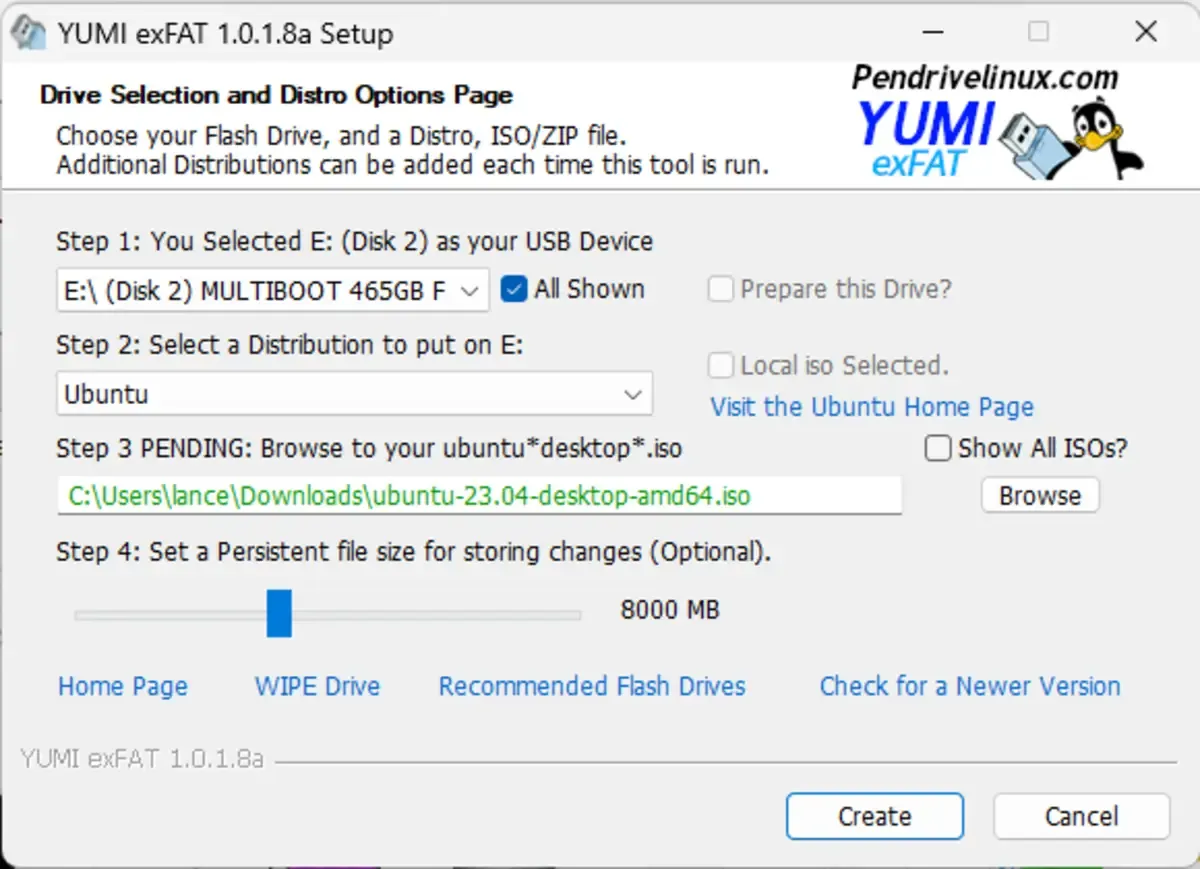
Givent that I've tried Yumi, Rufus, Ventoy and Etcher, different ISOs, USB Sticks and Ports my hunch is that my system is locking down the option to install a new OS

#

What always stayed the same was, that I get an error reading "error: file "/root/" not found."

noble drift
wanton arrow
#

I'm afraid I don't find anyone reporting the same error and all tutorials I tried don't go over a frozen installation screen

noble drift
#

?

wanton arrow
#

Hmm, I've followed these steps exactly, but unfortunately it's still frozen

#

I'll look up for more potential whitepapers