#Issue with PolicyKit
1 messages · Page 1 of 1 (latest)
 polar pelican
 earnest spruce
Do you have no password on your login?
polar pelican
earnest spruce
Do you have no password on your login?
you mean when I log into ubuntu?
wait I mean when im asked for authentication
after looking into it abit more I think the issue is that PolicyKit may not have the correct permissions and ownership. Do you know how I can fix this?
but to answer your question no (sorry sped read)
earnest spruce
The issue is almost certainly caused by not having a password on your user tbh.
polar pelican
OOH
thankyou I was searching around while you were typing and realized that PolicyKit does have a password system
could you tell me how to set one up please? Im very inexperinced with Linux
earnest spruce
Uh. In your user settings if you're using Gnome. Othewise passwd is the command to set one.
 polar pelican
earnest spruce
Uh. In your user settings if you're using Gnome. Othewise `passwd` is the comman...
polar pelican
earnest spruce
Uh. In your user settings if you're using Gnome. Othewise `passwd` is the comman...
if I type passwd into the console I'll be able to set it right? and it wont change my password for ubuntu?
earnest spruce
It will set a password for your user. For "ubuntu" as you say.
 polar pelican
did I forget to add the right flair? I apologize
earnest spruce
I'm not sure polkit is even running within wsl. Even if it was, WSL is literally just Linux inside a VM. It doesn't have control over drivers or network devices like that.
I question whether or not WSL will even allow you to set your wifi module into AP mode.
polar pelican
is there a way I can fix this or no?
earnest spruce
The specific polkit issue? Probably, but I doubt it will make the linux-wifi-hotspot program work. What do you actually even need it for? Windows has this built in.
polar pelican
earnest spruce
The specific polkit issue? Probably, but I doubt it will make the linux-wifi-hot...
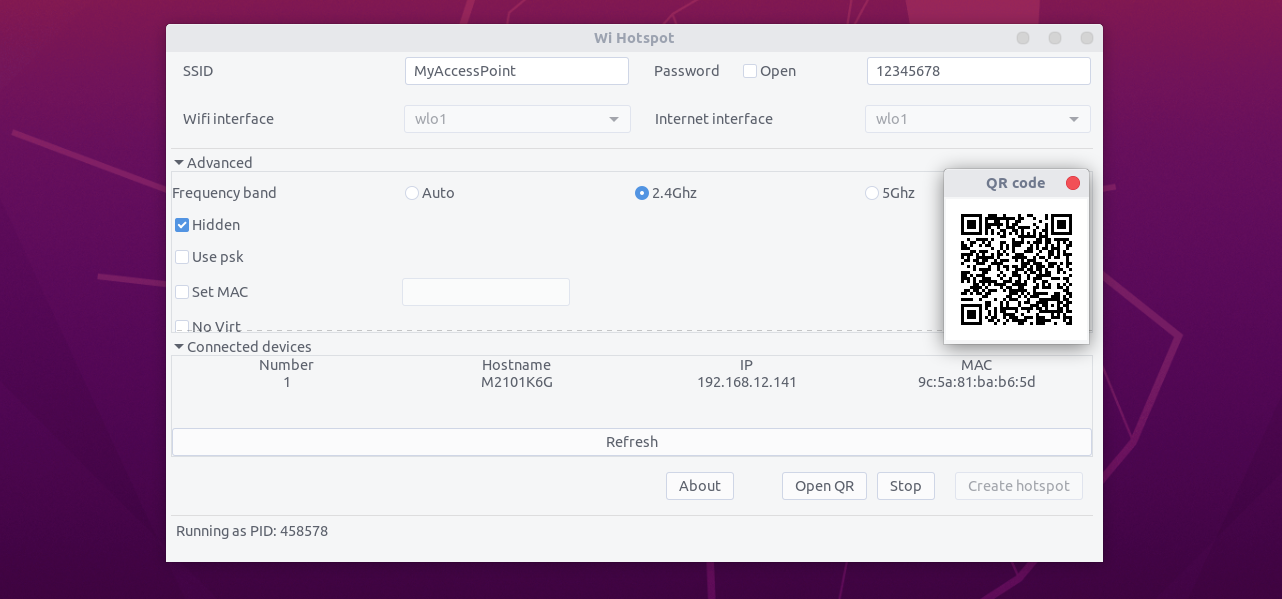
I'm trying to Create an NDS-Compatible Hotspot on Linux but I have a Windows laptop
earnest spruce
This is something you can't do on windows? I don't understand the issue there at all. Outside of it maybe needing to be 2.4Ghz or maybe wpa or something
polar pelican
earnest spruce
This is something you can't do on windows? I don't understand the issue there at...
From the DS Homebrew wiki I'm using: Windows cannot create a compatible hotspot, so Windows users will need to boot into Linux in order to set one up.
earnest spruce
Under the assumption they're right, you're probably going to have to actually boot into a liveUSB or something if you really want to go that route. Again I don't believe Windows gives that kind of control over networking inside the Linux VM.
polar pelican
earnest spruce
Under the assumption they're right, you're probably going to have to actually bo...
Ic Ic
thankyou so much for all the help