#How to use two textures for a custom item, one for gui, and then a model
13 messages · Page 1 of 1 (latest)
 midnight breach
 pulsar deltaBOT
Once your ticket has been resolved, please close it with </ticket close:1054771505520717835> command!
 raw apex
https://kubejs.com/wiki/tutorials/item-registry
.texture(modid:item/path)
Will search in kubejs/assets/modid/textures/item/path
.modelJson(modid:item/path)
Will search in kubejs/assets/modid/models/item/path
Ho you mean 2D in the inventory, 3D in hand ?
In this case that's not kubejs, that's model issue, see on the Minecraft wiki how do item models works
midnight breach
raw apex
Ho you mean 2D in the inventory, 3D in hand ?
by any chance do you know where i could look for that, the minecraft wiki doesnt do the best job of explaining how to do that
 zenith zealot
Look at blockbench
raw apex
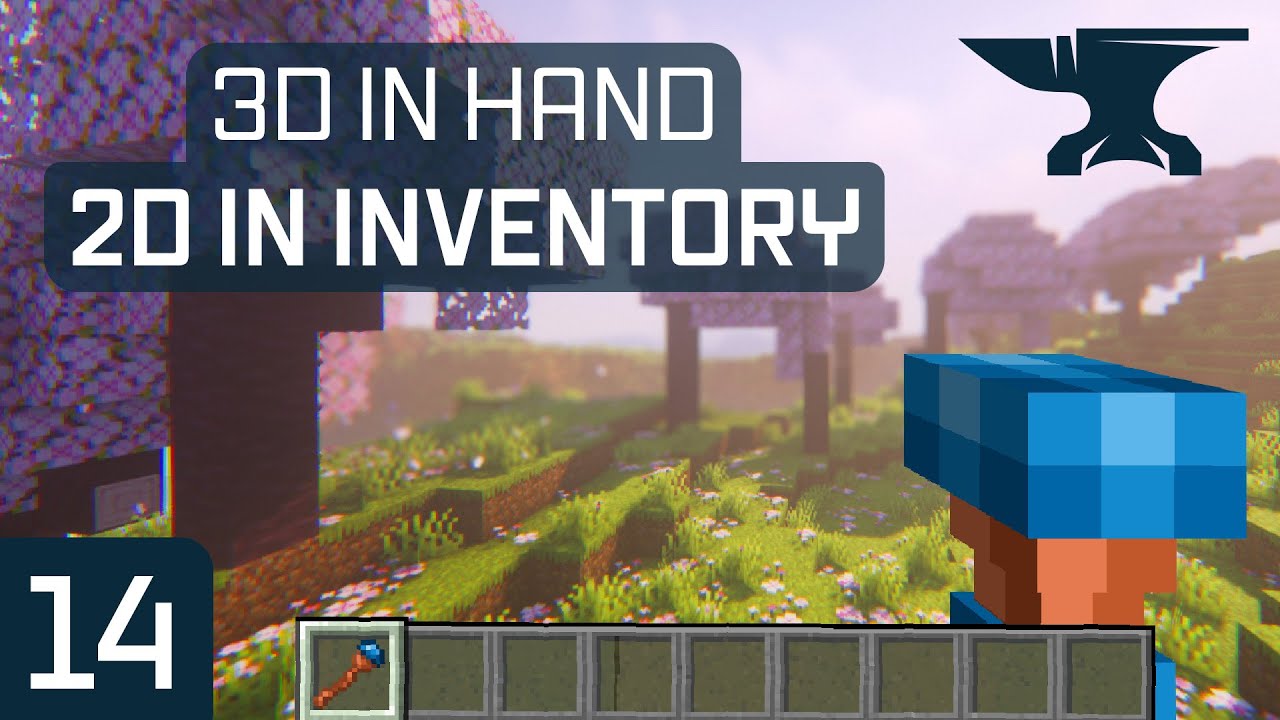
In this Minecraft Modding Tutorial, making an item with a 2d texture in the inventory and a 3d model in hand, similar to the spyglass!
== MODDING COURSES ==
FORGE ▶️ https://url.kaupenjoe.net/CourseForge120X
FABRIC ▶️ https://url.kaupenjoe.net/CourseFabric120X
== COMPATIBILITY ==
▶️ Compatible with 1.20 & 1.20.1
== SUPPORT ME ON PATREON =...
midnight breach
zenith zealot
Look at blockbench
Was up at 1am grinding lol
midnight breach
raw apex
https://www.youtube.com/watch?v=Ph50e-TSUVU
Really appreciate this, only thing is I wonder if this is applicable to 2d items, just separate textures for gui and handheld
Really appreciate the help though
 tame moon
midnight breach
Really appreciate this, only thing is I wonder if this is applicable to 2d items...
tame moon
midnight breach
Really appreciate this, only thing is I wonder if this is applicable to 2d items...
That's the video, no? In GUI it's the default texture, and you have a override for holding it in hand.
You don't need to attach a custom model, just use the normal model generator (which basically just adds 1px black edges to your item in the 3rd dimension) and give it a custom texture. This is just resource pack stuff, see specifically https://minecraft.wiki/w/Model.
midnight breach
tame moon
That's the video, no? In GUI it's the default texture, and you have a override f...
Ah I see now, I’ll def take a look at that because I was trying with all the jsons and stuff for a custom item I made with kjs, but I could never get the resource pack to work