#Laravel 10 in Ubuntu
23 messages · Page 1 of 1 (latest)
 broken dove
 atomic dagger
What is the url of the app and what was the url that wasn't found?
broken dove
The url that wasn't found is domain/directory of the projetc/public/login(This is for log in), domain/directory of the projetc/public/register(This is for register)
atomic dagger
i think the public part there is the problem
broken dove
But i make the same in a window 10, and there is no problem
 deft otter
What webserver are you using? Is the webserver configured properly for laravel? Like using apache2 and allowing .htaccess files, or having the correct file rights for the webserver to access it.
 glossy thunder
It seems that url rewriting is not enabled
You could try to run the developement server with "artisan serve" to perform a test of a possible missconfiguration
broken dove
glossy thunder
You could try to run the developement server with "artisan serve" to perform a t...
I think that, but if I run artisan serve, the url to test, is 127.0.0.1:8000, I can't try this, because I am connecting by putty to the Ubuntu which it is in a VPS , so I have only command line .
atomic dagger
php artisan serve --host 0.0.0.0 and then connect to your VPSs ip port 8000
glossy thunder
broken dove
I think that, but if I run artisan serve, the url to test, is 127.0.0.1:8000, ...
Yout can set the port for the serve command
If needed
Or openning the port 8000 on your vps temporary
broken dove
glossy thunder
Yout can set the port for the serve command
I can set the VPS IP in the serve command.?
broken dove
atomic dagger
php artisan serve --host 0.0.0.0 and then connect to your VPSs ip port 8000
I will try it tomorrow in my officce
glossy thunder
broken dove
I can set the VPS IP in the serve command.?
You can change everything, ip and port
I suggest you to look at the -h of the command
(It's like 1am here)
broken dove
glossy thunder
You can change everything, ip and port
Ok,ok I will try it, of course.
broken dove
glossy thunder
You can change everything, ip and port
Hello, I try it now, it works, but I think.....in a production time, how to solve this problem, in production , i don't think that i have to set the serve command to public the web, how it is ? What i solve this? thankyou.
atomic dagger
i think you just need to set your www root to dir/dir/public and it'll be fine
glossy thunder
broken dove
Hello, I try it now, it works, but I think.....in a production time, how to sol...
Good ! That indicate you need one thing that someone else said : from your production machine, if you are on apache or nxing, you need to enable the "url rewriting".
For apache, it is a set of tags to use to enable the mod, point to the index.php and allows to read existing files through url rewriting. For nginx, it is a command already used but to complete with variables. I'll search references for you :
Nginx : https://laravel.com/docs/10.x/deployment#nginx (essentially the "location .php" part)
Apache : https://stackoverflow.com/questions/1039725/how-to-do-url-re-writing-in-php

Stack Overflow
I am trying to implement URL rewriting in my PHP application. Can someone share a step by step procedure of implementing URL rewriting in PHP and MySQL?
In my application I want to implement follo...
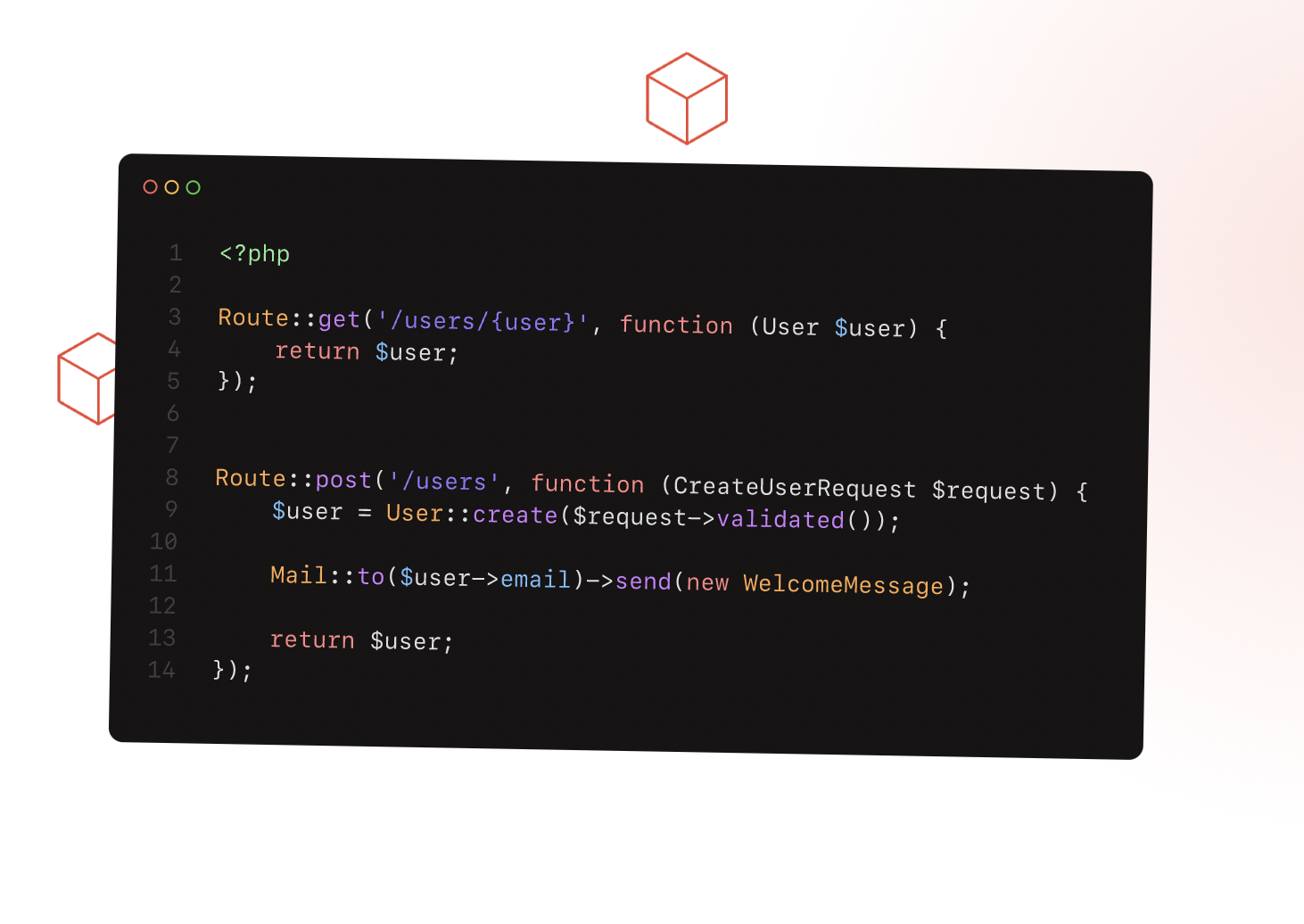
Laravel is a PHP web application framework with expressive, elegant syntax. We’ve already laid the foundation — freeing you to create without sweating the small things.
broken dove
Hello, I want to tell, that my problem was the incorrect configuration of the server that have the laravel project, at now, i can tell, it goes funy,