 golden linden
Hello, I don't have much experience with setting up enviroments, less with ubuntu or linux. So any help would be welcome.
Here is what I've done so far:
- Installed Docker Desktop and setup WSL2 by running
wsl --updateandwsl --set-default-version 2 - Installed Ubuntu and configured it according to the following tutorial
Someone was helping me out on #sail , they gave me this link to follow https://ubuntu.com/tutorials/install-ubuntu-on-wsl2-on-windows-11-with-gui-support#5-install-and-use-a-gui-package and I did all the steps except 5 because it doesn't seem necessary
- Enabled it in Docker Desktop
After that I went toDocker Desktop -> Settings -> Resources -> WSL Integrationand enabled the ubuntu I just added with the tutorial above, hitApply & Restart.
I'm currently a bit stuck here as to what the next step is, I need to make this work with some existing projects.
Currently I have my projects code in C:/www, I know that not ideal for Sail but where is it supposed to go? What should I do next?
If I look at the docs they seem to skip all these steps for the setting up https://laravel.com/docs/9.x/sail and go straight into the code but I'm not sure.
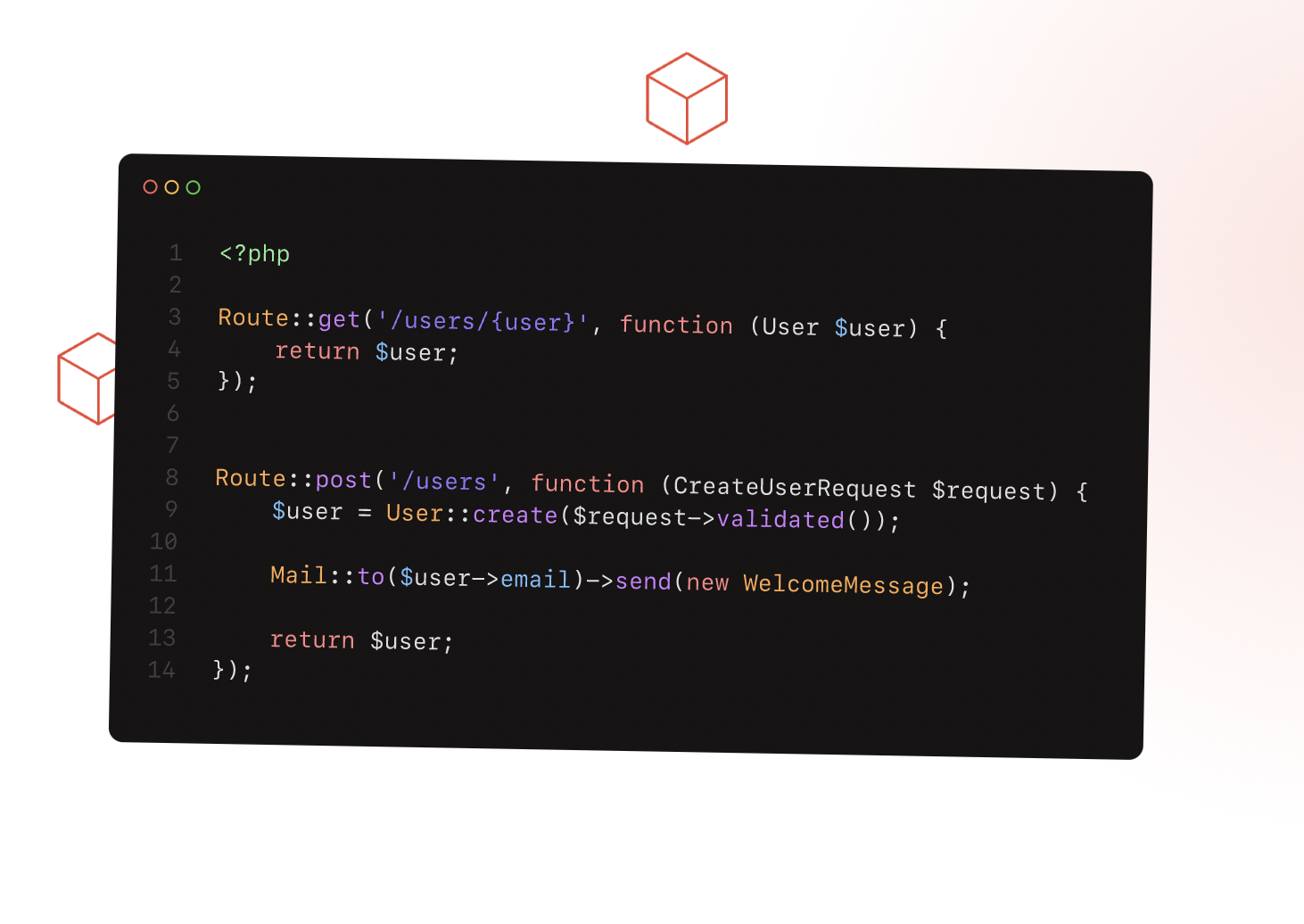
Laravel is a PHP web application framework with expressive, elegant syntax. We’ve already laid the foundation — freeing you to create without sweating the small things.

Ubuntu is an open source software operating system that runs from the desktop, to the cloud, to all your internet connected things.


 steady nebula




 hybrid notch
 tawny herald


