
#FireDBG – A Time Travel Visual Debugger for Rust
67 messages · Page 1 of 1 (latest)
 steady geyser
 toxic coyote
This looks really interesting
steady geyser
We’ve been working on this debugger just about a year now. Time travel debugging isn’t a new concept, the new idea here is to use call tree visualisation to help us navigate the debug trace.
It supports various Linux distros on x64 and macOS on x64 and M1. It’s only available for Rust right now, but we do want to bring this debugging experience to other programming languages. Please give it a try! Would love to know your thoughts.
toxic coyote
I'm afraid I can't get it to work. The farthest I got was it complaining that my builds are optimised (which they are not)
steady geyser
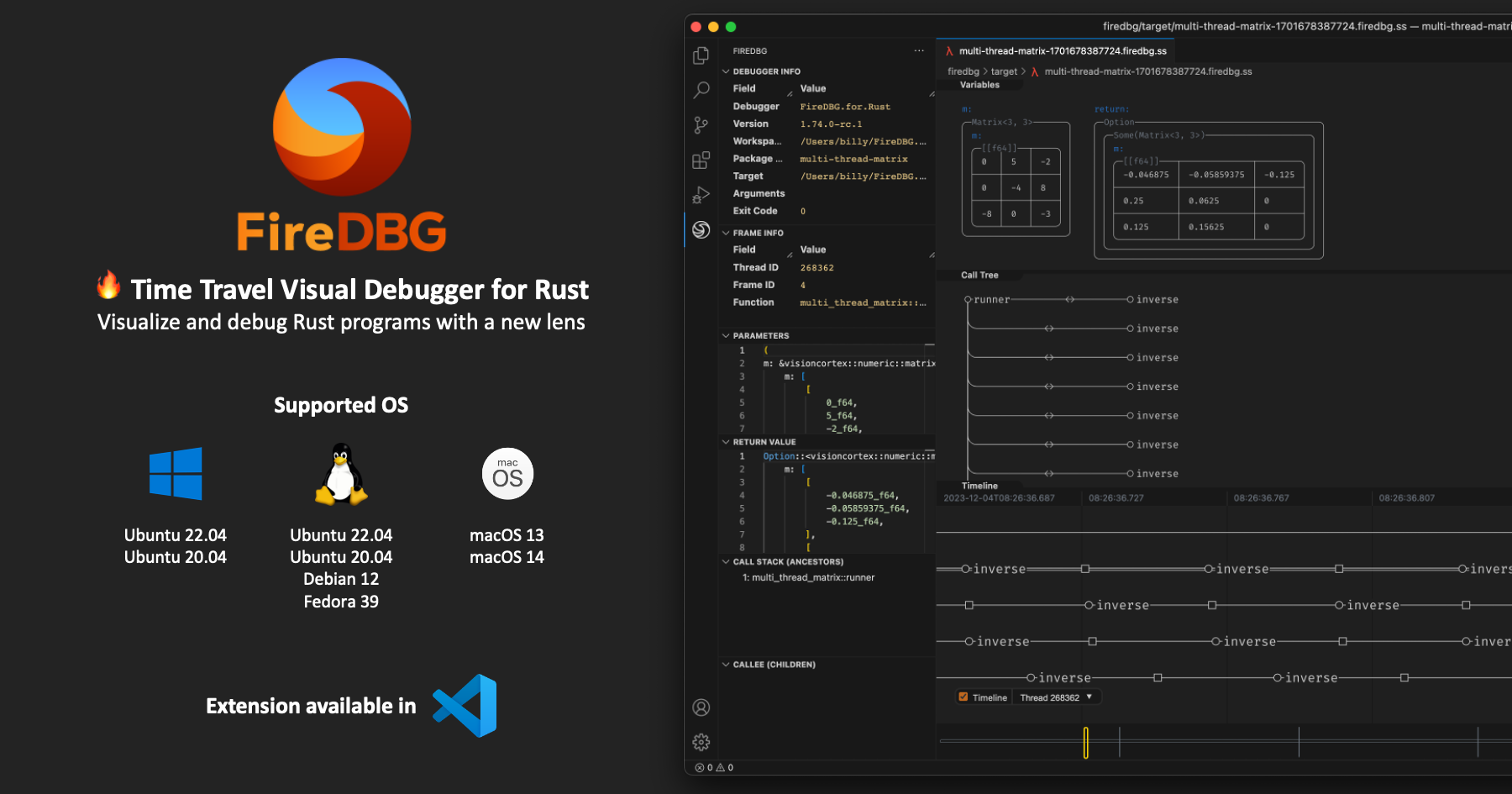
In this blog post, we will cover the basic usage of FireDBG VS Code Extension ("the Extension") and FireDBG CLI ("the CLI"). By the end of this tutorial, you will learn:
Maybe try and download the Testbench?
toxic coyote
steady geyser
https://firedbg.sea-ql.org/blog/2023-12-13-getting-started/
followed that. it runs, it just doesn't work
warning: day11 was compiled with optimization - stepping may behave oddly; variables may not be available.
I get this and an empty ss file
toxic coyote
Yes
steady geyser
Hmmmm this is odd
toxic coyote
It does with in the testbench, but not in my projects
toxic coyote
No async
steady geyser
Is it a binary, example, unit test or integration test?
toxic coyote
A binary
steady geyser
Try executing RUST_LOG=trace firedbg run <BINARY>, it should show all the breakpoints info etc
Any breakpoints?
toxic coyote
not that I can tell
I'll push the branch i mutilated for this so you can have a go and see if there's something weird
(mutilated because most of the code was on nightly, which you don't have a build for)
https://github.com/conradludgate/adventofcode2023/tree/firedbg spoilers for aoc within
 rotund dome
looks cool!
it doesn't have a license, what are you planning here?
toxic coyote
I gotta go, don't have time to debug further, but I really like the idea and best of luck in the future
steady geyser
toxic coyote
I gotta go, don't have time to debug further, but I really like the idea and bes...
Thanks!! Appreciated the help
We will get back to you
 amber fulcrum
woooo amazing stuff!
 fickle gate
This looks really interesting, I'm curious to see how far this can be pushed
 edgy hawk
That's really impressive, I will try it later today. Just a quick question, it only works for VS Code? @steady geyser
steady geyser
toxic coyote
https://github.com/conradludgate/adventofcode2023/tree/firedbg _spoilers for aoc...
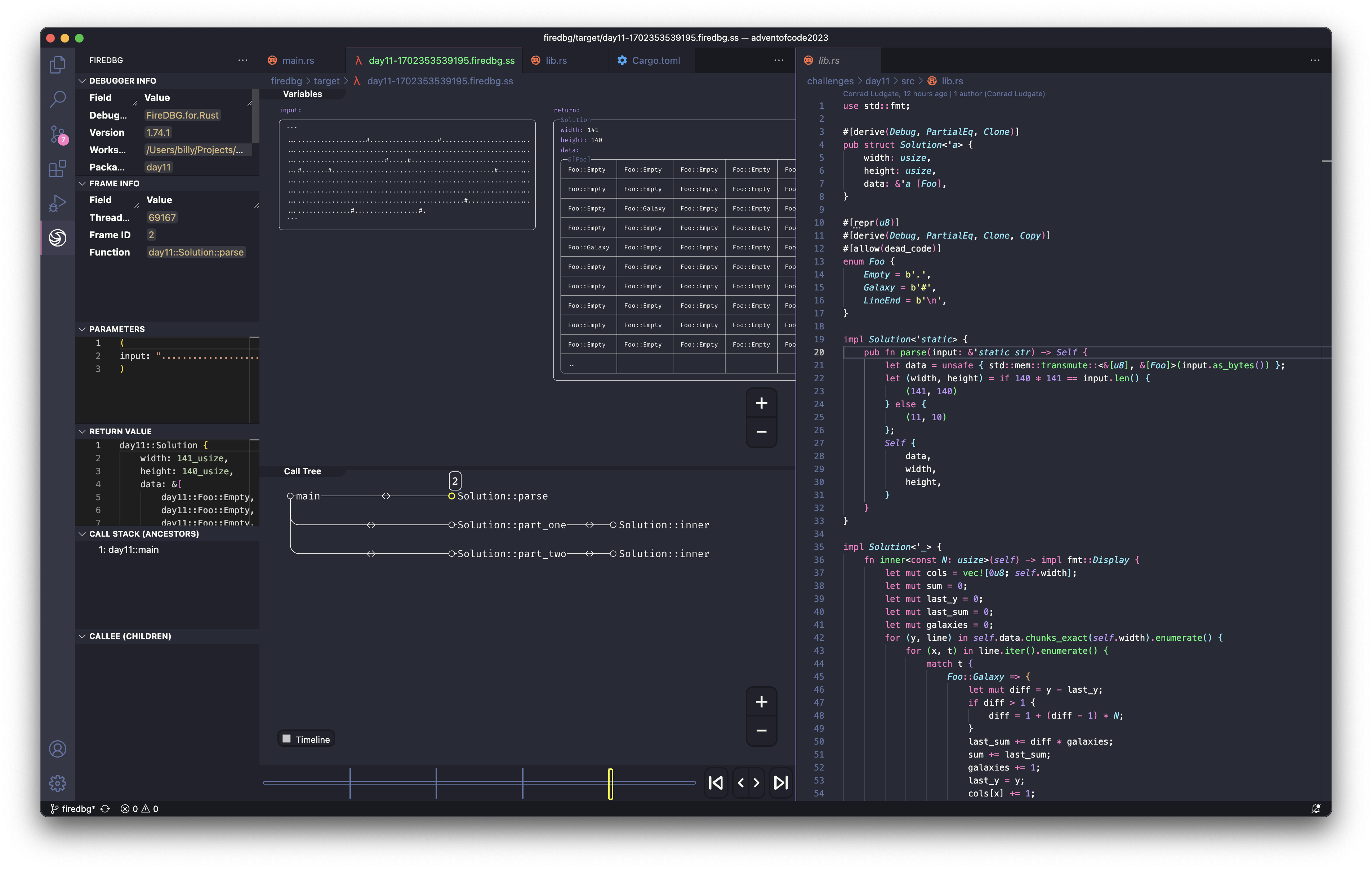
Hey @toxic coyote, thanks for helping! We found a small bug.
https://github.com/SeaQL/FireDBG.for.Rust/pull/5
 toxic coyote
steady geyser
Hey <@846993542849363979>, thanks for helping! We found a small bug.
https://git...
toxic coyote
steady geyser
Hey <@846993542849363979>, thanks for helping! We found a small bug.
https://git...
Aha! Yay 😄
steady geyser
edgy hawk
That's really impressive, I will try it later today. Just a quick question, it o...
Hey @edgy hawk, you can use the CLI to drive the debugger. But you need the VS Code extension to view the graphics.
steady geyser
rotund dome
looks cool!
it doesn't have a license, what are you planning here?
Hey @rotund dome,
It's licensed under either of
- Apache License, Version 2.0
(LICENSE-APACHE or http://www.apache.org/licenses/LICENSE-2.0) - MIT license
(LICENSE-MIT or http://opensource.org/licenses/MIT)
at your option.
steady geyser
fickle gate
This looks really interesting, I'm curious to see how far this can be pushed
Hey @fickle gate, try it and let us know what you think :)
steady geyser
toxic coyote
Aha! Yay 😄
Hey @toxic coyote, you can now download FireDBG 1.74.1 and try again!
curl https://raw.githubusercontent.com/SeaQL/FireDBG.for.Rust/main/install.sh -sSf | sh
Are there any plans to have FireDBG work with Windows using ETW or dtrace, both of which flamegraph can use?
rotund dome
steady geyser
Hey <@414755070161453076>,
It's licensed under either of
- Apache License, V...
awesome, thanks!
toxic coyote
steady geyser
Hey <@846993542849363979>, you can now download FireDBG 1.74.1 and try again!
``...
Thanks, it worked. I used it to debug an optimisation I wanted to implement for today's AoC and it made it very easy to understand a panic I was hitting
 whole depot
couldnt make it work on windows, its very problematic
steady geyser
toxic coyote
Thanks, it worked. I used it to debug an optimisation I wanted to implement for ...
Nice!! Glad to help :)
Hey @toxic coyote , I wonder what is the license of https://github.com/conradludgate/adventofcode2023 ?
Can the FireDBG team adapt it as test case? We will attribute the original work accordingly.
steady geyser
whole depot
couldnt make it work on windows, its very problematic
Hey @whole depot, can you elaborate? For Windows, you need to install the FireDBG in WSL 2 of Ubuntu 22.04 / Ubuntu 20.04
toxic coyote
steady geyser
Hey <@846993542849363979> , I wonder what is the license of https://github.com/c...
The code I will license as MIT, but the project binary and tests relies on the AoC input which is not mine to give a license for
whole depot
steady geyser
Hey <@793497440296370176>, can you elaborate? For Windows, you need to install t...
it complains that theres no rust installed
steady geyser
whole depot
it complains that theres no rust installed
The rustc command isn't in system path?
whole depot
it is in PATH on windows but for some reason wsl cant see it
steady geyser
You should install Rust inside WSL 2
rotund dome
WSL is entirely separate from windows in that way
steady geyser
rotund dome
WSL is entirely separate from windows in that way
Yes
that's why the install script compliant Rust is missing
amber fulcrum
Shame I can't really use WSL2 at work 
whole depot
i still cant make it work, i installed successfully on wsl2 but vscode still cant see it i guess because it's only on the wsl side and clicking "install firedbg cli" on windows doesn't work because it tries to install from windows terminal
steady geyser
whole depot
i still cant make it work, i installed successfully on wsl2 but vscode still can...
U need to remote into WSL2 on your vscode
whole depot
making some progress, now im stuck here, there's no option here shown in the guide
 steady geyser
whole depot
making some progress, now im stuck here, there's no option here shown in the gui...
steady geyser
whole depot
making some progress, now im stuck here, there's no option here shown in the gui...
Hey @whole depot, check this https://firedbg.sea-ql.org/blog/2023-12-13-getting-started/#debug-targets-and-runs You should see the FIREDBG and FIREDBG RUNS panel at the bottom
whole depot
steady geyser
Hey <@793497440296370176>, check this <https://firedbg.sea-ql.org/blog/2023-12-1...
i see them but they are empty
am i stupid or is this really that difficult to set up lol
 lost oasis
Does this support windows?
 wary agate
i cannot get this to work. too complicated
 dense rose
This looks like a recolor of the seaorm logo 🤨
toxic coyote
dense rose
This looks like a recolor of the seaorm logo 🤨
it's almost as if it's from the same project
dense rose
toxic coyote
it's almost as if it's from the same project
How would a debugger be the same project as a database ORM?
toxic coyote
dense rose
How would a debugger be the same project as a database ORM?
check the organisation: https://github.com/SeaQL/FireDBG.for.Rust