#Iterate through all values of a json in Jackson
1 messages · Page 1 of 1 (latest)
 astral compassBOT
astral compass
<@&987246399047479336> please have a look, thanks.
astral compassBOT
astral compassBOT
astral compass
<@&987246399047479336> please have a look, thanks.
While you are waiting for getting help, here are some tips to improve your experience:
Code is much easier to read if posted with syntax highlighting and proper formatting.

If nobody is calling back, that usually means that your question was not well asked and hence nobody feels confident enough answering. Try to use your time to elaborate, provide details, context, more code, examples and maybe some screenshots. With enough info, someone knows the answer for sure.
Don't forget to close your thread using the command </help-thread close:1027500463647621170> when your question has been answered, thanks.
 radiant dock
What do you mean?
 olive stream
maybe provide more context and some code if appropriate
radiant dock
LIke you have json file
{
"name" : "Adam",
"age" : 21,
"country" : "Canada"
}
and you want each value
Adam, 21, Canada
?
So you have getters in your object, right?
Let's keep it in this Person object that I made up there
so you can get these valuse by person.getName(), person.getAge(), person.getCountry()
It's array so it has index
So you just need to get String at index 0
with another object
olive stream
you know how to compare strings and arrays though right?
so whats the actual problem
do you have a class for that json to map to?
then do that
olive stream
yeah but you need to make a class for it
radiant dock
but Serialization and Deserialization of Json file
radiant dock
So he can make like method where he will pass an Object
or a Class
I think Class would be better for SRP
olive stream
radiant dock
LIke you have json file
{
"name" : "Adam",
"age" : 21,
"country" : "Canada"
}
for this it would look smth like that:
public record Person(String name, int age, String country) {

}
DTO
radiant dock
But @tidal jewel be careful not all Mapping works with records
olive stream
smth that represents your json
radiant dock
If you use Gradle, you can use this:
implementation 'org.modelmapper:modelmapper:3.1.1'
//Lombok
compileOnly 'org.projectlombok:lombok:1.18.28'
I used it together when I was doing mapping
olive stream
radiant dock
If you use Gradle, you can use this:
implementation 'org.modelmapper:modelmapper...
?
olive stream
the variables in the constructor should represent the entries in the json
look at the person example
{
"name" : "Adam",
"age" : 21,
"country" : "Canada"
}
public record Person(String name, int age, String country) {

}
I am sure you can find a lot of content about this
olive stream
yeah
radiant dock
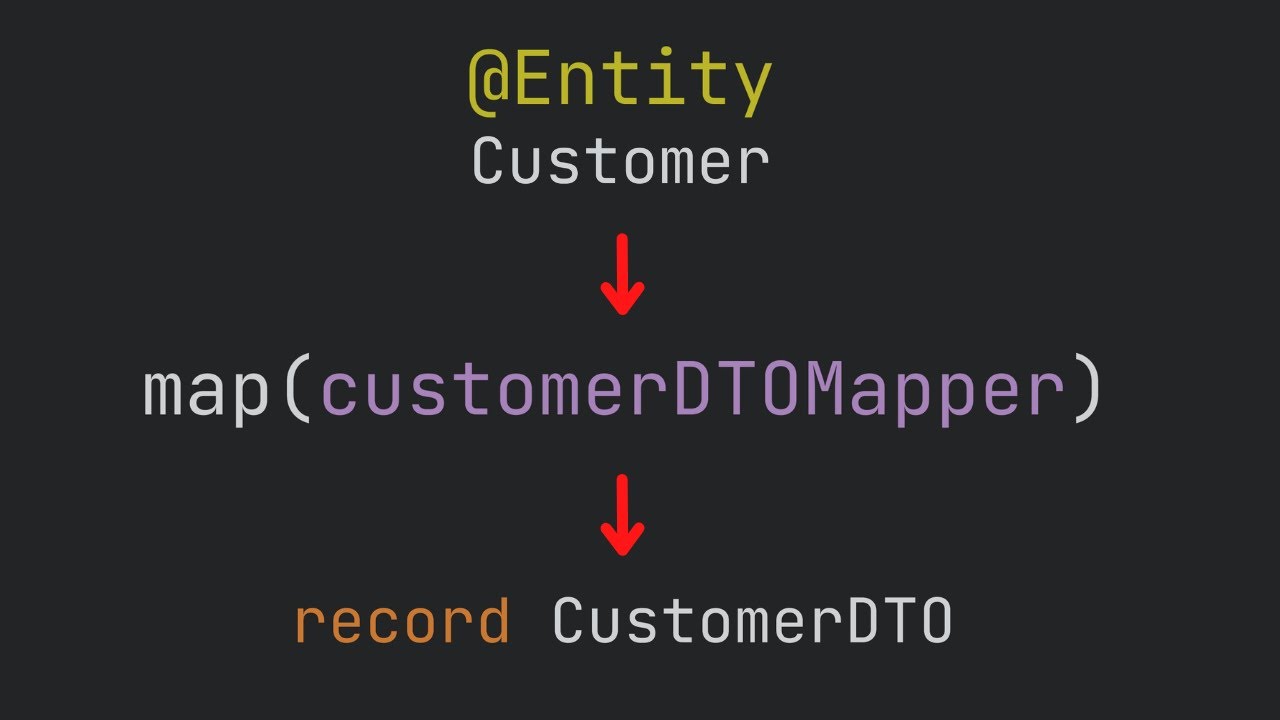
Learn how to use the JAVA DTO (Data Transfer Object) pattern in this easy-to-follow tutorial. The JAVA DTO pattern is a great way to simplify your code and optimize data transfer in your JAVA applications. In this video, we will cover best practices, tips and tricks, and a practical example of how to implement the JAVA DTO pattern in your code. ...
Here you have video about DTO
olive stream
and the variable name should be the same as the json entry or use @JsonProperty("...") to use a different name for the variable
maybe try checking baeldung or smth
they have good tutorials on that
sorry ingame rn
radiant dock
jackson serialize and deserialize means makes Json from Objects, and Objects from Json
So now you have this Json file and to manipulate data you need Object
So you need to make an Object for Json file
ObjectMapper
olive stream
using the ObjectMapper, but first you need a class that represents that json
olive stream
ok so can I ask you what your json represents?
just in general english, what does it store etc
radiant dock
public Class Example {
private String str;
private ArrayList<String> arr;
Why you downvoting me? ;_;
olive stream
ok so it stores a list of clients and each client got informations
let me finish that round real quick xD
radiant dock
public record Clients(ArrayList<String> list) {
}
olive stream
olive stream
let me finish that round real quick xD
gonna take some longer, in a tournament rn
maybe check this
https://www.baeldung.com/jackson
radiant dock

Mkyong.com
- How to convert Java object to / from JSON (Jackson)
This one will be more helpful
olive stream
downvoting baeldung lmao
olive stream
these are multiple jsons right?
also what does the first number in that string mean? some kind of id of the client?
its invalid json if its in one file
{

},
{


}
this is invalid
having two multiple root elements
it must be multiple jsons
olive stream
olive stream
also what does the first number in that string mean? some kind of id of the clie...
ok answer this pls
are you making that json from some other service?
if so why not sending such an json:
{
  "client_id": "",
  // ... other information like in that string array
}
then also no need for array index handling
 maiden crane
@tidal jewel lol - lmk if you wanna try my stuff
olive stream
also I dont know how to handle dynamic property names in jackson
maiden crane
can you hop in VC or share the code you have now?
or

if you are using intelliJ
click the guy there and click "start session" then DM the link
it will let me just poke your code
olive stream
isnt that kinda spoonfeeding
radiant dock
To be honest you did spoonfeeding already @olive stream
olive stream
with what lol
radiant dock
It's kinda obvious that this guy doesn't know nothing about jackson and don't even try
radiant dock
Ok
You are right
but still we all explained to him stuff that he could easly find in a 5 sec
and learn it by himself
maiden crane
radiant dock
but still we all explained to him stuff that he could easly find in a 5 sec
Does anyone have a source for spoonfeeding bad?
other than some vague version of "they have google fuckem"
radiant dock
maiden crane
Does anyone have a **source** for spoonfeeding bad?
I would say, you will write this code for him, he'll learn nada, and back to here to ask another question and another
Like ObjectMapper it's first thing you have in every tutorial about Jackson
maiden crane
and like i've said - i don't care
radiant dock
He doesn't understand it and concept of Object -> Json file
maiden crane
Your original question doesn't make much sense without extra context
radiant dock
So when you will do basic work for him then how he will understand more complicated things
olive stream
maiden crane
and like i've said - i don't care
you dont care that you just do stuff for him and he learns noting out of it
that shouldnt be the intention of a helper though
and we told you that you first need to parse it into an Object
maiden crane
olive stream
you dont care that you just do stuff for him and he learns noting out of it
that...
for fucks sake my guys
i wrote up tutorials
olive stream
olive stream
and we told you that you first need to parse it into an Object
in order to work with the data
maiden crane
there is a minimum amount of activation energy needed to UNDO what y'all have said
 radiant dock
See you around downvoter :v
maiden crane
When that is in memory
is it a JsonObject
or is it a Map<String, String[]>
or have you not gotten that far
then your question has nothing to do with json
olive stream
fr
maiden crane
you just want to know how to iterate through the entries of a map
maiden crane
okay so i reiterate
HAVE YOU NOT GOTTEN THAT FAR
okay so your question here is the same as it was before
how to load a json file into a Map<String, String[]>
right?
okay show the code you have right now
not some of it
all of it
radiant dock
xD
radiant dock
xD
maiden crane
yeah do you or do you not already have code?
        <dependency>
            <groupId>dev.mccue</groupId>
            <artifactId>json</artifactId>
            <version>0.2.3</version>
        </dependency>
if you do not, replace the jackson stuff with this
🙃
olive stream
maiden crane
🙃
whats wrong with jackson
maiden crane
nothing - other than the fact that doing exactly what he wants to do is hard
well not hard
but it requires a TypeToken
and i do not want to field the follow up questions that will leave
okay
so first
where is the file?
is it in resources
or is it just on the filesystem
like
src/
  main/
   java/
     Stuff.java
   resources/
     file.json
or
src/
  main/
   java/
     Stuff.java
file.json
so you have the 2nd one?
okay
so first we need to open a reader into that file
try (var reader = Files.newBufferedReader(Path.of("file.json"))) {
   System.out.println(reader);
}
can you run this?
yeah
just before we go on run it
make sure it works
okay so your file is not json
it is a bunch of different json objects on their own lines
right?
okay so you want to first get a json reader from your buffered reader
        try (var reader = Files.newBufferedReader(Path.of("file.json"))) {
            JsonReader jsonReader = Json.reader(reader);
        }
and then
        try (var reader = Files.newBufferedReader(Path.of("file.json"))) {
            JsonReader jsonReader = Json.reader(reader);
            for (Json line : jsonReader) {
                System.out.println(line);
            }
        }
please loop over the reader
make sure this runs and works before we go on
okay
make sure this runs and works before we go on
please run it
share the output
delete the body for now
just have it do nothing
...are you using loser java?
upgrade to 17 or higher
in intellij
file -> project structure
project -> sdk -> add sdk -> download jdk
sure
and then also in the pom.xml make sure it says something 17 or higher
    <properties>
        <maven.compiler.source>17</maven.compiler.source>
        <maven.compiler.target>17</maven.compiler.target>
        <project.build.sourceEncoding>UTF-8</project.build.sourceEncoding>
    </properties>
okay cool
okay so first im gonna show you "the hard way"
can you copy paste this code to me
so i can change it
without typing it all up
and can you share the json
or an example
astral compassBOT
I uploaded your attachments as Gist.
maiden crane
of your specific json that is a map of string to string[]
holy shit
no
this json is not convertable to a Map<String, String[]>
give me an example of the json that you actually are going to read in here
astral compassBOT
I uploaded your attachments as Gist.
maiden crane
yeah
if you make me physically type out 563.513.643 i will break kneecaps
anyways
Json
that type is one of a few things
public sealed interface Json
        permits JsonBoolean, JsonNull, JsonString, JsonNumber, JsonArray, JsonObject {
read this here
what are the allowed subtypes of Json?
okay so what do you expect it to be
for the file you are reading in
not a trick question
radiant dock
I have to admit, I admire your dedication @maiden crane
maiden crane
nope
{"858687244294422539":["563.513.643","9a6b8997-1bf2-442d-897a-1a2a8b64be90","on","1"]}
this is not an array
try again
radiant dock
JsonObject?
maiden crane
yep
radiant dock
\o/
olive stream
\o/
maiden crane
that would work
but
instead of casting it, use the method JsonObject jsonObject = JsonDecoder.object(json);
👀
 neat fulcrum
thread will stay forever, bookmark it for easy access.
astral compassBOT
Closed the thread due to inactivity.
If your question was not resolved yet, feel free to just post a message to reopen it, or create a new thread. But try to improve the quality of your question to make it easier to help you 👍
radiant dock
He told ya, you need to use JsonObject
maiden crane
Yes I do
But
And I can sense the room will judge me for this
I have a bitch of a fever and no longer have the energy to go through it step by step
I am going to do the shitty thing and just show you what to do
    static String CLIENT_JSON = "file.json";

    static HashMap<String, String[]> read() {
        try (var reader = Files.newBufferedReader(Path.of(CLIENT_JSON))) {
            return new HashMap<>(
                    JsonDecoder.object(
                            Json.read(reader),
                            JsonDecoder.array(JsonDecoder::string)
                                    .map(list -> list.toArray(String[]::new))
                    )
            );
        } catch (IOException e) {
            throw new UncheckedIOException(e);
        }
    }

    static void write(HashMap<String, String[]> map) {
        try (var writer = Files.newBufferedWriter(Path.of(CLIENT_JSON))) {
            var objectBuilder = Json.objectBuilder();
            map.forEach((k, v) -> {
                objectBuilder.put(
                        k,
                        Json.of(
                            Arrays.stream(v)
                                .map(Json::of)
                                .toList()
                        )
                );
            });
            Json.write(
                    objectBuilder.build(),
                    writer
            );
        } catch (IOException e) {
            throw new UncheckedIOException(e);
        }
    }

    static void add(String k, String[] v) {
        var map = read();
        map.put(k, v);
        write(map);
    }

GitHub
A Java JSON Library intended to be easy to learn and simple to teach - GitHub - bowbahdoe/json: A Java JSON Library intended to be easy to learn and simple to teach
here is the tutorial
radiant dock
maiden crane
I have a bitch of a fever and no longer have the energy to go through it step by...
Get better man!
 unreal tartan