

65 messages · Page 1 of 1 (latest)
 dense bridge
Whenever i open it, it seems that it automatically closes ( yes, i've entered my discord token, but deleted it from there for the pictures. ) i can only catch a glimpse from it, and i saw that it couldn't import discord or something. Any help?
 gritty novaBOT
dense bridge
Whenever i open it, it seems that it automatically closes ( yes, i've entered m...
gritty novaBOT
dense bridge
Whenever i open it, it seems that it automatically closes ( yes, i've entered m...
@dense bridge
 Python help channel opened
Remember to:
:warning: Do not pip install anything that isn't related to your question, especially if asked to over DMs.
 plucky hornet
dense bridge
Also, if anyone is curious. Yes i have the discord app, im not on the web versio...
plucky hornet
dense bridge
Also, if anyone is curious. Yes i have the discord app, im not on the web versio...
Looks like you need to install the library
dense bridge
plucky hornet
Looks like you need to install the library
How do i do that?
 snow arrow
The discord library doesn't come with the discord app
Library is community created and maintained and have to be manually install
!pypi discord.py
gritty novaBOT

A Python wrapper for the Discord API
Released on <t:1741137329:D>.
 naive roost
dense bridge
it's the same problem, it just closes instantly when i open it
naive roost
dense bridge
it's the same problem, it just closes instantly when i open it
what closes?
dense bridge
the python script
snow arrow
dense bridge
Again you have to show what error now
dense bridge
 naive roost
did you pip install it?
snow arrow
dense bridge
installed it
How did you installed it?
dense bridge
snow arrow
How did you installed it?
with pip
snow arrow
Run python -m pip show discord.py
dense bridge
like pip install discord.py
naive roost
show us what is said after you run that command
dense bridge
 naive roost
what
snow arrow
But python <file> doesn't work?
naive roost
oh
naive roost
dense bridge
I suggest reading the docs
gritty novaBOT
Intents are a feature of Discord that tells the gateway exactly which events to send your bot. Various features of discord.py rely on having particular intents enabled, further detailed in its documentation. Since discord.py v2.0.0, it has become mandatory for developers to explicitly define the values of these intents in their code.
There are standard and privileged intents. To use privileged intents like Presences, Server Members, and Message Content, you have to first enable them in the Discord Developer Portal. In there, go to the Bot page of your application, scroll down to the Privileged Gateway Intents section, and enable the privileged intents that you need. Standard intents can be used without any changes in the developer portal.
Afterwards in your code, you need to set the intents you want to connect with in the bot's constructor using the intents keyword argument, like this:
from discord import Intents
from discord.ext import commands

# Enable all standard intents and message content
# (prefix commands generally require message content)
intents = Intents.default()
intents.message_content = True

bot = commands.Bot(command_prefix="!", intents=intents)
For more info about using intents, see discord.py's related guide, and for general information about them, see the Discord developer documentation on intents.
naive roost
dense bridge
gritty nova
do i just copy and paste them?
dense bridge
i've seen a similar tutorial with the intents stuff, but im just asking what do i do next
snow arrow
comnands.Bot is a special bot thing, but the method of adding intents is the same
snow arrow
dense bridge
i've seen a similar tutorial with the intents stuff, but im just asking what do ...
Well, have you fixed it?
naive roost
Tutorials are outdated and not recommended
snow arrow
If you have, show us before continuing
dense bridge
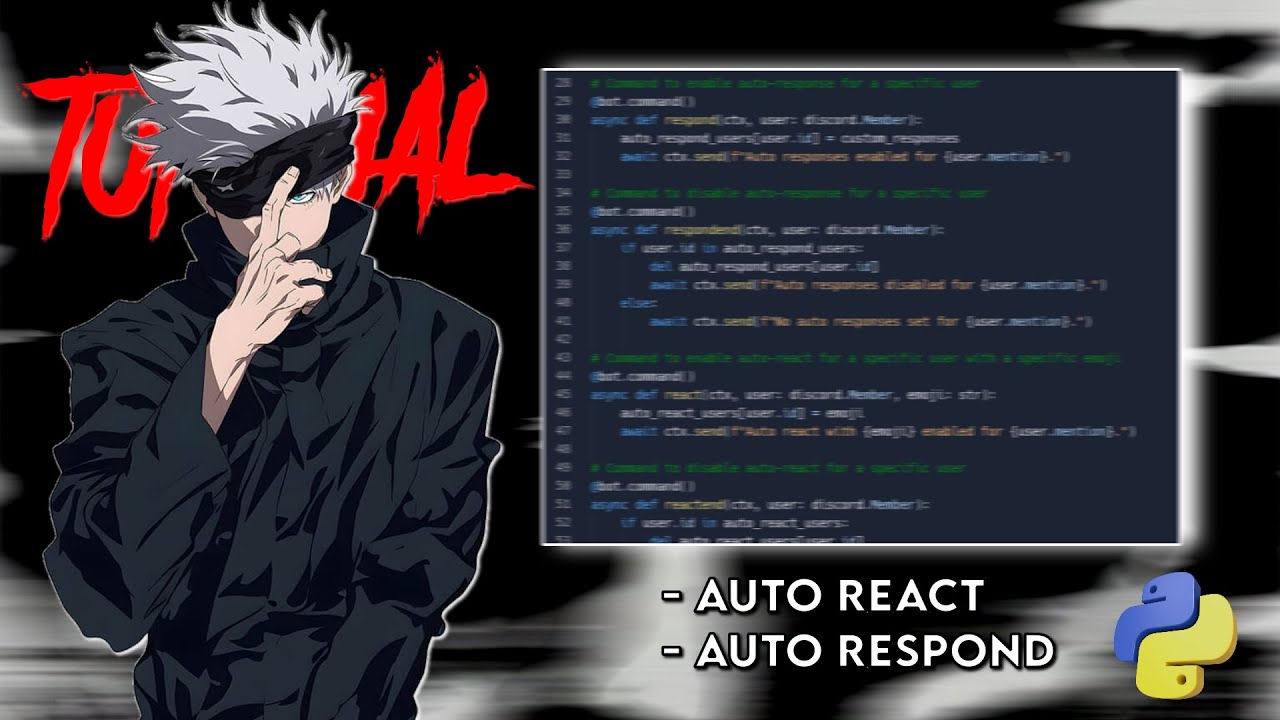
Sorry about the video quality my main recording software was bugged so I had to use a different one.
Every space was either 4 spaces or 8 spaces. If its short then do 4 spaces if its longer than do 8 spaces.
If you guys want a better tutorial with better details and a better bot, let me know in the comments.
Add My Discord If You Guys Need An...
this has different code tho
snow arrow
!rule 5
gritty novaBOT
5. Do not provide or request help on projects that may violate terms of service, or that may be deemed inappropriate, malicious, or illegal.
snow arrow
We don't help for selfbot, it's against discord ToS
dense bridge
yes but the selfbot includes a autoreact, which im just trying to do just that
snow arrow
Well, then you cannot just follow the tutorial, because they are different
dense bridge
exactly, i've tried making it in my own way but im still a learner and i just got the screenshot i showed you
snow arrow
Btw, selfbot mean any automated mean to interact with discord without using a bot account or allowed API
dense bridge
so i just can't do it without me breaking discord ToS?
snow arrow
Well, if you use a bot account like @gritty nova would be fine
You can see the APP badge there
gritty novaBOT
 Python help channel closed with !close
This help channel has been closed. Feel free to create a new post in #1035199133436354600. To maximize your chances of getting a response, check out this guide on asking good questions.

