#🔒 help with code
132 messages · Page 1 of 1 (latest)
 boreal fox
 split patrolBOT
boreal fox
-
split patrolBOT
boreal fox
-
@boreal fox
 Python help channel opened
Remember to:
- Ask your Python question, not if you can ask or if there's an expert who can help.
- Show a code sample as text (rather than a screenshot) and the error message, if you've got one.
- Explain what you expect to happen and what actually happens.
:warning: Do not pip install anything that isn't related to your question, especially if asked to over DMs.
Closes after a period of inactivity, or when you send !close.
boreal fox
this is how it works right now, but if i press a crap ton of notes at once it sort of delays a bit since so many threads are being created im assuming
 wicked charm
i think u should send the code so people can help
boreal fox
wicked charm
i think u should send the code so people can help
i did
wicked charm
in text format
 rugged flower
#python-discussion message
boreal fox
it was discussed in #python-discussion this is for someone else
wicked charm
oh
rugged flower
boreal fox
this is how it works right now, but if i press a crap ton of notes at once it so...
Yeah that seems to be the case
boreal fox
boreal fox
also theres a function called UpdateUI or something like that, thats how the UI is updated and it lags a lot when i try to update it after every note
not a lot but when theres a ton of notes at once
it gets overwhelmed
boreal fox
boreal fox
also theres a function called UpdateUI or something like that, thats how the UI ...
since theres like an allocatede notes: thing in the ui
boreal fox
yeah me too
after i make this code the best it can be ill work on making everything OOP
rugged flower
I feel like it makes more sense to limit sounds to 1 simultaneous copy
even with sustain, hitting a note again can just overwrite the old sound
boreal fox
that makes it sound really bad in my opinion
if i do it how your saying the previous sound will be cut off
and itll sound like this
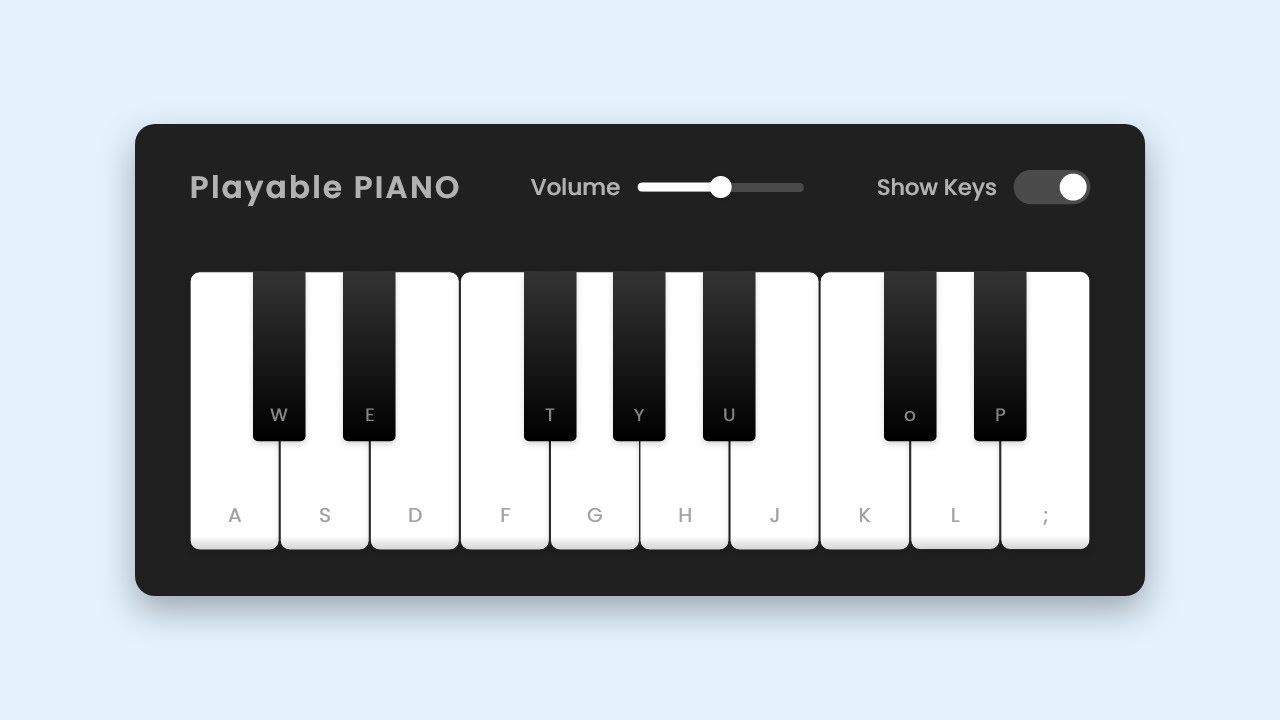
In this video, I've shown how to Build A Playable PIANO using HTML, CSS, and JavaScript. The user can play various tunes on this piano by clicking on the keys or using the keyboard keys. Users can also adjust the volume and show or hide shortcut keys on the piano.
🎵 Download Only Tunes of this PIANO
➤ https://drive.google.com/file/d/1HISRo...
rugged flower
I meant just for the same sound
boreal fox
each sound has like 13 seconds of reverb
yeah even if i do it like that too
the reverb from the previous sound will be cut off and itll sound really odd
rugged flower
hmm, if you say so
what I meant earlier by "cache the sound objects" would be to call pygame.mixer.Sound in LoadSoundFont directly
then reuse the same instances
boreal fox
thats a good idea but theres not really a need for it since the sound creation isnt the issue
its a good idea though
its the threading
having so many threads created at once makes the program lag
rugged flower
it's part of the issue, I suspect that's why your memory usage is so high
rugged flower
yes?
boreal fox
okay im new so just making sure
rugged flower
so instead of storing filenames in FontSounds, you store the Sound objects directly
You'll also have to change PlaySound to only interact with a single channel
boreal fox
Sounds is a list so that the function can look for every possible file and then assign the actual files to FontSounds
like
if it finds a-1
then in font sounds
it finds a-1 and renames it to .mp3
or .mp4
or .wav
for the program to use later on
 rugged flower
Okay? That shouldn't be an issue
boreal fox
well
theres sort of an issue
instead of using a clone it now only uses the one sound so when the sound is being pressed and on another thread the sound is being stopped it kind of messes everything up
i cant test the memory without it working properly
rugged flower
rugged flower
You'll also have to change `PlaySound` to only interact with a single channel
^
boreal fox
rugged flower
You'll also have to change `PlaySound` to only interact with a single channel
how
rugged flower
Sound.play() should return the channel the sound is playing on
rugged flower
then do operations on that instead of the sound itself (e.g. channel.stop() instead of Sound.stop())
boreal fox
the channels are what lets the sounds be played
if theres only one channel
then only one sound will be registered and played
rugged flower
not necessarily
boreal fox
Sound.play() already puts it on a channel automatically
a channel thats not being used
rugged flower
yes
boreal fox
but if theres only one channel then Sound.play() has no where to put the sound and it doesnt play
i cant use only 1 channel
rugged flower
I never said you should use 1 channel for the entire program
I said you should not interfere with other channels when playing a sound
boreal fox
rugged flower
You'll also have to change `PlaySound` to only interact with a single channel
^
boreal fox
rugged flower
I said you should not interfere with other channels when playing a sound
this is automatic
im pretty sure it doesnt
rugged flower
not if you use Sound.stop() etc.
it will affect all channels playing the same sound
rugged flower
Sound is a sound sample
boreal fox
when i run Sound = pygame.mixer.Sound(...)
Channel = Sound.play()
when i run Sound.stop() its stopping the individual channel
i just tested and it doesnt interfere with other sounds being played on the same note
rugged flower
but if you have this: ```py
sound = pygame.mixer.Sound(...)
ch1 = sound.play()
ch2 = sound.play()
sound.stop()
this will stop both ch1 and ch2
because they're both playing the same sound sample
boreal fox
hmm
rugged flower
This is the documentation for Sound.stop():
stop sound playback
stop() -> NoneThis will stop the playback of this Sound on any active Channels.
rugged flower
And for Channel.stop()
stop playback on a Channel
stop() -> NoneStop sound playback on a channel. After playback is stopped the channel becomes available for new Sounds to play on it.
boreal fox
this is so confusing
rugged flower
Sound represents a sound sample (like a mp3 file)
whereas Channel is an independent audio output source
Channel.stop() means "stop playing the sound currently on this channel"
Sound.stop() means "stop playing this sound file across all channels"
boreal fox
from pynput import keyboard
import pygame
import threading
import time
pygame.mixer.init()

pygame.mixer.set_num_channels(500)
PlayingSounds = []

def RemoveSoundObject(SoundObject):
    time.sleep(5)
    if SoundObject in PlayingSounds:
        PlayingSounds.remove(SoundObject)
    SoundObject.stop()
    print("Removed",SoundObject)
def OnPress(KeyParam):
    SoundObject = pygame.mixer.Sound(f"C:/Users/User/Desktop/Personal/VPC/Sounds/GreatAndSoftPiano/fs6.mp3")
    SoundObject.play()
    PlayingSounds.append(SoundObject)
    threading.Thread(target=RemoveSoundObject,args=(SoundObject,), daemon=True).start()
with keyboard.Listener(on_press=OnPress) as Listener:
    Listener.join()
this is how i want it to work essentially
this works perfectly fine
BUT when theres a large amount of keys being pressed
ill just show you
@rugged flower
the keys were all pressed at around the exact same time
BUT, the threads make the sounds delayed, do you see what i mean
this is the problem ive been trying to fix
rugged flower
That might not even be the threads, it might just be loading the sound file from disk
boreal fox
it isnt the threads
💔
wow
well then what am i supposed to do?
fixed by creating the sound first
 rugged flower
first, does that fix the latency issue?
boreal fox
yes
rugged flower
yeah, that's what I thought
 modest plover
split patrolBOT
modest plover
split patrolBOT
 Python help channel closed for inactivity
This help channel has been closed. Feel free to create a new post in #1035199133436354600. To maximize your chances of getting a response, check out this guide on asking good questions.