
#🔒 Custom Tkinter problem on VSC
35 messages · Page 1 of 1 (latest)
 digital junco
 modest compassBOT
digital junco
I'm trying to do smth with Tkinter, I have the extensions but it's not able to r...
modest compassBOT
digital junco
I'm trying to do smth with Tkinter, I have the extensions but it's not able to r...
@digital junco
 Python help channel opened
Remember to:
- Ask your Python question, not if you can ask or if there's an expert who can help.
- Show a code sample as text (rather than a screenshot) and the error message, if you've got one.
- Explain what you expect to happen and what actually happens.
:warning: Do not pip install anything that isn't related to your question, especially if asked to over DMs.
Closes after a period of inactivity, or when you send !close.
 sage cosmos
When you say "I have the extensions," do you mean that you downloaded an extension from the sidebar of VSCode? Or did you download customtkinter via pip or another method?
digital junco
sage cosmos
When you say "I have the extensions," do you mean that you downloaded an extensi...
Nah I installed the vsc extensions
Apparently there problems with a file of vsc but idk why
 sage cosmos
you still need to install the customtkinter to use it
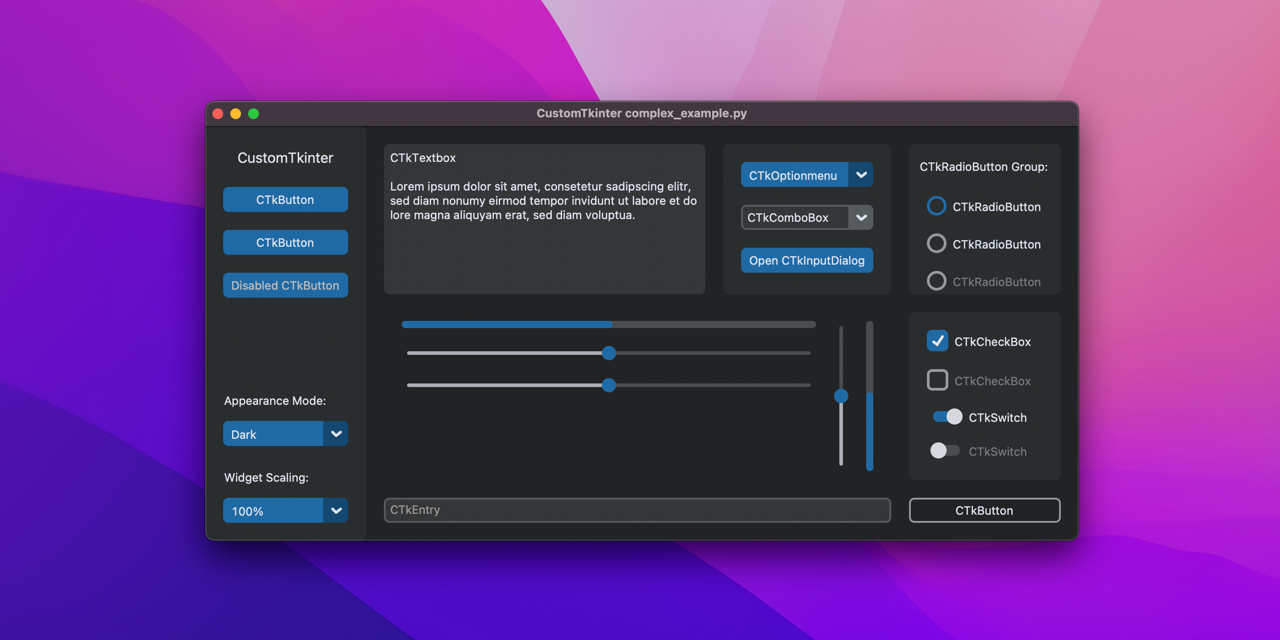
GitHub
A modern and customizable python UI-library based on Tkinter - TomSchimansky/CustomTkinter
follow the README.md, install via pip and try the Example Program. See if that works
digital junco
sage cosmos
follow the README.md, install via `pip` and try the `Example Program`. See if th...
What is pip exactly ? it's a software?
sage cosmos
its a package manager for python
you probably have pip already installed on your computer with a few packages also installed
u can check that with pip list on cmd/powershell
sage cosmos
digital junco
So I just execute it in vsc ?
you can install inside the folder your workin' on or open a new shell and install. Iam not certain if that installs for whole <User> or only for that folder
can u run pip list? (example of command to test if u have it installed) or do i need to install pip?
digital junco
ig its good
 sage cosmos
yes
u can check its installed using pip list now
you will find it somewhere on that list
digital junco
ye it is
sage cosmos
import customtkinter

customtkinter.set_appearance_mode("System")  # Modes: system (default), light, dark
customtkinter.set_default_color_theme("blue")  # Themes: blue (default), dark-blue, green

app = customtkinter.CTk()  # create CTk window like you do with the Tk window
app.geometry("400x240")

def button_function():
    print("button pressed")

# Use CTkButton instead of tkinter Button
button = customtkinter.CTkButton(master=app, text="CTkButton", command=button_function)
button.place(relx=0.5, rely=0.5, anchor=customtkinter.CENTER)

app.mainloop()```so now vsc prob should be fixed ?
sage cosmos
you can try this code
sage cosmos
digital junco
so now vsc prob should be fixed ?
yes it should work now
i dont know if u have to close and reopen the vscode
digital junco
sage cosmos
i dont know if u have to close and reopen the vscode
its good thx alot
digital junco
ye I saw it
sage cosmos
good luck
digital junco
sage cosmos
good luck
thx
modest compassBOT
 Python help channel closed for inactivity
This help channel has been closed. Feel free to create a new post in #1035199133436354600. To maximize your chances of getting a response, check out this guide on asking good questions.