#🔒 Errors
55 messages · Page 1 of 1 (latest)
 hushed path
 pearl locustBOT
hushed path
Its closing automatically i asked chatgpt and its still not working
pearl locustBOT
hushed path
Its closing automatically i asked chatgpt and its still not working
@hushed path
 Python help channel opened
Remember to:
- Ask your Python question, not if you can ask or if there's an expert who can help.
- Show a code sample as text (rather than a screenshot) and the error message, if you've got one.
- Explain what you expect to happen and what actually happens.
:warning: Do not pip install anything that isn't related to your question, especially if asked to over DMs.
Closes after a period of inactivity, or when you send !close.
 crude rain
you need to run it from cmd or an ide
hushed path
ok let me try it
File "C:\Users\user\OneDrive\Desktop\custom scripts\Others\ohio.py", line 1, in <module>
import moviepy.editor
ModuleNotFoundError: No module named 'moviepy.editor'
thats what i get
hushed path
Requirement already satisfied: moviepy in c:\users\user\appdata\local\programs\python\python313\lib\site-packages (2.1.2)
Requirement already satisfied: decorator<6.0,>=4.0.2 in c:\users\user\appdata\local\programs\python\python313\lib\site-packages (from moviepy) (5.1.1)
Requirement already satisfied: imageio<3.0,>=2.5 in c:\users\user\appdata\local\programs\python\python313\lib\site-packages (from moviepy) (2.37.0)
Requirement already satisfied: imageio_ffmpeg>=0.2.0 in c:\users\user\appdata\local\programs\python\python313\lib\site-packages (from moviepy) (0.6.0)
Requirement already satisfied: numpy>=1.25.0 in c:\users\user\appdata\local\programs\python\python313\lib\site-packages (from moviepy) (2.2.0)
Requirement already satisfied: proglog<=1.0.0 in c:\users\user\appdata\local\programs\python\python313\lib\site-packages (from moviepy) (0.1.10)
Requirement already satisfied: python-dotenv>=0.10 in c:\users\user\appdata\local\programs\python\python313\lib\site-packages (from moviepy) (1.0.1)
Requirement already satisfied: pillow<11.0,>=9.2.0 in c:\users\user\appdata\local\programs\python\python313\lib\site-packages (from moviepy) (10.4.0)
Requirement already satisfied: tqdm in c:\users\user\appdata\local\programs\python\python313\lib\site-packages (from proglog<=1.0.0->moviepy) (4.67.1)
Requirement already satisfied: colorama in c:\users\user\appdata\local\programs\python\python313\lib\site-packages (from tqdm->proglog<=1.0.0->moviepy) (0.4.6)
crude rain
do you have multiple versions of python installed?
hushed path
no i dont
crude rain
are you using venv?
hushed path
no but i have one
crude rain
python virtual environment
 ember vine
hushed path
File "C:\Users\user\OneDrive\Desktop\custom scripts\Others\ohio.py", line 1, in ...
ember vine
hushed path
File "C:\Users\user\OneDrive\Desktop\custom scripts\Others\ohio.py", line 1, in ...
Please check if just doing moviepy works.
crude rain
if you dont know what it is you probably dont
hushed path
ember vine
Please check if just doing `moviepy` works.
didnt
 fallen tiger
from moviepy import editor ?
ember vine
hushed path
didnt
Alright, you can try installing it with python -m pip (rather than just pip) and then running it with python.
That way, you make sure it installs to that Python.
hushed path
ember vine
Alright, you can try installing it with `python -m pip` (rather than just pip) a...
didnt work
ember vine
hushed path
didnt work
Do you get any errors?
fallen tiger
!code
pearl locustBOT
fallen tiger
!paste
pearl locustBOT
Pasting large amounts of code
If your code is too long to fit in a codeblock in Discord, you can paste your code here:
https://paste.pythondiscord.com/
After pasting your code, save it by clicking the Paste! button in the bottom left, or by pressing CTRL + S. After doing that, you will be navigated to the new paste's page. Copy the URL and post it here so others can see it.
hushed path
ember vine
Do you get any errors?
it just says Commands: then it has a list of alot of commands
crude rain
show the error
ember vine
hushed path
it just says Commands: then it has a list of alot of commands
Oh, I see, I gave you python -m pip as a basis to use rather than pip. You have to put the parts together as well.
hushed path
ember vine
Oh, I see, I gave you `python -m pip` as a basis to use rather than `pip`. You h...
wydm
i dont understand
ember vine
hushed path
wydm
If you're doing pip install moviepy and I'm telling you to use python -m pip rather than pip, you kinda have to put those parts together and figure that I'm probably talking about python -m pip install moviepy.
hushed path
Requirement already satisfied: moviepy in c:\users\bosto\appdata\local\programs\python\python313\lib\site-packages (2.1.2)
Requirement already satisfied: decorator<6.0,>=4.0.2 in c:\users\bosto\appdata\local\programs\python\python313\lib\site-packages (from moviepy) (5.1.1)
Requirement already satisfied: imageio<3.0,>=2.5 in c:\users\bosto\appdata\local\programs\python\python313\lib\site-packages (from moviepy) (2.37.0)
Requirement already satisfied: imageio_ffmpeg>=0.2.0 in c:\users\bosto\appdata\local\programs\python\python313\lib\site-packages (from moviepy) (0.6.0)
Requirement already satisfied: numpy>=1.25.0 in c:\users\bosto\appdata\local\programs\python\python313\lib\site-packages (from moviepy) (2.2.0)
Requirement already satisfied: proglog<=1.0.0 in c:\users\bosto\appdata\local\programs\python\python313\lib\site-packages (from moviepy) (0.1.10)
Requirement already satisfied: python-dotenv>=0.10 in c:\users\bosto\appdata\local\programs\python\python313\lib\site-packages (from moviepy) (1.0.1)
Requirement already satisfied: pillow<11.0,>=9.2.0 in c:\users\bosto\appdata\local\programs\python\python313\lib\site-packages (from moviepy) (10.4.0)
Requirement already satisfied: tqdm in c:\users\bosto\appdata\local\programs\python\python313\lib\site-packages (from proglog<=1.0.0->moviepy) (4.67.1)
Requirement already satisfied: colorama in c:\users\bosto\appdata\local\programs\python\python313\lib\site-packages (from tqdm->proglog<=1.0.0->moviepy) (0.4.6)
thats what it says
ember vine
hushed path
Requirement already satisfied: moviepy in c:\users\bosto\appdata\local\programs\...
Alright, then you can run your script with python and it should work.
hushed path
File "C:\Users\user\OneDrive\Desktop\custom scripts\Others\ohio.py", line 1, in <module>
import moviepy.editor
ModuleNotFoundError: No module named 'moviepy.editor'
ember vine
hushed path
File "C:\Users\user\OneDrive\Desktop\custom scripts\Others\ohio.py", line 1, in ...
Again, moviepy.editor isn't a thing anymore. If import moviepy works, then you have moviepy.
See the migration guide for what you have to do.
hushed path
ember vine
Again, moviepy.editor isn't a thing anymore. If `import moviepy` works, then you...
do u just want me to send u the code so u can fix it?
bc im not very good at python
??
ember vine
The goal here isn't really to write code for you, our goal is to help you learn. You can ask for help and guidance with your code but just giving the code to you wouldn't really contribute on that end.
Did you get this code from somewhere?
fallen tiger
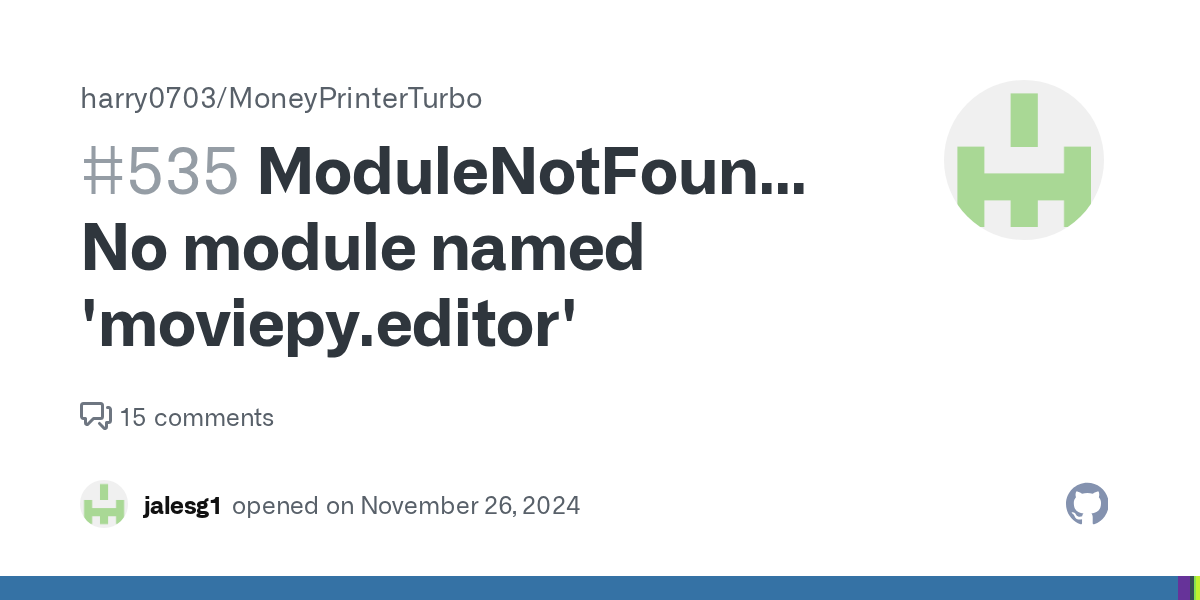
GitHub
ModuleNotFoundError: No module named 'moviepy.editor' Traceback: File "C:\Users\sandz\anaconda3\envs\MoneyPrinterTurbo\lib\site-packages\streamlit\runtime\scriptrunner\script_runner.py...
apparently they removed editors
in the newer versions
hushed path
im installing pip install moviepy==1.0.3
IT WOOORRRRRRRRRRRRRRRRRRRKKKKKKKKKKKKKKKKSSSSSSSSSSSSSSSSSSSSSSSSSSSSSSSSSSSSSSSS
TYYYYYYYYYYYYY
pearl locustBOT
 Python help channel closed for inactivity
This help channel has been closed. Feel free to create a new post in #1035199133436354600. To maximize your chances of getting a response, check out this guide on asking good questions.