#๐Ÿ”’ sqlalchemy.exc.OperationalError appears when running the main flask app through another file

191 messages ยท Page 1 of 1 (latest)

glossy charm
#

I currently have my main app.py app that I wanted to run in a standalone PyQT app instead of opening a new tab in the browser. Hence I have a gui.py file that does exactly that.

import sys
from PyQt5.QtWidgets import QApplication, QMainWindow
from PyQt5.QtWebEngineWidgets import QWebEngineView
from PyQt5.QtCore import QUrl
from threading import Thread
from werkzeug.serving import run_simple 
from app import app as flask_app


class WebAppWindow(QMainWindow):
    def __init__(self):
        super().__init__()
        self.setWindowTitle('Flask')
        self.setCentralWidget(QWebEngineView())
        self.showMaximized()
        self.start_flask_app()

        url = QUrl('http://127.0.0.1:5000/')
        self.centralWidget().load(url)

    def start_flask_app(self):
        flask_thread = Thread(target=self.run_flask)
        flask_thread.daemon = True
        flask_thread.start()

    def run_flask(self):
        run_simple('localhost', 5000, flask_app, use_reloader=False, use_debugger=False)

if __name__ == "__main__":
    app = QApplication(sys.argv)
    window = WebAppWindow()
    sys.exit(app.exec_())

The issue however is that the app does not work (Image attached below) if I run python gui.py, returning the error:

(Background on this error at: https://sqlalche.me/e/14/e3q8)```

Yet it works if I run it normally through ```python app.py``` opening a new browser window. I've digged a little deeper into the stock flask template I've used (https://github.com/app-generator/flask-sb-admin/blob/master/apps/config.py)


Any help would be appreciated!
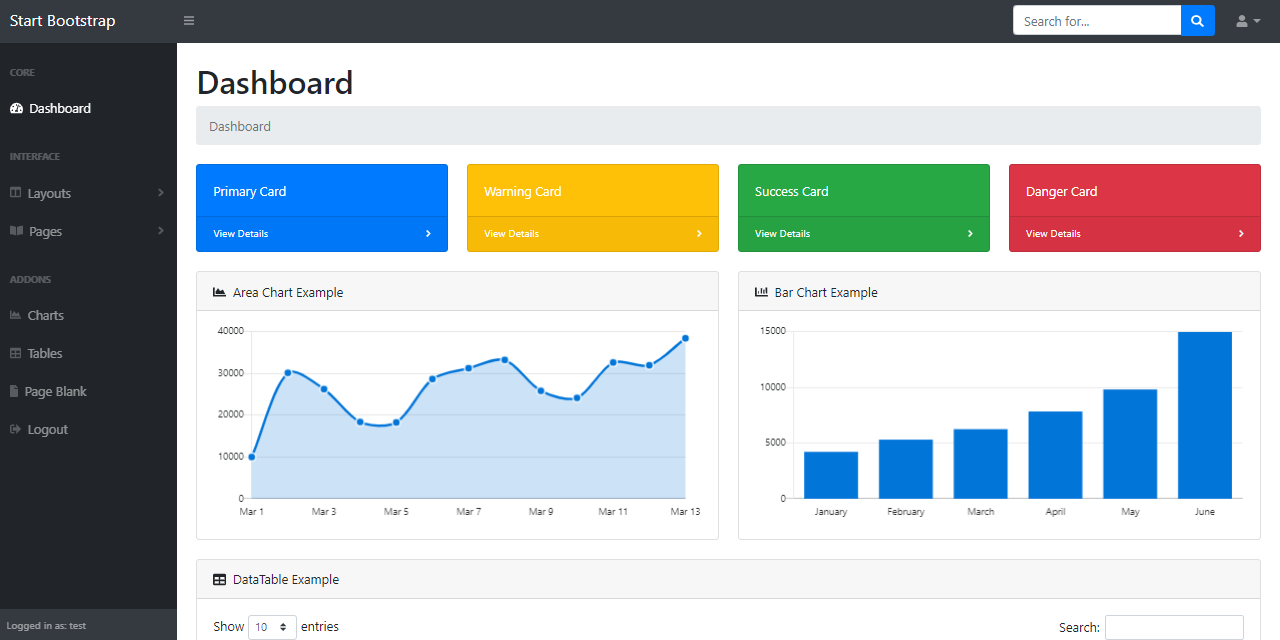
GitHub

Flask Dashboard - SB Admin | AppSeed. Contribute to app-generator/flask-sb-admin development by creating an account on GitHub.

sly daggerBOT
#

@glossy charm

Python help channel opened

Remember to:

  • Ask your Python question, not if you can ask or if there's an expert who can help.
  • Show a code sample as text (rather than a screenshot) and the error message, if you've got one.
  • Explain what you expect to happen and what actually happens.

:warning: Do not pip install anything that isn't related to your question, especially if asked to over DMs.

young plaza
glossy charm
#

Yes as far as I can tell

#

Actually I need to go and check again through some terminal lines brb

glossy charm
#

All up and running with the same error

glossy charm
#

:c

glossy charm
#

After some fumbling it now returns

sqlalchemy.exc.OperationalError: (MySQLdb.OperationalError) (1045, "Access denied for user 'appseed_
db_usr'@'localhost' (using password: YES)")
#

I guess I managed to get the app to connect to the database somehow. Though I'm not sure why it still doesn't work through gui.py

#

(Running the main app directly still works)

grizzled copper
#

what OS?

glossy charm
#

Windows 10 x64

grizzled copper
#

if you go to terminal and run netstat, can you see that port open?

glossy charm
#

The port 5000? So far no

#

It's still getting more addresses but none with 5000

grizzled copper
#

thats what you need to try and work out then, why is that

#

but maybe you already knew that ๐Ÿ˜‰

glossy charm
#

I have no idea

grizzled copper
#

are you specifying that port on the web UI?

glossy charm
#

yes I have this in my gui.py

    def run_flask(self):
        run_simple('localhost', 5000, flask_app, use_reloader=False, use_debugger=False)
grizzled copper
#

although your flask app apparently isn't even showing in netstat

glossy charm
#

do I also need to specify it in the main file?

#

ill try to run the main file and see if it shows up in netstat

glossy charm
grizzled copper
#

nice one ๐Ÿ™‚

glossy charm
#

It does shows up

#

Not with the gui.py file though

grizzled copper
#

still not connecting?

glossy charm
#

Yeah if I run the app through it there's no port 5000 on netstat

glossy charm
#

Sure hope there is

grizzled copper
#

I'm not a windows guy, but according to google port 5000 is for universal plug'n play, is your database using 5000?

#

or that just the interface to your flask app?

glossy charm
#

Yeah it's just the port to my flask app

grizzled copper
#

and you got the docker app running?

glossy charm
#

Nope just good old python app.py

#

What about this error?

sqlalchemy.exc.OperationalError: (MySQLdb.OperationalError) (1045, "Access denied for user 'appseed_
db_usr'@'localhost' (using password: YES)")

#

Did I mess up something about the database?

grizzled copper
#

hmmm good point, can you manually access directly to the db with the user/pwd?

glossy charm
grizzled copper
#

with that user?

#

hmmm or is that user generated when running that

#

the flask app

glossy charm
#

do I open it with mysql instead

#

should I just remove the password from my root sql account lol

grizzled copper
#

I thought it was mysql

#

from the error returned anyway

glossy charm
#

yeah the db engine is mysql

#

do i change it

grizzled copper
#

change what?

glossy charm
#
class ProductionConfig(Config):
    DEBUG = False

    # Security
    SESSION_COOKIE_HTTPONLY = True
    REMEMBER_COOKIE_HTTPONLY = True
    REMEMBER_COOKIE_DURATION = 3600

    # PostgreSQL database
    SQLALCHEMY_DATABASE_URI = '{}://{}:{}@{}:{}/{}'.format(
        os.getenv('DB_ENGINE'   , 'mysql'),
        os.getenv('DB_USERNAME' , 'appseed_db_usr'),
        os.getenv('DB_PASS'     , 'pass'),
        os.getenv('DB_HOST'     , 'localhost'),
        os.getenv('DB_PORT'     , 3306),
        os.getenv('DB_NAME'     , 'appseed_db')
    )

these lines in the config.py file, it's also in the repo i linked

grizzled copper
#

just to confirm, as you're not using the docket container, this is part of the app that is running successfully by itself?

glossy charm
#

yes

#

the docker files are a part of the template I used

grizzled copper
#

and this is running on port 5085?

glossy charm
#

5000 yes

grizzled copper
#

have you ran the create user part yet?

glossy charm
#

wait what's that

#

by my reaction

#

no i reckon

grizzled copper
#

Create Users
By default, the app redirects guest users to authenticate. In order to access the private pages, follow this set up:

Start the app via flask run
Access the registration page and create a new user:
http://127.0.0.1:5000/register
Access the sign in page and authenticate
http://127.0.0.1:5000/login

#

this is the flask bit

glossy charm
#

oh I've done that

#

there's one line in the sqlite db and that's my test account

grizzled copper
#

erm but it's coming back with mysql error?

glossy charm
#

yeah...

grizzled copper
#

MySQLdb.OperationalError

glossy charm
#

wait no

#

uhh

grizzled copper
#

I think its the db user

glossy charm
#

oh wait yeah i goof sqlalchemy.exc.OperationalError: (MySQLdb.OperationalError) (1045, "Access denied for user 'appseed_db_usr'@'localhost' (using password: YES)")
(Background on this error at: https://sqlalche.me/e/14/e3q8)

grizzled copper
#

obvious sqlaclchemy etc is pip installed

glossy charm
#

yes

grizzled copper
#

ok

glossy charm
#

my program ran perfectly if I run it through app.py but if I want to run it through pyqt's web view it returns that error

grizzled copper
#

os.getenv('DB_PORT' , 3306)

glossy charm
#

I am just

#

so confused

grizzled copper
#

I don't think it's using sqllite

#

you need to confirm the db, that you're using mysql somewhere, login as root and see what users exist already

#

if you think you've created the user

#

that'll at least confirm that

grizzled copper
#

I'm not a windows guy, if you take a look in task manager (or whatever it is in windows now) does it show mysql is installed?

glossy charm
#

yeah it is

#

it's also running

grizzled copper
#

cool, your database browser can you point it at that database, should be something like localhost:3306

#

but you'll need the root user credentials (you could try the user you apparently created I guess)

glossy charm
#

well it opens up I'm not sure where my root credentials come into play though or maybe I'm using the wrong program for this

#

I can view my user that I created on the app in the browse data section also

grizzled copper
#

whats in users?

#

you got tables(1) and users, does that expand?

glossy charm
#

yes

grizzled copper
#

erm lol

#

doesn't really tell us much about the data, just the schema

#

you got to this by open database yeah?

glossy charm
#

yes

grizzled copper
#

and you didn't have to log in?

glossy charm
#

yes

grizzled copper
#

doesn't sound right

#

unfortunately I've hit my limit on this regarding access your mysql with windows (I'm a linux guy)

#

you might need someone else now with windows experience, but I reckon thats where the issue is

glossy charm
#

damn :c

#

Thanks for your help

grizzled copper
#

no worries mate, was fun

#

oh btw I noticed the browse button column, anything in there?

glossy charm
#

name email encrypted password

#

not the sql root user tho

grizzled copper
#

is it the user/pwd as per req'd for the python script?

glossy charm
#

yeah it's that one

#

the template added flask_login into the application

#

so that's what the db is for

#

and what the issue originate from

#

god forbid issue became plural

grizzled copper
#

so it looks like the user create part did work then, which is good

#

can you confirm mysql is running on 3306

#

actually that check is redundant as you created the user

glossy charm
#

oof

#

do i have to grant it privileges or sth

#

like for appseed_db

grizzled copper
#

good point, could be a perms issue

glossy charm
#

alright lemme stackoverflow that real quick

glossy charm
#

god I dread the day i actually reach the mysql part at uni

grizzled copper
#

nah you're doing great

#

but the db.sqlite3 stuff is confusing to me

#

is there another db somewhere in the app?

glossy charm
#

no only one

#

none of my added features needed to use a db

#

so that's what it's there for

#

alright that didn't work ๐Ÿ’€

grizzled copper
#

yeah the path stuff looks weird to me

#

you could try encapsulating in speech marks the C:...

#

but again windows isn't my thing

glossy charm
#

wait actually I don't think that command will work at all since sqlite is a different thing

#

false positive i guess

grizzled copper
#

I think you need to sus the sqllite thing as well cos unlikely you're granting a sqllite db access from/to your mysql db

#

esp as sqllite is an unknown entity

#

I was thinking more the grants to your user

#

in case that was being denied, I know windows can be funky like that

#

with perms

#

esp between open source and windose

glossy charm
#

man this sure is confusing

#

maybe sql alchemy is trying to access the wrong db

#

i have no clue

#

really tempted to just remove this entire login thing from my app and call it a day ๐Ÿ’€

grizzled copper
#

I've only used sql alchemy with mysql

glossy charm
#

maybe I'll just yoink this entire gui.py and paste it into app.py surely that'd solve it

#

what's the worst thing that could happen

grizzled copper
#

it's all learning

#

you have full access to the code some you should be able to do that, rather than the black box docker container

#

BUT likely later in the app it will want to populate the db

#

and then will fail

#

tell you what, after lunch I might give this a crack on my linux computer here, as this might come in useful for a project I'm working on (with some tweaking)

glossy charm
#

alright that returns the same error ๐Ÿ’€

glossy charm
#

do you know any alternatives to pyqt's web view thing?

#

I want my flask app to be in a new different window

#

kinda like electron I guess?

grizzled copper
#

js?

glossy charm
#

yeah

grizzled copper
#

bit rusty on js, and webview stuff, I'm more a backend guy, but might have a play later

glossy charm
#

I just want to have the same effect of being a "real" application while actually being a web app under the hood

#

tried flaskwebgui and that didn't work for some reasons

#

(not really for some reasons it's the exact same sql reason)

#

goddamnit I finally figured out the issue

#

when i run app.py it'll run under the debug config

#

though when I run gui.py it ran under the production one which was made to use a different db rather than sqlite in the project directory

#

the moral of the story is

#

Don't use templates lmao

glossy charm
grizzled copper
#

ah ha nice one ๐Ÿ™‚

glossy charm
#

I'm gonna

#

take a nap

#

turn this in for my prof

#

and sleep well

#

!close

sly daggerBOT
#
Python help channel closed

This help channel has been closed and it's no longer possible to send messages here. If your question wasn't answered, feel free to create a new post in #1035199133436354600. To maximize your chances of getting a response, check out this guide on asking good questions.

