#🔒 python opencv help
32 messages · Page 1 of 1 (latest)
 rough shaleBOT
@maiden furnace
 Python help channel opened
Remember to:
- Ask your Python question, not if you can ask or if there's an expert who can help.
- Show a code sample as text (rather than a screenshot) and the error message, if you've got one.
- Explain what you expect to happen and what actually happens.
:warning: Do not pip install anything that isn't related to your question, especially if asked to over DMs.
Closes after a period of inactivity, or when you send !close.
 broken flare
import cv2

# Open a connection to the webcam (0 is the default camera)
cap = cv2.VideoCapture(0)

while True:
    # Capture frame-by-frame
    ret, frame = cap.read()

    if not ret:
        break

    # Display the frame
    cv2.imshow('Webcam', frame)

    # Break the loop on 'q' key press
    if cv2.waitKey(1) & 0xFF == ord('q'):
        break

# Release the capture and close windows
cap.release()
cv2.destroyAllWindows()
try this its a base template for opening the webcam
show me the error your getting if it doesnt open
ooh its your camera
is it an external one ?
lemme take a look
maybe your mac isnt giving permissions to your python to be used
check your os settings
System Preferences > Security & Privacy > Privacy > Camera
it has nothing to do with the editor
broken flare
broken flare
System Preferences > Security & Privacy > Privacy > Camera
did you alr check this
lemme do some searching ill be right back
it does not have to do with your efitor
import cv2
import numpy as np
img = np.zeros((512, 512, 3), np.uint8)
cv2.rectangle(img, (100, 100), (300, 300), (0, 255, 0), 3)
cv2.imshow("rectangle", img)
cv2.waitKey(0)
cv2.destroyAllWindows()
can you try this?
no window at al?
can you run it without pressing anything right after it might be that you accidentally closed it
ok what python version are you using?
can you do python --version in terminal
ok
do in your terminal this
python <filename>.py
this is very strange
yeah opening a window and finding the camera are 2 seperate things
i think you can use a virtual camera for that yes
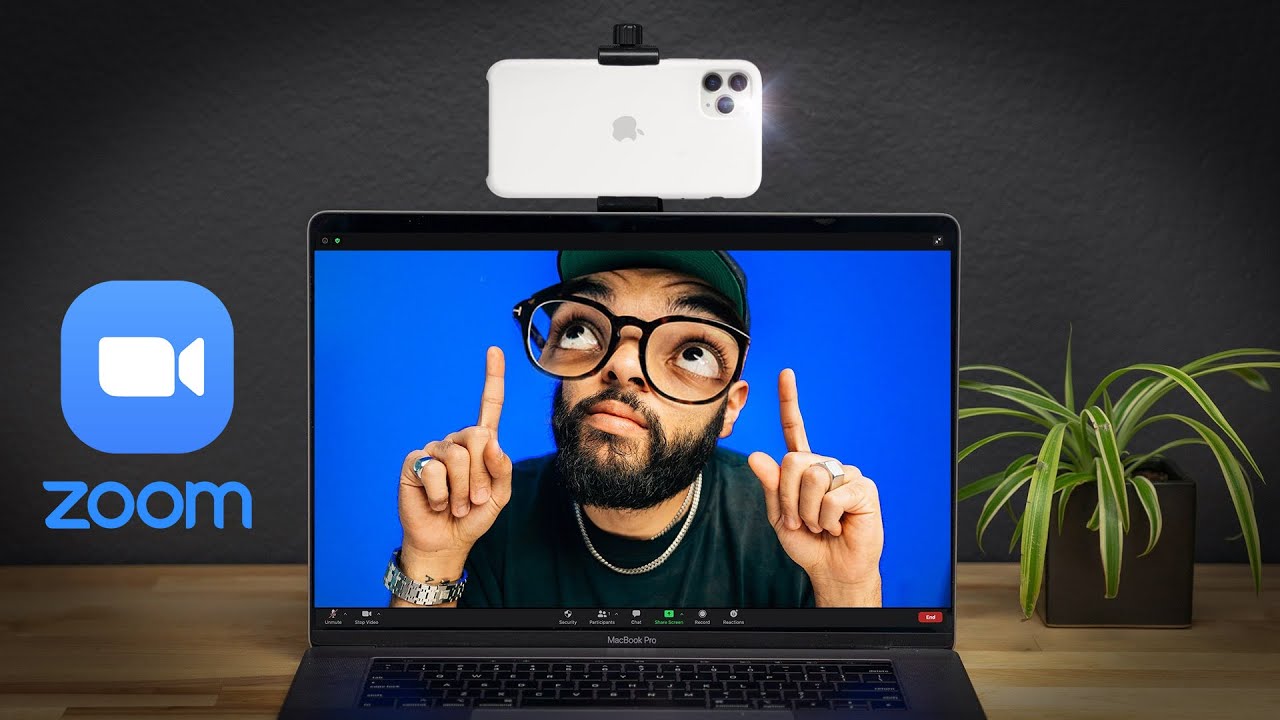
Learn how to use your phone as a webcam using a USB cable. ****** Check out our BEST GEAR for creating content on your phone HERE ➡️ https://kit.co/SeanCannell/best-phone-video-gear
This video is NOT sponsored. Some product links are affiliate links which means if you buy something we'll receive a small commission.
📒 Show Notes 📒
1️⃣ Des...
i think this video might be for you
yeah that i am still searching for
import cv2
print(cv2.__version__)
can you just do this
rough shaleBOT
 Python help channel closed
This help channel has been closed and it's no longer possible to send messages here. If your question wasn't answered, feel free to create a new post in #1035199133436354600. To maximize your chances of getting a response, check out this guide on asking good questions.