#🔒 Pip install lap error, can't install lap when trying to install ultralytics
277 messages · Page 1 of 1 (latest)
 balmy current
 ember shadowBOT
balmy current
error message:
ember shadowBOT
balmy current
error message:
@balmy current
 Python help channel opened
Remember to:
- Ask your Python question, not if you can ask or if there's an expert who can help.
- Show a code sample as text (rather than a screenshot) and the error message, if you've got one.
- Explain what you expect to happen and what actually happens.
:warning: Do not pip install anything that isn't related to your question, especially if asked to over DMs.
Closes after a period of inactivity, or when you send !close.
 scenic quiver
!paste
ember shadowBOT
Pasting large amounts of code
If your code is too long to fit in a codeblock in Discord, you can paste your code here:
https://paste.pythondiscord.com/
After pasting your code, save it by clicking the Paste! button in the bottom left, or by pressing CTRL + S. After doing that, you will be navigated to the new paste's page. Copy the URL and post it here so others can see it.
balmy current
can you see the txt file i send or should i sent it again
scenic quiver
balmy current
can you see the txt file i send or should i sent it again
you have to use the paste bin
scenic quiver
ImportError: lap requires numpy, please "pip install numpy".
did you try this?
balmy current
yeah requirement already satisfied
scenic quiver
what OS and python version are you?
scenic quiver
@balmy current look like the last update to lap was two years ago
Running lap requires:
Python (2.7, 3.7, 3.8, 3.9)
NumPy (>=1.10.1)
I guess you should try doing it with python 3.9
you can install multiple python versions and make a virtual environment for different versions with py -3.9 -m venv venv
 scenic quiver
balmy current
scenic quiver
balmy current
see if you can find a 3.9 version that has a windows installer.

there's one here
balmy current
thanks man. let me runthrough thi quickly and revert
PS C:\Users\iveda\Desktop\Minor Project\may1> ..myenv\Scripts\Activate
..myenv\Scripts\Activate : The term '..myenv\Scripts\Activate' is not recognized as the name of a cmdlet, function, script file, or
operable program. Check the spelling of the name, or if a path was included, verify that the path is correct and try again.
At line:1 char:1
- ..myenv\Scripts\Activate
-
  + CategoryInfo          : ObjectNotFound: (.\.myenv\Scripts\Activate:String) [], CommandNotFoundException
  + FullyQualifiedErrorId : CommandNotFoundException
PS C:\Users\iveda\Desktop\Minor Project\may1>
how do i fix this?
created env, but can't enter into it
scenic quiver
why the ..?
balmy current
"myenv\Scripts\Activate"
this also dont' work
 regal falcon
balmy current
"myenv\Scripts\Activate"
this also dont' work
regal falcon
balmy current
"myenv\Scripts\Activate"
this also dont' work
./.venv/Scripts/Activate.ps1
PS C:\Users\iveda\Desktop\Minor Project\may1> ./myenv/Scripts/Activate.ps1
./myenv/Scripts/Activate.ps1 : The term './myenv/Scripts/Activate.ps1' is not recognized as the name of a cmdlet, function, script file,
or operable program. Check the spelling of the name, or if a path was included, verify that the path is correct and try again.
At line:1 char:1
- ./myenv/Scripts/Activate.ps1
-
  + CategoryInfo          : ObjectNotFound: (./myenv/Scripts/Activate.ps1:String) [], CommandNotFoundException
  + FullyQualifiedErrorId : CommandNotFoundException
doesn't work either
balmy current
 regal falcon
balmy current
regal falcon
balmy current
click on the scripts
balmy current
then
regal falcon
then activate.ps1
drag it to the terminal
and press enter
drag the Activate.ps1 to terminal
balmy current
 balmy current
i am administrator
balmy current
yes
regal falcon
open a new window
balmy current
in code?
balmy current
then
balmy current
in which folder or any random folder?
regal falcon
make a new one
balmy current
 balmy current
yes
balmy current
venv or conda?
regal falcon
venv ofc
regal falcon
choose the pyrhon version and create it
what does your code require?
3.9 or 3.12?
regal falcon
wait till it creates
balmy current
created
regal falcon
now go to the main.py
and start it though the button on top right
run button
screenshot
regal falcon
ikr its empty just do
balmy current

 regal falcon
do it
balmy current
Set-ExecutionPolicy -Scope Process -ExecutionPolicy Bypass
 balmy current
what was error btw, if i can know?
regal falcon
balmy current
what was error btw, if i can know?
apparently, the first error was that your main.py was lying under the venv files.
secondly, you weren't having exec policy bypass.
third, always try to create env with vscode itself
there was no error on your side it was just terminal and its policies
balmy current
oh okay
regal falcon
one error was
balmy current
create with vscode itself, noted!
regal falcon
balmy current
PS C:\Users\iveda\Desktop\Minor Project\may1> .\.myenv\Scripts\Activate
.\.myenv...
here. It was never myvenv
balmy current
okay this is solved
regal falcon
yes
balmy current
balmy current
https://paste.pythondiscord.com/WXSQ
same error, here
regal falcon
balmy current
same error, here
 regal falcon
balmy current
bro told me to install 3.9
regal falcon
balmy current
bro told me to install 3.9
pip install git+git://github.com/gatagat/lap.git
i see
btw
you can just do pip install numpy
i just saw your error
balmy current
did
regal falcon
okay then go for git
balmy current
yeah
balmy current
what
regal falcon
@balmy current that package is closed
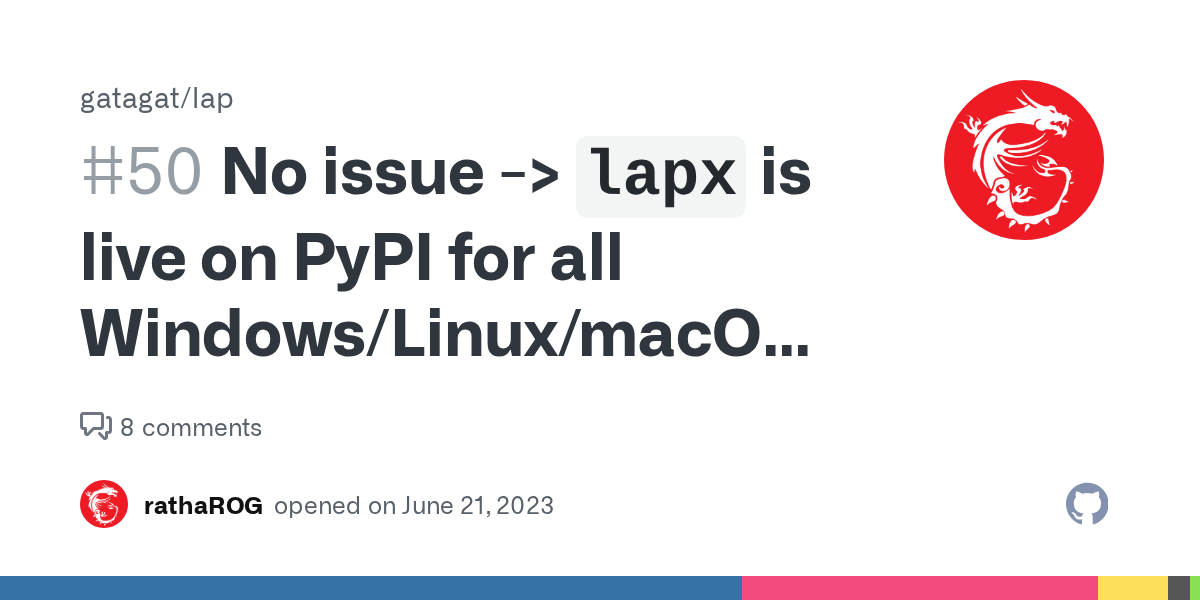
GitHub
Hi, I don't know if it's helpful.. I have some prebuilt whl files for both Windows and Linux with choices of Python 3.9/3.10/3.11 on my repo here lap07 lapx. These whl files are built by Gi...
balmy current
so now?
regal falcon
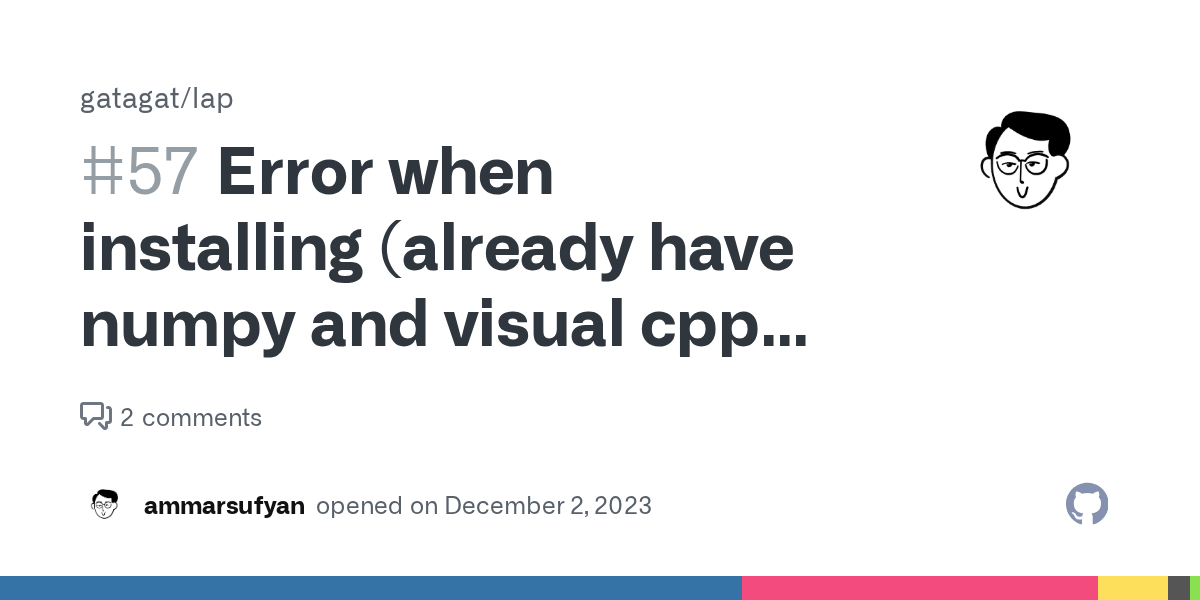
GitHub
Collecting lap==0.4.0 Using cached lap-0.4.0.tar.gz (1.5 MB) Installing build dependencies ... done Getting requirements to build wheel ... done Preparing metadata (pyproject.toml) ... error error:...
balmy current
pip install lapx
regal falcon
balmy current
pip install lapx
GitHub
Customized Tomas Kazmar's lap, Linear Assignment Problem solver (LAPJV/LAPMOD). - rathaROG/lapx
yes
this works on 3.12
so shift
balmy current
yeah true anyways we can't
regal falcon
yep
balmy current
error
 regal falcon
onstall it
they've given a link
as well
at the end of error see
to the Microsoft
regal falcon
general python dev and cpp compiler
balmy current
desktop development with c++?
balmy current
can i pip install -u setuptools?
regal falcon
balmy current
can i pip install -u setuptools?
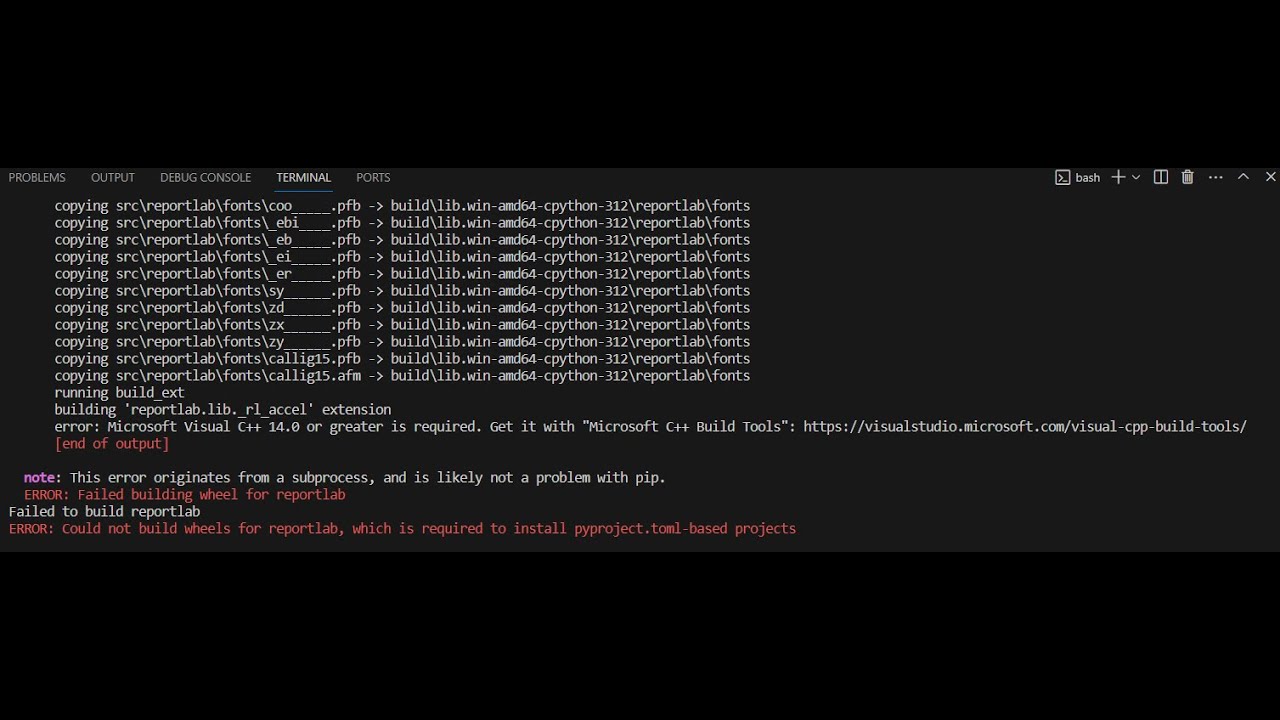
Are you trying to install your Python library dependencies using the pip command and you always encounter this error: “error: Microsoft Visual C++ 14.0 or greater is required. Get it with "Microsoft C++ Build Tools": https://visualstudio.microsoft.com/visual-cpp-build-tools/”?
In this video, I will share how to fix the issue. I am trying to in...
 balmy current
what's that
regal falcon
balmy current
what's that
Facing the 'gcc is not recognized' error in your Windows system? This comprehensive guide provides step-by-step solutions to resolve the issue, including installing MinGW and setting up environment variables. Follow these simple steps to ensure a seamless coding experience with gcc.
 balmy current
regal falcon
type gcc in terminal
balmy current
regal falcon
type gcc in terminal
no error when i run gcc -v
balmy current
balmy current
this
 golden shale
Messing around with gcc is a red hering
balmy current
so what should i do in this case?
regal falcon
either get a wheel
golden shale
pip should download the wheel for you
regal falcon
pre built
balmy current
pip install wheel?
golden shale
lapx required numpy to be installed first.
regal falcon
nuh
golden shale
pip install numpy
regal falcon
golden shale
lapx required numpy to be installed first.
installed thats not the error
balmy current
golden shale
`pip install numpy`
already installed numpy
golden shale
What other packages need to be installed?
regal falcon
bruh
balmy current
whole ultralytics
regal falcon
@niklaus.one

Stack Overflow
I've checked similar posts and anyone solve my problem. I's very simple but I'm new with eclipse. I'm trying to make a simple example and I'm having this problem.
the make file is just this
all: ...
you need to fix this error
golden shale
oh, pytorch
regal falcon

balmy current
😂 can't run sudo apt install g++ here
regal falcon
balmy current
😂 can't run sudo apt install g++ here
read the whole.thing
learn to solve
balmy current
says to install cygwin applciaiton
balmy current
doing
balmy current
balmy current
😂 can't run sudo apt install g++ here
that was a joke
regal falcon
ik
freeCodeCamp.org
If you want to run C or C++ programs in your Windows operating system, then you need to have the right compilers. The MinGW compiler is a well known and widely used software for installing GCC and G++ compilers for the C and C++ programming languages. But many
balmy current
cygwin in progress or should i do this
regal falcon
no let it install
balmy current
okay
golden shale
Oh, no wonder the install is taking so long for me. nvidia-ccl-cu12's wheel is 188MB
regal falcon

 golden shale
Again, this is a red hering.
balmy current
should i go with wheel, you're sayinh?
golden shale
which package dependency is wanting gcc?
balmy current
ultralytics
golden shale
no, which dependency?
regal falcon
golden shale
*which* package dependency is wanting gcc?
scipy
balmy current
scipy
regal falcon
i k there is a thing
which had pre built wheels
but i am not able to find it
ages since I've used it
golden shale
And what's the output of pip debug?
regal falcon
absence of compiler
scipy needs to build a wheel on local machine i hope you know that
balmy current
should i run pip debug
golden shale
yes
balmy current
 golden shale
Then you should install the 64 bit version of python
balmy current
golden shale
You have a 32 bit version of python installed.
telling or asking?
golden shale
telling
balmy current
now how i do thaT?
golden shale
use the system app manager
golden shale
it creates whatever version you have installed
balmy current
i specifically chose 3.9
golden shale
and you installed the 32 bit version
balmy current
because we were in impression that lap supports 3.9 and ny mistake i installed 32bit
golden shale
yes
I would suggest installing python via winget
winget install python.python.3.9
golden shale
3.12 then
balmy current
because lap was shifted to lapx
yeash
thank you guys @golden shale @regal falcon problem solved
golden shale
Like I said. Red herring
ember shadowBOT
 Python help channel closed
This help channel has been closed and it's no longer possible to send messages here. If your question wasn't answered, feel free to create a new post in #1035199133436354600. To maximize your chances of getting a response, check out this guide on asking good questions.