#🔒 Help can't figure out python env
46 messages · Page 1 of 1 (latest)
 next wave
 ebon mossBOT
next wave
i am new to all this.
Working on a facial recognition on RPI4 B, i was following...
ebon mossBOT
next wave
i am new to all this.
Working on a facial recognition on RPI4 B, i was following...
@next wave
 Python help channel opened
Remember to:
- Ask your Python question, not if you can ask or if there's an expert who can help.
- Show a code sample as text (rather than a screenshot) and the error message, if you've got one.
- Explain what you expect to happen and what actually happens.
:warning: Do not pip install anything that isn't related to your question, especially if asked to over DMs.
Closes after a period of inactivity, or when you send !close.
 stiff ermine
Hi, which part are you having trouble with?
You say you're new - are you new to Python or just opencv?
Have you programmed before?
next wave
stiff ermine
Hi, which part are you having trouble with?
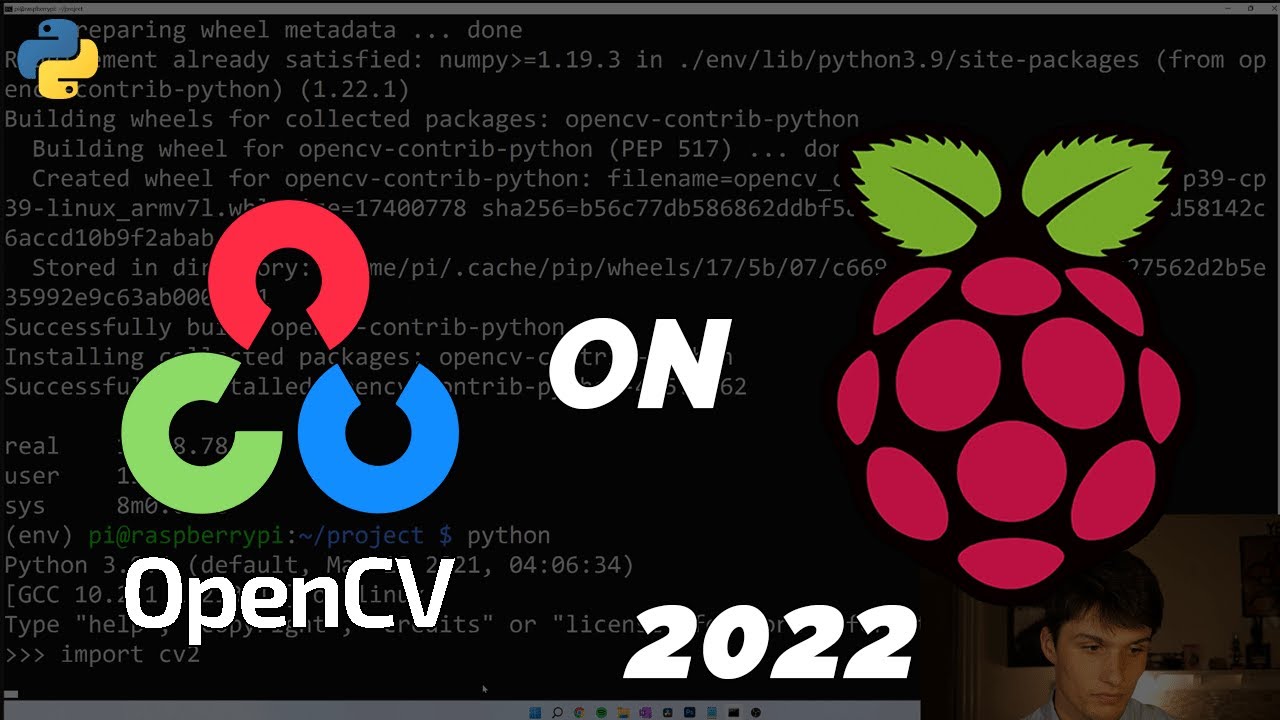
so i installed opencv followed the guide
Now what
i got no clue what to do most tutorial have folders that install using git etc
stiff ermine
The description of that video seems to have code in it - have you tried following that?
next wave
i followed it
it's installed
ok but now i need to do the facial recognition and inject pictures etc
i have nothing to work with here
stiff ermine
So you have the environment setup and you want to actually write the code now - is that what you're asking?
next wave
yes i guess
stiff ermine
Your topic says you can't figure out the python env
stiff ermine
A venv, sure
You have to on a raspberry pi or it yells at you
once you activate the venv you should just be able to use python like normal
are you unable to do that?
stiff ermine
That doesn't help me, sorry. Where are you getting stuck?
next wave
ok so following most tutorial usually the installation creates a folder named facial recognition, there you find a folder with the name of the person, you put in the pictures, then you run a code and once you face the camera it will recognize the person
following the tutorial on the video i just end up with a project file
inside it there is the env
stiff ermine
Oh I see. That tutorial looks like it doesn't do that. It just teaches you how to set up the environment.
next wave
yes
stiff ermine
So since you're new to Python I would recommend learning Python before doing this. Either that or find another tutorial that will walk you through it. Because what you want to do is fairly complex.
!res
ebon mossBOT
Resources
The Resources page on our website contains a list of hand-selected learning resources that we regularly recommend to both beginners and experts.
stiff ermine
There are some nice resources there - Automate the Boring Stuff with Python is popular.
next wave
ill read that on the side issue is i am low on time this is a school project legit lost here
stiff ermine
Do you have group members you can talk to?
ebon mossBOT
 Python help channel closed
This help channel has been closed and it's no longer possible to send messages here. If your question wasn't answered, feel free to create a new post in #1035199133436354600. To maximize your chances of getting a response, check out this guide on asking good questions.