#🔒 :(
72 messages · Page 1 of 1 (latest)
 sterile irisBOT
@amber beacon
 Python help channel opened
Remember to:
- Ask your Python question, not if you can ask or if there's an expert who can help.
- Show a code sample as text (rather than a screenshot) and the error message, if you've got one.
- Explain what you expect to happen and what actually happens.
:warning: Do not pip install anything that isn't related to your question, especially if asked to over DMs.
Closes after a period of inactivity, or when you send !close.
 inner token
What did you run to get that error?
 amber beacon
pip install ./diff-gaussian-rasterization
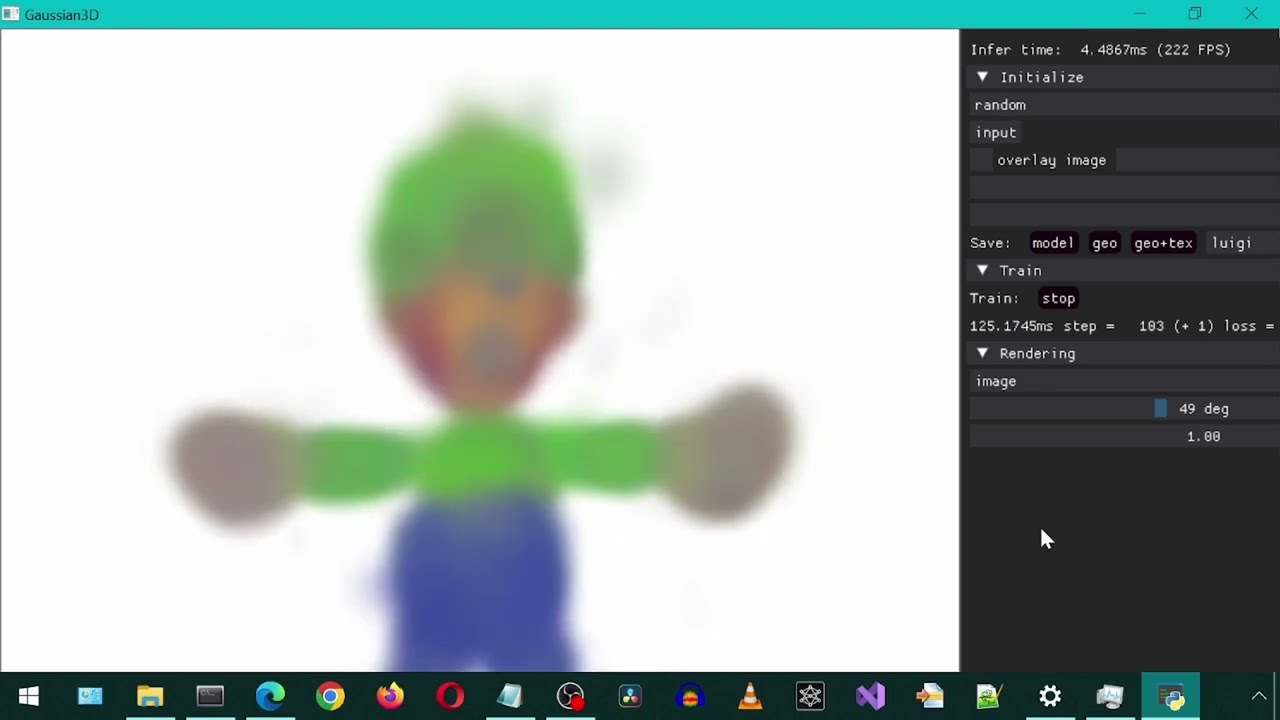
Installing and trying out the DreamGaussian for generating 3d models from text or image.
Original repository: https://github.com/dreamgaussian/dreamgaussian
Forked repository: https://github.com/natlamir/dream
Voice made with Eleven Labs
inner token
Could be you have an out of date version of pip?
Try pip install --upgrade pip
amber beacon
Already satisfied.
(24.0)
I've scanned the forums too, tried all sorts of things.
I remember last time I tried something like this I had the same wheel problem.
amber beacon
The Anaconda used wasn't specified just fyi (not sure if that's important)
I'm on W10
inner token
what command in windows tells you the path of a command
inner token
no... in Linux its which
amber beacon
How would I check? I think it's path
 sturdy thorn
inner token
what command in windows tells you the path of a command
sturdy thorn
inner token
what command in windows tells you the path of a command
where, I believe. though the semantics may be different.
amber beacon
sturdy thorn
`where`, I believe. though the semantics may be different.
Ty!
inner token
where pip, I guess
sturdy thorn
Oh, and what's the full error you're getting? This package seems to build a CUDA extension, so there's all sorts of fascinating dependencies you may be missing.
amber beacon
I did install CUDA from the official site. Running 11.8 as per video
I'll link the error
ERROR: Could not build wheels for diff_gaussian_rasterization, which is required to install pyproject.toml-based projects
sturdy thorn
i mean the rest. that's just what pip says if anything wrong happens.
amber beacon
That's all it said. Earlier it said more but that part was fixed. I'll link.
That appears to be it actually.
I followed everything in the video up until I got to that point.
Or you mean bits like this? fatal error C1083: Cannot open source file: 'C:\Windows\System32\dream\diff-gaussian-rasterization\cuda_rasterizer\forward.cu': No such file or directory
sturdy thorn
yes, I mean everything
amber beacon
Forgive me, I'm a novice.
Let me run a clean instance and link
I tried so many times don't know where it starts and ends.
sturdy thorn
(though one thing I already notice - this is a weird path; did you put the package at C:\Windows\System32\dream?)
sturdy thorn
!paste
sterile irisBOT
Pasting large amounts of code
If your code is too long to fit in a codeblock in Discord, you can paste your code here:
https://paste.pythondiscord.com/
After pasting your code, save it by clicking the Paste! button in the bottom left, or by pressing CTRL + S. After doing that, you will be navigated to the new paste's page. Copy the URL and post it here so others can see it.
sturdy thorn
it's generally a bad idea to put stuff into system32, because
- why would you?
- users don't have permissions to write there I think, so only when running as admin would you be able to do anything with it
sturdy thorn
amber beacon
When running as admin it changes automatically
well, yes, it's the default location for an admin shell, but that doesn't mean you should put stuff there
but as for this error... what's the contents of the dream folder? in particular, what's the path to the cuda_rasterizer folder?
amber beacon
I wouldn't know - I'm not a programmer, I just have a hobby with Blender and texturing. 😦
I needed dependencies to get this program running I think.
Then the web version didn't work so I figured I'd try building it or w/e. D:
It's quite the undertaking.
(dream) C:\Windows\System32\dream>where cuda_rasterizer
INFO: Could not find files for the given pattern(s).
I followed this https://www.youtube.com/watch?v=_hy6iCq9f9o exactly @sturdy thorn
Installing and trying out the DreamGaussian for generating 3d models from text or image.
Original repository: https://github.com/dreamgaussian/dreamgaussian
Forked repository: https://github.com/natlamir/dream
Voice made with Eleven Labs
sturdy thorn
amber beacon
(dream) C:\Windows\System32\dream>where cuda_rasterizer
INFO: Could not find fil...
i mean, like, look at the folder in file explorer
amber beacon
Nowhere
I didn't download anything besides the 11.8 cuda installer but that doesn't yield cuda_rasterizer
sturdy thorn
cuda_rasterizer is a folder in the diff-gaussian-rasterization repo, though, which you were supposed to have cloned in the previous step
amber beacon
I have
I'll clone it again and see
Found it 😄
😮
It's taking longer than usual.
I think you were right!
YEAH!
Thanks dude!
It worked
 sterile irisBOT
 Python help channel closed
This help channel has been closed and it's no longer possible to send messages here. If your question wasn't answered, feel free to create a new post in #1035199133436354600. To maximize your chances of getting a response, check out this guide on asking good questions.
🔒 :(